Fleet Load and Dispatch Software That Fills Every Truck
Fleet Scanner’s Fleet Load and Dispatch Software helps you plan loads, fill trucks better, and send deliveries without confusion. Whether you handle full truckloads, shared shipments, or last-mile deliveries, everything stays organized in one place.
Our Fleet Dispatch Software helps transport companies across cities like Delhi, Mumbai, Chennai, Kolkata, and Bengaluru reduce empty space in trucks, improve delivery planning, and lower transportation costs.
Get Free Demo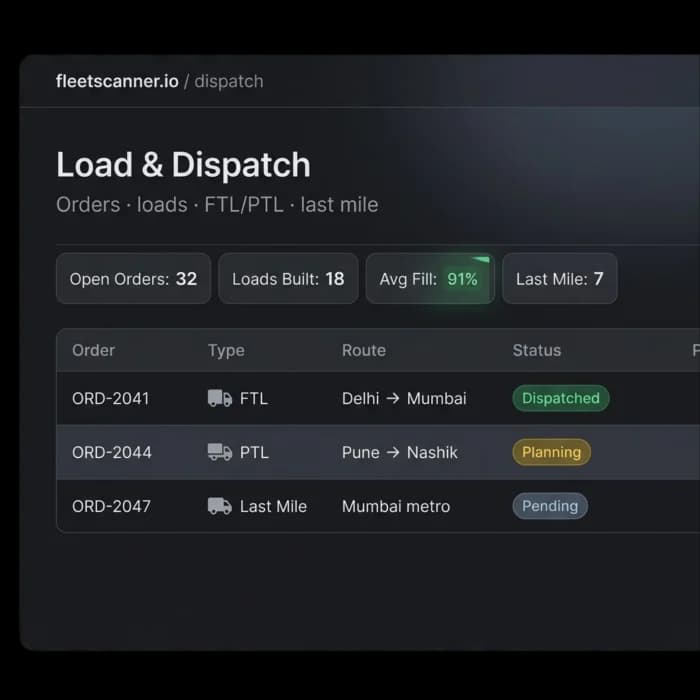
Poor Dispatch Planning Costs More Than You Think
When loads are planned manually, trucks often leave with empty space, deliveries get delayed, and dispatch teams spend too much time fixing problems. Small mistakes can quickly turn into lost money.
Trucks Leave Half Full
Many companies send trucks without using all available space. Empty space means higher costs and lower profits on every trip.
Loads Are Not Combined Properly
Different customer shipments that could travel together are often sent separately, creating extra trips and unnecessary fuel costs.
Cross-Dock Transfers Get Missed
When cargo moves between warehouses or distribution centers, it becomes difficult to track without a proper system.
Last-Mile Deliveries Become Confusing
Drivers may receive delivery instructions too late, causing missed delivery windows and unhappy customers.
Fleet Load Management Software That Plans Everything for You
Fleet Scanner combines orders, vehicles, routes, and dispatching into one connected workflow so your team always knows what needs to move next.
Fill Every Truck Before It Leaves
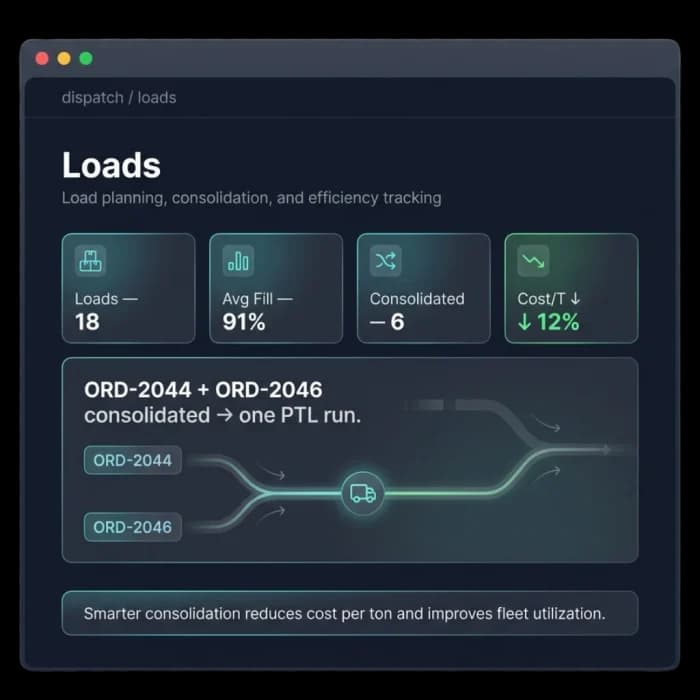
Fleet Scanner’s Fleet Load Management Software helps you combine shipments and match them with the right size truck. This helps you use truck space better and lowers delivery costs.
- Combine several orders into one load
- Automatically match loads to a truck’s capacity
- Use more of each truck’s space and cut down on empty running
Manage Full Truck Loads With Ease
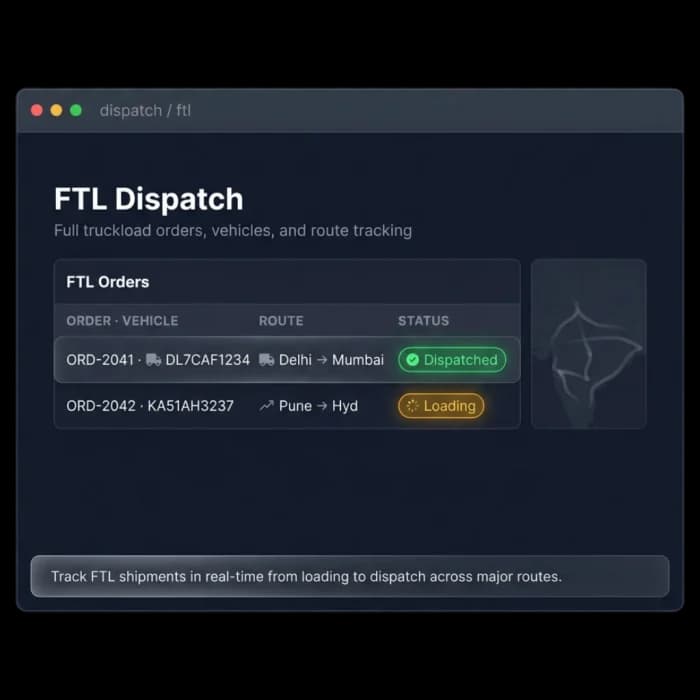
For dedicated shipments, Fleet Scanner helps you assign vehicles, drivers, and paperwork in minutes. Every shipment can be tracked from pickup all the way to delivery.
- Assign vehicles and drivers quickly
- Create shipment paperwork automatically
- Track deliveries from start to finish
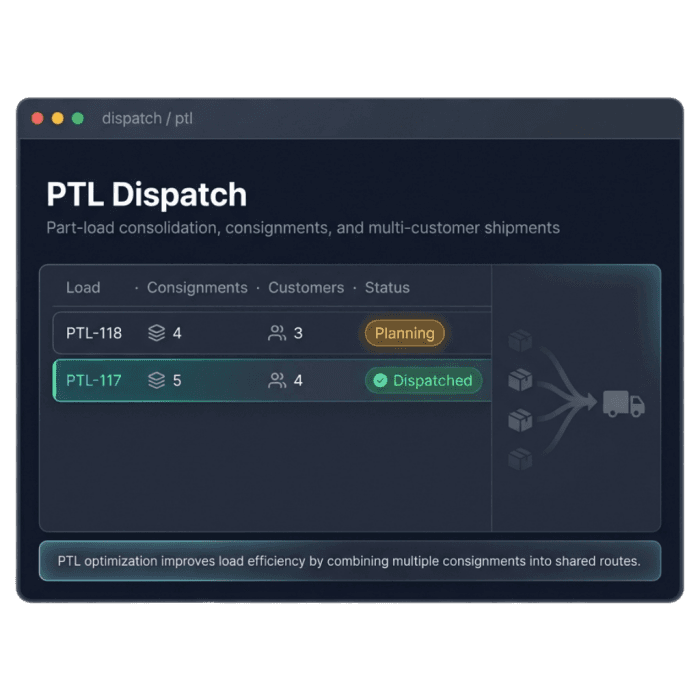
Handle Shared Loads Without Confusion
Move several customers’ shipments in the same truck, while keeping each order separate for billing and tracking.
- Manage multiple shipments in one vehicle
- Keep a separate record for each customer’s shipment
- Track each load on its own
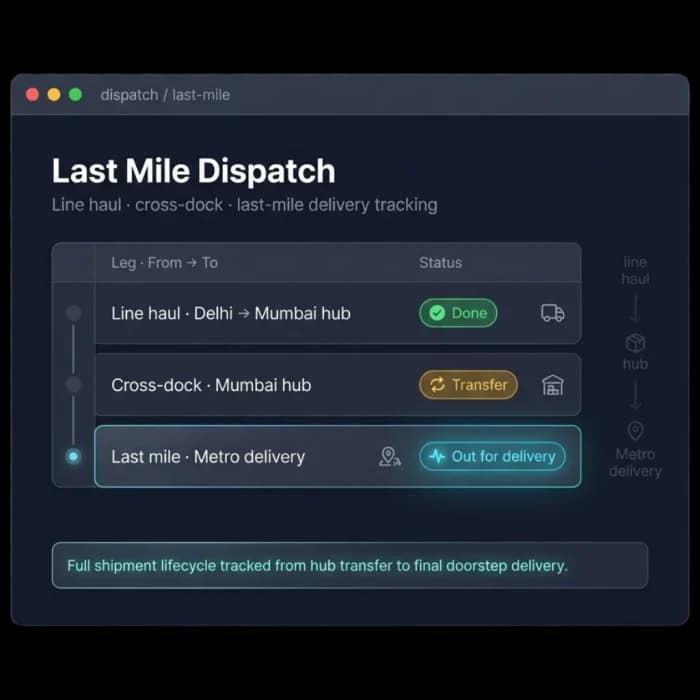
Deliver Faster to the Final Destination
Plan final deliveries more efficiently with smart route planning, delivery tracking, and real-time updates. Customers always know when their shipment is arriving.
- Smart route planning for local deliveries
- Real-time delivery status updates
- Fewer missed deliveries and delays
Better Truck Usage, Faster Deliveries, Higher Profit
Fill More Truck Space
Reduce empty space and move more freight with fewer vehicles.
Dispatch Faster
Assign loads, vehicles, and drivers in minutes.
Lower Transportation Costs
Better planning means less fuel waste and fewer unnecessary trips.
Track Every Shipment
See where every load is at any time.
Improve Customer Service
More accurate delivery times create happier customers.
One Connected System
Loads, dispatch, drivers, vehicles, and deliveries all work together in one platform.
From data to decisions
Capture
Orders & indents collected.
Build
Loads consolidated to capacity.
Dispatch
FTL or PTL sent out.
Transfer
Cross-dock between legs.
Deliver
Last mile, POD captured.
Everything You Need to Know
Simple answers to common questions about how load and dispatch works in Fleet Scanner.
Get Free DemoWhat is fleet load and dispatch software?
Fleet load and dispatch software helps logistics and fleet operations manage the full process of assigning loads to vehicles, dispatching drivers, tracking deliveries live, and confirming proof of delivery. Fleet Scanner™ covers FTL, PTL, and last mile operations within one dispatch console connected to live GPS tracking, driver mobile app, and digital proof of delivery.
What is the difference between FTL and PTL dispatch?
FTL stands for full truck load where one vehicle carries one customer’s load for one destination. PTL stands for part truck load where multiple customers share space in the same vehicle going to different destinations on a combined route. Fleet Scanner™ handles both types within the same dispatch console and helps you combine PTL loads efficiently to reduce empty runs and lower your cost per delivery.
How does multi-stop route optimisation work?
You load your delivery list into Fleet Scanner™ with each stop’s address, delivery window, and any priority flags. The system calculates the most efficient sequence for all stops factoring in delivery windows, road distance, and stop priorities. The optimised route goes to the driver’s mobile app in one click. Most route calculations complete in under 30 seconds regardless of how many stops are on the list.
Can customers track their own deliveries?
Yes. Fleet Scanner™ generates a live tracking link for each consignment that you can share with your customer by SMS or email. The customer can follow the delivery on a live map showing the driver’s current location and estimated arrival time. This reduces customer service calls significantly because customers can check delivery status themselves without contacting your team.
How does digital proof of delivery work in Fleet Scanner™?
When a driver arrives at a delivery point they open the Fleet Scanner™ mobile app, photograph the delivered goods, collect the recipient’s signature on screen, and mark the delivery complete. The system records the GPS location and exact timestamp at the moment of completion. The full delivery record is visible on your dispatch console within seconds and stored permanently for future reference.
Does Fleet Scanner™ work for last mile delivery operations?
Yes. Fleet Scanner™ includes full last mile dispatch functionality including multi-stop route optimisation, per-stop proof of delivery, automated customer delivery notifications, and real-time stop completion updates on the dispatch console. It works for any scale of last mile operation from a small local delivery team to a large multi-city distribution network.