
How to Choose Fleet Tracking Software: Checklist and Buyer's Guide (2026)
To choose fleet tracking software, list your top three problems, score every vendor on the same 25-feature checklist, compare total cost, support and contracts in a weighted matrix, and run a 30-day pilot before you sign.
 Prerit Khera15 min read
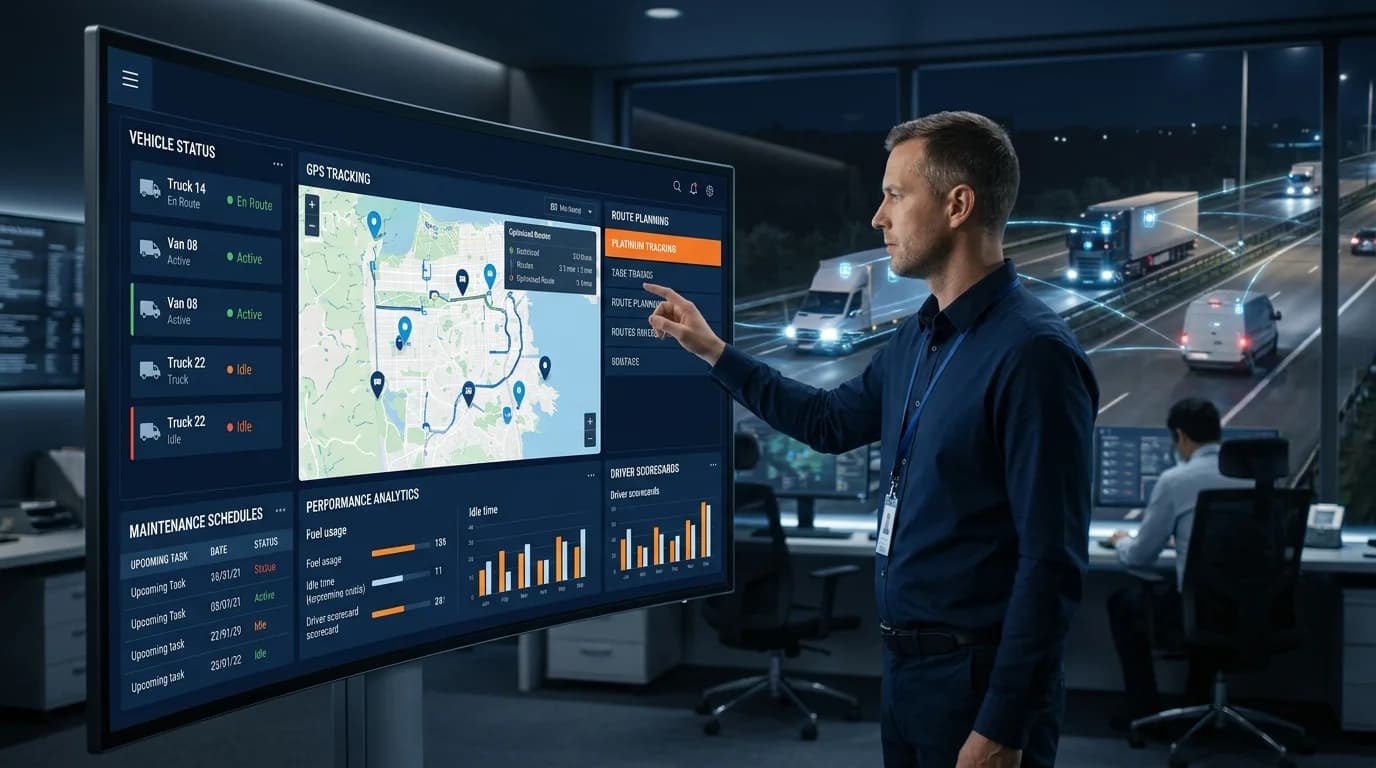
Here is how to choose fleet tracking software in one paragraph. Write down your three biggest problems. Pick the features that fix them. Score every vendor on the same checklist after a live demo. Compare hardware, total cost, support and contract terms. Then run a 30-day pilot on a few vehicles before you sign anything long.
A wrong choice is expensive. You sign a long contract, fit the hardware, train your team, and then find out it does not do the job. Now you are stuck. This guide helps you avoid that. It gives you a step-by-step method, a 25-feature fleet management software checklist with a scoring system, a way to compare vendors side by side, and the warning signs of a bad fit.
What should you look for in fleet tracking software?
Look for GPS tracking software that fixes the problems that cost you the most. For most fleets the core requirements are live tracking, alerts, fuel tools, driver tools, maintenance reminders and clear reports. After that, look at price, contract terms, hardware quality and support. The best fleet tracking software for you is the one that fits your fleet size, your budget and the way your team works.
The common trap is buying on the length of the feature list. A long list is worth nothing if it does not solve your problem. Find the pain first, then find the fix. A good system should also grow with you, so you do not have to replace it next year.
Why the right choice matters
The wrong software costs you twice. First you pay for a system that does not work. Then you pay again to switch, plus the time lost retraining your team. The right software does the opposite. It helps you cut fuel use, improve safety and spend less time on admin. To see what the savings could look like for your fleet, try our fleet tracking ROI calculator.
How to choose fleet tracking software: a 6-step framework
Do these six steps in order. Each one narrows your options.
Step 1: Define your goals
List your top three problems. Maybe it is high fuel spend, late deliveries or theft. Be specific. "Cut idling" is a better goal than "improve efficiency". Your goals decide which features matter.
Step 2: Split must-haves from nice-to-haves
Make two lists. Must-haves are deal-breakers. Nice-to-haves are bonuses. This stops you paying for tools you will never use. The 25-feature checklist below helps you build both lists.
Step 3: Check hardware and fit
Make sure the hardware suits your vehicles. Vans, trucks and trailers often need different devices. Ask how long installation takes and whether devices can move between vehicles. Our GPS tracking hardware guide explains the main tracker types.
Step 4: Test support and ease of use
The best system is useless if your team will not use it. Try the dashboard the way you would on a busy day. Check whether support is free, fast and available in your time zone.
Step 5: Compare pricing and contracts
Ask for every cost in writing, including hardware, installation and add-on fees. Avoid long lock-ins until you are sure. Our fleet tracking software pricing guide shows the usual pricing models and what to expect.
Step 6: Run a pilot
Fit a few vehicles for 30 days. Compare the results with the goals from Step 1. Only roll out to the whole fleet if the numbers show it works.
What to prioritize by fleet size
A 5-vehicle business and a 200-vehicle business need different things. Use this table to focus on what matters at your stage.
| Fleet size | What to focus on |
|---|---|
| 1 to 10 vehicles | A simple dashboard and a low monthly cost. You do not need heavy reporting yet. |
| 10 to 50 vehicles | This is where savings start. Focus on fuel monitoring and driver scoring. |
| 50 to 200 vehicles | Manual checks stop working. Look for scheduled reports and automatic alerts. |
| 200+ vehicles | You need links to your ERP and payroll, plus ELD and hours-of-service tools at scale. |
These are guidelines, not rules. A small fleet with a high theft risk still needs strong alerts. Match your focus to your real cost problems.
Fleet management software checklist: 25 features to score before you buy
Good fleet management software answers four daily questions. Where are the vehicles? What are they costing? What needs service? Are the papers in order? This checklist has 25 features in seven areas that answer those questions.
How to score it: after a live demo, rate each vendor on each feature.
- 0 = not included
- 1 = partly there, or only as a paid add-on
- 2 = works the way you need in a real test
The maximum is 50 points. Cross out features that do not apply to your fleet. Then compare vendors by the percentage of the remaining points they scored. Spend the most time on the areas where you spend the most money: fuel for long-haul fleets, maintenance for mixed fleets, compliance for passenger and regulated vehicles.
If you want to see how Fleet Scanner covers these areas, see the full Fleet Scanner feature list. It brings tracking, alerts, fuel, drivers, maintenance, reports, analytics and compliance into one system, with 18+ modules and 60+ ready reports, so you are not juggling five logins and five bills.
Tracking and visibility (items 1 to 5)
| # | Feature | What to check | Score (0 to 2) |
|---|---|---|---|
| 1 | Live tracking with a stated refresh rate | Ask how often the location updates and whether it changes by plan or device. Watch a moving vehicle in the demo. | |
| 2 | Trip history and playback | Routes, stops and idle periods for past months, searchable by vehicle and date. This settles late delivery and unauthorized trip questions. | |
| 3 | Geofencing | Entry, exit, dwell-time and after-hours alerts for yards, customer sites and no-go zones, with no limit on the number of zones. A geofence is a virtual boundary drawn on the map. | |
| 4 | Alerts you can tune | Speeding, idling, ignition, route deviation, power-cut and geofence alerts. You should set thresholds and recipients per vehicle group, so alerts do not turn into noise. | |
| 5 | Device and protocol support | The platform must work with the trackers you own or plan to buy, including AIS-140 devices if you need them. Get the supported device list in writing. |
Maintenance and vehicle health (items 6 to 9)
| # | Feature | What to check | Score (0 to 2) |
|---|---|---|---|
| 6 | Preventive maintenance by km, engine hours or days | Set service plans per vehicle, triggered by whichever limit comes first. | |
| 7 | Service and document reminders | Oil changes, fitness, permits, PUC and insurance expiry, with advance notice sent to the right person. | |
| 8 | Work orders and service history per vehicle | Repair cost, vendor, parts used and downtime, so you can see which vehicles cost too much to keep on the road. | |
| 9 | Tires, batteries and spare parts | Tire positions and retread tracking, battery health alerts, and parts stock with reorder levels. |
Fuel and cost control (items 10 to 12)
| # | Feature | What to check | Score (0 to 2) |
|---|---|---|---|
| 10 | Fuel sensor support | Can it read fuel-level sensors and log fills and drains as separate events, with theft alerts? Fuel cards alone cannot prove a drain between fills. | |
| 11 | Idling and fuel efficiency reports | Idle hours and km per liter by vehicle, driver and route, plus fleet totals. | |
| 12 | Cost per km | Fuel, tires, maintenance, driver salary, tolls and loan payments rolled into one cost-per-km view per vehicle. |
Driver safety (items 13 to 15)
| # | Feature | What to check | Score (0 to 2) |
|---|---|---|---|
| 13 | Driver behavior events | Harsh braking, harsh acceleration, cornering and speeding, with thresholds you can adjust per vehicle type. | |
| 14 | Driver scorecards | Events turned into a score with clear bands, so coaching has a target. See how to set RAG thresholds for driver scores. | |
| 15 | Video telematics support | If you plan to fit dashcams, the video clip should show next to the event that triggered it. |
Operations and dispatch (items 16 to 18)
| # | Feature | What to check | Score (0 to 2) |
|---|---|---|---|
| 16 | Trip management from order to delivery | Orders, vehicle and driver assignment, trip status and trip closing in one record. | |
| 17 | Route planning and ETA | Multi-stop planning, routes suited to the vehicle, and ETAs that update when a vehicle falls behind. | |
| 18 | Proof of delivery and customer tracking links | Digital proof of delivery with photo, signature and location speeds up billing. A live tracking link for the customer cuts "where is my truck?" calls. |
Compliance (items 19 to 21)
These three items matter most for fleets in India. Skip them if they do not apply to you.
| # | Feature | What to check | Score (0 to 2) |
|---|---|---|---|
| 19 | AIS-140 support | AIS-140 applies to certain vehicle groups, mainly public service vehicles, and states enforce it differently. The platform must support compliant devices and send the data your state requires. Check the current rules for your vehicle category before you buy. | |
| 20 | E-Way Bill | Generation or integration, Part-B vehicle updates, and expiry alerts linked to trip status. | |
| 21 | Toll and FASTag tracking | Toll spend matched to trips, so you can see cost per trip and catch charges that do not match the route. |
Two related items are worth adding if you run freight: digital LR (bilty) instead of paper lorry receipts, and permit and renewal tracking.
Reports, integrations and admin (items 22 to 25)
| # | Feature | What to check | Score (0 to 2) |
|---|---|---|---|
| 22 | Report library with scheduling | Ready reports for trips, fuel, maintenance, drivers and compliance. Export to Excel and PDF, and schedule them by email. | |
| 23 | API and webhooks | Ask for a REST API and webhooks. Do not accept "integration on request" if you run an ERP, accounting software or a customer portal. | |
| 24 | Roles, permissions and branches | Branch managers see only their vehicles. Owners see everything. Check user limits and whether actions are logged. | |
| 25 | Mobile access | Managers need live status and alerts on a phone. Drivers may need a simple app for trips and proof of delivery. Test both on the phones your team already has. |
Fleet management software features to look for by fleet type
Use these as starting points for your must-have list. The numbers refer to the checklist items above.
| Fleet type | Must-have items | Why |
|---|---|---|
| Small fleet buying its first software | 1, 2, 4, 6, 7, 22 | Visibility, alerts and service reminders bring the first savings. Add the rest as you grow. |
| Long-haul and logistics | 1, 3, 4, 10, 16, 17, 18, 20, 21 | Fuel, trip records, proof of delivery and E-Way Bill drive margin and how fast you get paid. |
| Last-mile and FMCG distribution | 1, 3, 17, 18, 22, 25 | Delivery windows and customer updates decide your service level. |
| School and staff transport | 1, 3, 4, 13, 19 | Safety events and compliance come first. Check item 19 for your vehicle category. |
| Construction and equipment | 1, 3, 4, 6, 10 | Theft, idle time and service by engine hours matter more than routes. |
How to compare fleet tracking systems: a vendor decision matrix
The checklist tells you which features each vendor has. A decision matrix tells you which vendor fits you best overall. You list what matters, give each item a weight, and score every vendor. It takes about 10 minutes, and it keeps a good sales pitch from deciding for you.
How to use the matrix
- Score each item from 1 (poor) to 5 (excellent).
- Give each item a weight. Use 3 for must-have, 2 for important and 1 for nice-to-have.
- Multiply score by weight, then add up each vendor's total. The highest total is your best fit.
Worked example
Here is a filled-in scorecard for three sample vendors. The scores are made up to show how the math works. Do your own demos and quotes before you score real products. Each cell shows the raw score, with the weighted score in brackets.
| What you score | Weight | Vendor A | Vendor B | Vendor C |
|---|---|---|---|---|
| Fits must-have features | 3 | 5 (15) | 4 (12) | 4 (12) |
| Clear, fair pricing | 3 | 3 (9) | 3 (9) | 4 (12) |
| Easy to use | 3 | 4 (12) | 3 (9) | 5 (15) |
| Easy installation | 2 | 4 (8) | 3 (6) | 4 (8) |
| Mobile app quality | 2 | 5 (10) | 3 (6) | 5 (10) |
| Reporting | 2 | 5 (10) | 4 (8) | 4 (8) |
| Integrations | 2 | 5 (10) | 4 (8) | 4 (8) |
| Customer support | 2 | 4 (8) | 3 (6) | 4 (8) |
| Short or flexible contract | 2 | 2 (4) | 3 (6) | 4 (8) |
| Room to grow | 1 | 5 (5) | 4 (4) | 4 (4) |
| Weighted total | 91 | 74 | 93 |
In this example, Vendor C wins on price and ease of use. Vendor A is stronger on reporting and integrations. The right answer depends on which rows you weight highest. That is the point of the matrix: your priorities pick the winner, not the sales pitch.
Comparing pricing models
Vendors price in different ways. Some charge a monthly fee per vehicle. Some bundle hardware into a long contract. Others sell self-hosted GPS tracking software that runs on your own server, with no monthly fee per vehicle. Some charge extra for cameras, reports or integrations. Always turn every quote into the same number: total cost per vehicle per month over the full contract, including hardware and installation. Then compare.
Comparing for scalability and growth
Ask what happens when you double your fleet. Does the price per vehicle stay the same? Are there limits on users, geofences or reports? Can you add branches with their own permissions? A system that fits 20 vehicles but struggles at 200 will force a second switch later.
Comparing specific products
If you want to see how named systems stack up on features, read our comparison of the best GPS fleet tracking systems and their features. Use it as a shortlist, then score your top three with the checklist and matrix above.
Questions to ask every fleet tracking vendor
- What is the total cost in writing, including hardware, installation and add-ons?
- How long is the contract, and what are the exit terms?
- Is support included, and how fast do you reply?
- Can we run a pilot on a few vehicles first?
- How exactly will your system fix our main problem, such as fuel loss or theft?
- How often does the map update, and how far back does trip history go?
- Which of our current trackers do you support?
Red flags to avoid
| Red flag | Why it matters |
|---|---|
| Hidden pricing | If they will not give you a price, expect surprises later. |
| Long lock-in upfront | A three-year contract before a pilot is a trap. |
| No pilot or test period | A good vendor lets you test before you commit. |
| Slow or paid-only support | You will need help, so it must be easy to get. |
| Clunky dashboard | If it is hard to use, your team will not use it. |
If a vendor shows two or more of these, be careful. Good vendors are open about fees, terms and support.
Common mistakes and best practices
Mistakes to avoid
- Buying on features, not problems. A big feature list is worthless if it does not fix your pain.
- Skipping the pilot. Signing a long contract without testing is the most expensive mistake.
- Ignoring ease of use. If your team cannot read the dashboard, they will not use it. Test with the people who will use it every day.
- Choosing on price alone. Cheap systems often come with weak hardware and missing tools. You can lose more than you save.
Best practices
- Involve your team early. Ask drivers and dispatchers what they need. They use it every day.
- Score vendors on paper. A score sheet beats a gut feeling.
- Plan for growth. Switching later is expensive, so pick a system that can grow with you.
- Know what you are buying. Basic GPS tracking and full telematics are not the same. Read GPS tracking vs fleet telematics before you shop.
Frequently asked questions
How should a company compare fleet management software before choosing a platform?
Start with your top three problems and turn them into must-have features. Score each vendor on the same 25-item checklist after a live demo. Then use a weighted decision matrix for price, ease of use, support and contract terms. Finish with a 30-day pilot.
What are the main features of fleet management software?
Live GPS tracking, trip history, geofencing, alerts, maintenance scheduling, fuel monitoring, driver behavior scoring, reports and integrations. Fleets in India should also check AIS-140 support, E-Way Bill and FASTag tracking.
Which features should a small fleet start with?
Live tracking, alerts, trip history, service reminders and a report library bring the first savings. Once those are part of daily work, add fuel sensors and driver scorecards.
Is AIS-140 support required?
It depends on your vehicle type and state. The device rules apply to certain categories, such as public service vehicles. Check the current rules for your fleet before you choose devices.
Should I run a pilot before buying fleet software?
Yes, always. A 30-day pilot on a few vehicles shows real results. It proves the savings and shows whether your team finds it easy to use.
How long should a fleet tracking contract be?
Start short until you are sure. Long contracts can be cheaper per month, but they lock you in. Only sign a multi-year deal after a successful pilot.
Is the cheapest fleet tracking software the best value?
Rarely. Low-cost systems often have weaker hardware and fewer cost-saving tools. You can lose more in missed savings than you save on the price. Judge value, not the sticker price.
Conclusion
Choosing fleet tracking software comes down to fit. Start with your problems, not a feature list. Score every vendor on the same checklist, weigh what matters to you, and test with a pilot before you sign a long contract. Watch for hidden fees and weak support. The right system saves you money and your team uses it every day. If you want to score Fleet Scanner against your own checklist, book a demo and test it on your own vehicles.
Keep reading
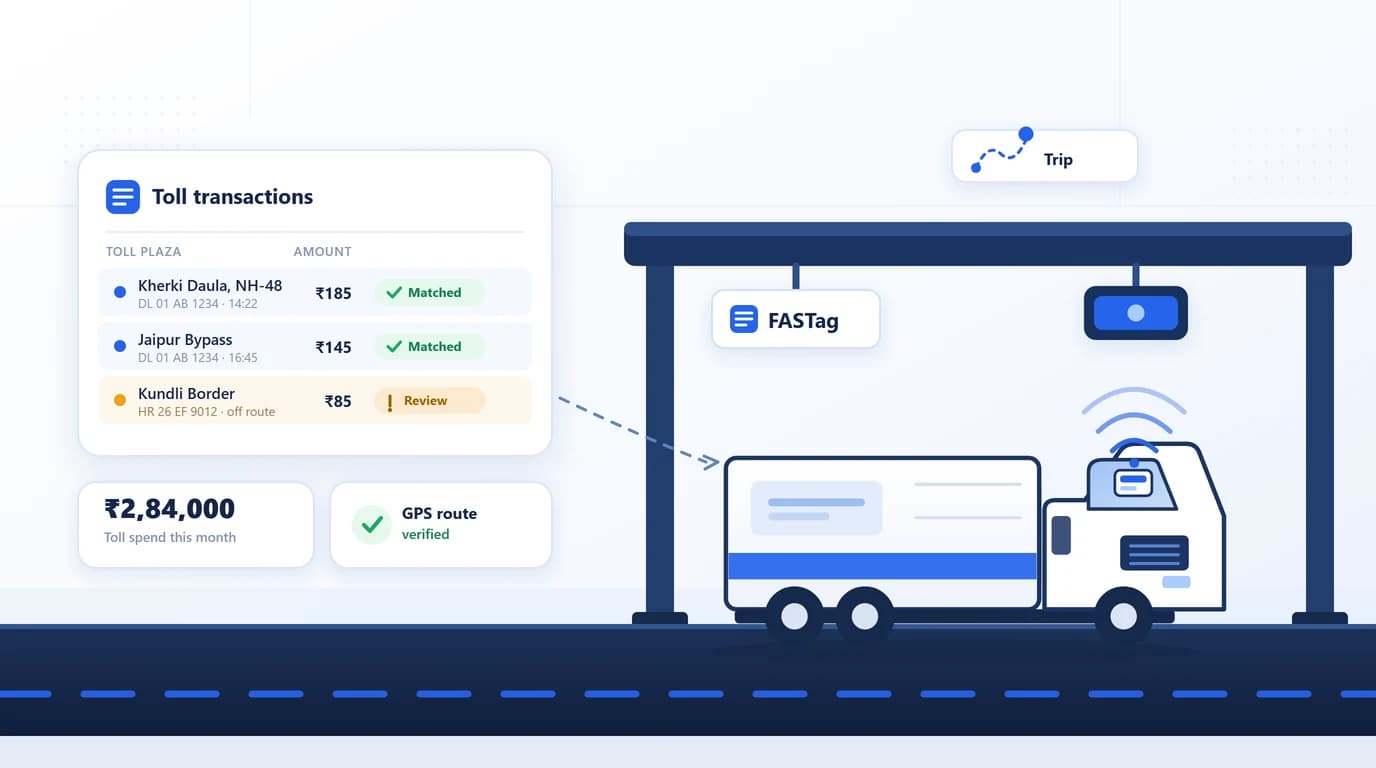
FASTag Management Software for Fleets: How to Choose
FASTag management software explained for fleets: how toll reconciliation works, the features to compare, what it costs and what to test in a vendor demo.

Preventive vs Reactive Fleet Maintenance: Which Costs Less?
Preventive maintenance services vehicles on a plan; reactive maintenance fixes them after they break. Here is what each really costs and how to switch to a planned schedule.
Fleet Workforce Management: Drivers, Shifts & Payroll
Learn how fleet workforce management connects driver scheduling, GPS attendance, shift planning, payroll, trip-based payments, and expense tracking.