Skip to content
Fleet Scanner
Hardware integration · Teltonika FMT100

Teltonika FMT100 GPS tracker, working inside Fleet Scanner

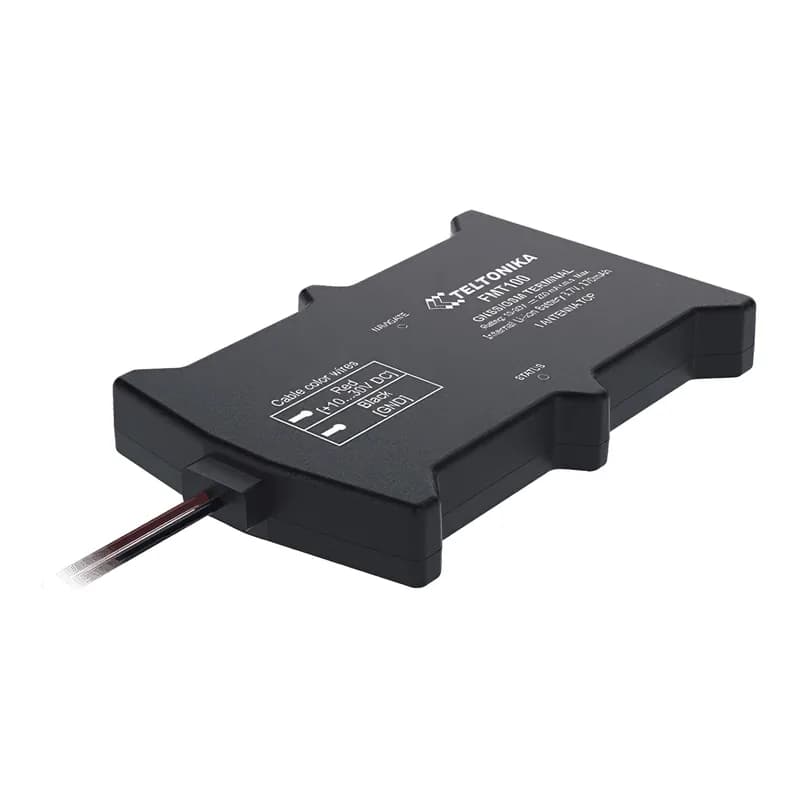
The Teltonika FMT100 is one of the easiest trackers to fit. It has just two wires: power and ground. Connect them and it starts working. It is a good choice when you only need to know where your vehicles are and how they are driven. Fleet Scanner shows them live on one map.

2 wires quick to fitIP65 splash and dust proof2G mobile networkBluetooth sensors + OBD dongle
Teltonika FMT100 two-wire GPS tracker
2wires to connect
IP65splash and dust proof
128 MBmemory
170 mAhbackup battery
14 mmthin case
live_position
Speed 52 km/h
01 · Live tracking · Every record

Simple live tracking for any vehicle

The FMT100 sends its position to Fleet Scanner using GPS and other satellites. You see the vehicle on the live map with its speed, and every trip is saved so you can play it back.

24 Speed240 Moving or stopped16 Total distance199 Trip distance
GPS fleet tracking software →
ignition · voltage12.6V
Engine ON
02 · Engine on and off · Voltage + motion

Knows when the engine is on, with no extra wire

The FMT100 has no ignition wire. It works out when the engine is running from the vehicle’s voltage and from movement. Fleet Scanner uses this to split the day into trips.

239 Engine on/off66 External voltage
Trip planning and trip records →
driving · accelerometerX -612Y 180Z 990
Hard braking
03 · Driving and safety · Motion sensor

Harsh driving, crash and towing alerts

A motion sensor inside notices hard braking, fast starts, sharp turns and crashes. The FMT100 also reports speeding, long idling, towing, unplugging and signal jamming. Fleet Scanner sends the alerts and scores each driver.

253/254 Harsh driving255 Speeding247 Crash246 Towing249 Jamming
Driver scorecards →
bluetooth · OBD dongle
Fuel 48 %
04 · Engine data · Bluetooth OBD

Engine data from a Bluetooth OBD dongle

Pair a Bluetooth OBD dongle and the FMT100 can read engine speed, fuel level and the VIN number from cars and vans. Fleet Scanner uses this to plan servicing.

36 Engine RPM48 Fuel level256 VIN
Preventive maintenance scheduling →
bluetooth · sensors
Van 6 °C
05 · Wireless sensors · Bluetooth 4.0

Add wireless temperature sensors

Bluetooth sensors, like the Teltonika EYE, can report the temperature in a van without any extra wires. Fleet Scanner keeps the readings with each trip.

10800 EYE sensor
Real-time fleet alerts →

FMT100 specifications

Network2G (GSM)
SatellitesGPS, GLONASS, Galileo and BeiDou, with AGPS
Power10 to 30 V, two wires (power and ground)
Backup battery170 mAh
Inputs and outputsNone (engine on/off comes from voltage and movement)
ExtrasBluetooth 4.0 for sensors and an OBD dongle
ProtectionIP65
Size92.5 x 57.6 x 14 mm
Fleet Scanner port11922

Specifications can differ between hardware revisions. Check the manufacturer’s datasheet for your exact unit.

How to connect the FMT100 to Fleet Scanner

  1. Connect the red wire to power (10 to 30 V) and the black wire to ground. That is all the wiring.
  2. In the Teltonika Configurator, enter your SIM internet settings (APN) and your Fleet Scanner server address with port 11922.
  3. In Fleet Scanner, add the tracker using its IMEI number and pick the vehicle.
  4. Start the engine and drive a little. The vehicle should appear on the live map.

Teltonika FMT100 FAQ

Does Fleet Scanner work with the Teltonika FMT100?

Yes. Fleet Scanner reads its location, engine on/off, driving alerts, battery and Bluetooth sensor data. It uses port 11922.

Can the FMT100 stop the engine?

No. It has no output wire, so it cannot control a relay. If you need to stop an engine remotely, use a tracker like the Teltonika FMB920.

How does it know the engine is on without an ignition wire?

It watches the vehicle’s voltage, which goes up when the engine runs, and it feels the vehicle moving. It can also use engine speed from a Bluetooth OBD dongle.

Is the FMT100 waterproof?

It is rated IP65, so it is protected from dust and water splashes, for example on a motorbike. It is not made to go under water.

FMT100 fitted in minutes. Your fleet on one map.

From a single tracker to a mixed fleet across 1,000+ device models: live tracking, alerts, fuel, drivers, maintenance and reports in one self-hosted platform. See it with your own hardware.

Get a free demo

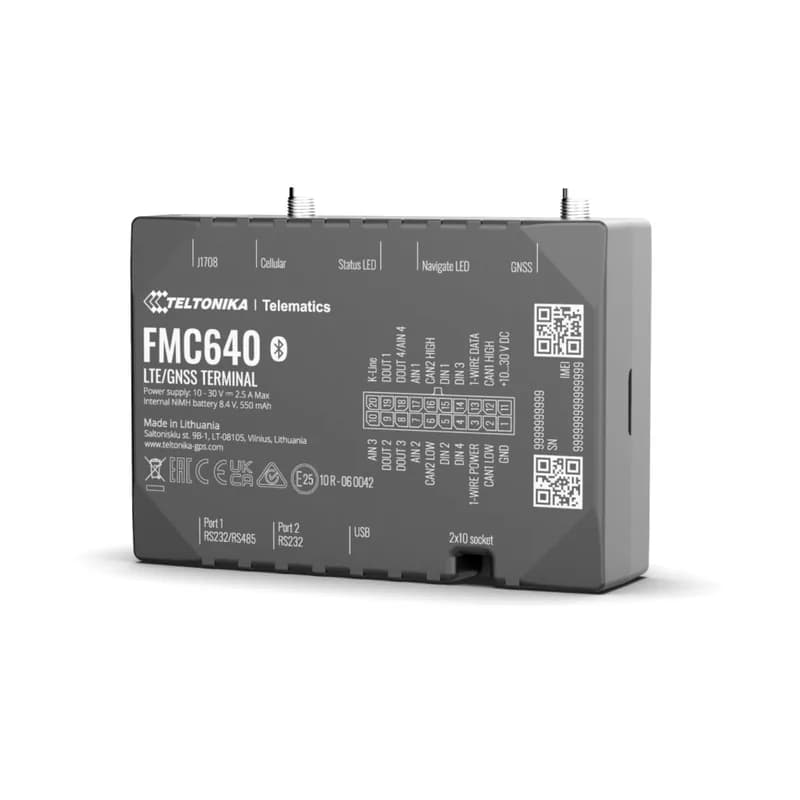
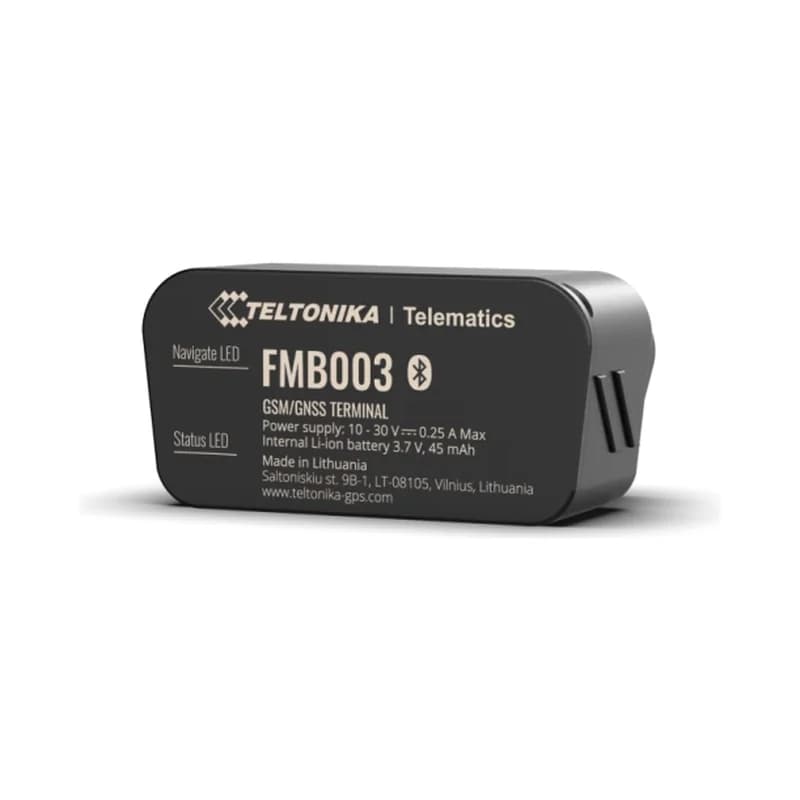
More supported GPS trackers

Parameter IDs are Teltonika AVL IDs listed for the FMT100. Teltonika and FMT100 are trademarks of Teltonika Telematics. Specifications from the Teltonika FMT100 datasheet.

Take Control with
Fleet Tracking

Track vehicles in real time, optimize routes, and take full control of your fleet operations.

Free Demo