Skip to content
Fleet Scanner
Hardware integration · Teltonika FMB910

Teltonika FMB910 GPS tracker, working inside Fleet Scanner

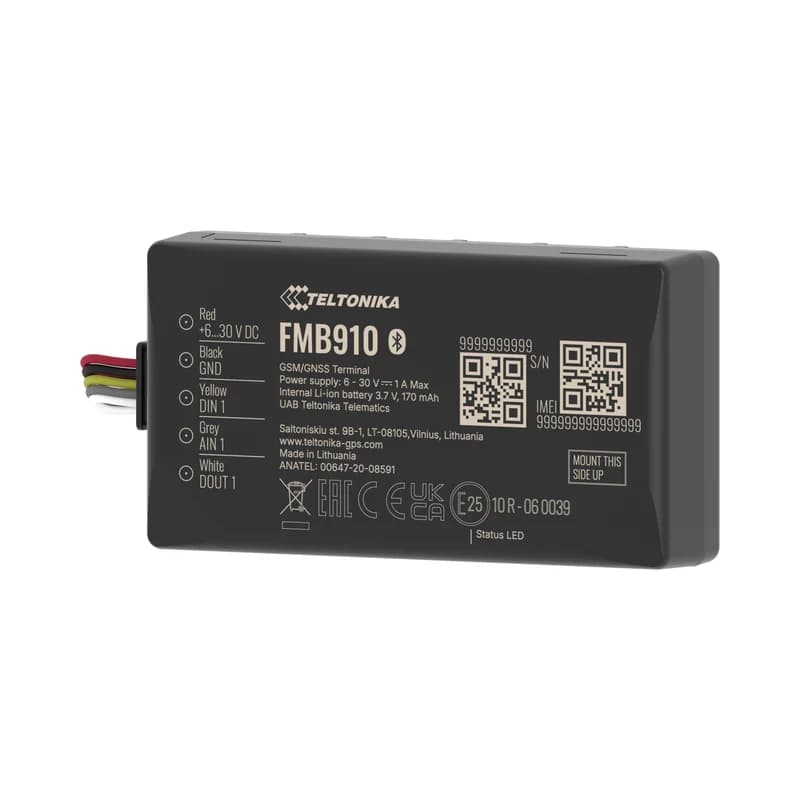
The Teltonika FMB910 GPS tracker is a small, low-cost 2G tracker for motorbikes, cars, vans and trucks. Teltonika calls it a lower-cost version of the FMB920. It has a backup battery, Bluetooth and its own GPS and mobile antennas inside. Every record it sends goes straight into Fleet Scanner. That includes its position, ignition (engine on or off), driving events and alarms. You see it all on the live map and in alerts, driver scores and reports. Here is what each part does, one by one.

2G quad-band GSM1 · 1 · 1 DIN · DOUT · AINBLE 4.0 sensors + OBD donglePort 11922
Teltonika FMB910 compact 2G GPS tracker
12firmware scenarios
4satellite systems (GPS, GLONASS, Galileo, BeiDou)
422,400records stored in 128 MB flash
170 mAhbackup battery
69 gweight with battery
live_position
Speed 52 km/hIgnition ONMoving
01 · Live tracking · Permanent I/O

Live position, speed and ignition on one map

The FMB910 finds its position with four satellite systems: GPS, GLONASS, Galileo and BeiDou. Every record also has the speed, the ignition and whether the vehicle is moving. Fleet Scanner shows each vehicle live on the map. It keeps the full trip so you can play it back. It counts distance from the tracker’s own odometer (distance counter).

24 Speed239 Ignition240 Movement69 GNSS status181/182 PDOP/HDOP16/199 Odometer / trip
GPS fleet tracking software →
driving_events · accelerometerX -612Y 180Z 990
Harsh corneringScore -2 pts
02 · Driving behaviour · Eventual I/O

Harsh acceleration, braking, cornering and speeding

The FMB910 has a built-in motion sensor (accelerometer). With the Green Driving feature, it flags harsh acceleration, braking and cornering. The Over Speeding and Excessive Idling features catch habits that waste fuel. Idling means the engine runs while the vehicle stands still. Fleet Scanner turns every event into a driver score. You can use the score to coach your drivers.

253/254 Green driving type/value255 Over speeding251 Idling17/18/19 Axis X/Y/Z
Driver scorecards →
security · alarms
Unplug DETECTEDBackup ON
03 · Theft and tamper alerts · Eventual I/O

Crash, towing, jamming and unplug alerts

The FMB910 can tell when there is a crash. It can tell when the vehicle is towed away. It also notices GSM jamming, which is when someone blocks the mobile signal. And it notices when the tracker is unplugged. Its backup battery lets it report that the power was cut. Fleet Scanner sends each of these as an instant alert to the right person.

247 Crash detection246 Towing249 Jamming252 Unplug
Real-time fleet alerts →
digital_io · in / outDIN1 Ignition ONAIN1 12.4 VDOUT1 Relay OFF
DIN1 ONRelay OFF
04 · Inputs and outputs · Permanent I/O

Remote immobiliser (engine block) and an analog input for sensors

The FMB910 has one digital input, one analog input and one digital output. The digital input can watch the ignition, a door or an alarm button. You can wire a relay to the output. A relay is a switch that can stop the engine from starting. An approved user can then block a stolen vehicle from starting again. The DOUT Control Via Call feature also lets a phone call switch the output. The analog input can read a fuel level sensor or another analog signal.

1 Digital input 19 Analog input 1179 Digital output 1
Vehicle and equipment protection →
obd · bluetooth dongle
RPM 1,380Coolant 86 °C
05 · Engine and OBD data · OBD-II via BLE

Engine data from a Bluetooth OBD-II dongle

An OBD-II dongle is a small plug for the vehicle’s diagnostic port. Pair one with the FMB910 over Bluetooth. Then it reads engine data with no extra wiring. You get engine speed (RPM), engine load, coolant temperature and fault codes. The tracker can even use engine RPM to tell when the ignition is on. Fleet Scanner uses this data for service reminders and to spot engine problems early.

36 Engine RPM31 Engine load32 Coolant temp30 Number of fault codes281 Fault codes
Preventive maintenance scheduling →
fuel · gnss counter
Level 58 %Drop -15 L
06 · Fuel monitoring · LLS + OBD

Fuel used, fuel rate and analog fuel level

The FMB910 can get fuel data in three ways. The GNSS Fuel Counter estimates fuel used and fuel rate from the trip. An analog fuel level sensor on the analog input (AIN1) shows how full the tank is. An OBD-II dongle adds the vehicle’s own fuel data. Fleet Scanner shows refuels and sudden drops on one fuel graph.

12 Fuel used (GPS)13 Fuel rate (GPS)9 Analog fuel level
Fuel monitoring system →
ble_sensors · beacons
BLE temp 3.8 °C2 sensors
07 · BLE sensors · Bluetooth 4.0 + LE

Wireless temperature and humidity sensors and beacons

Bluetooth 4.0 + LE lets the FMB910 talk to wireless accessories. These include Bluetooth (BLE) temperature and humidity sensors, beacons and a barcode scanner. Fleet Scanner saves each sensor reading with the trip. So a van or a small fridge truck can report its temperature with no extra wiring.

25/26/27/28 BLE temp #1 to #486/104/106 BLE humidity #1 to #3385 Beacon
Speeding, idling and geofence alerts →
geofence · trip
Zone Depot BExit
08 · Geofences and trips · Scenarios

Auto geofence, your own zones and trip detection

A geofence is a zone you draw on the map. Auto Geofence warns you when a parked vehicle moves away. Manual geofences mark places like depots and customer sites. The Trip feature splits the day into separate trips. Fleet Scanner also lets you add as many zones as you like on its side. Each trip becomes a record you can play back.

175 Auto geofence Manual geofence250 Trip
Fleet geofencing software →
device_health · power12.6V
Ext 12.4 VGSM 4/5
09 · Power and diagnostics · Permanent I/O

Voltage, battery and signal health you can see

Every record also has the vehicle’s power voltage, the backup battery, the GSM signal, the mobile operator and sleep mode. The FMB910 has four sleep modes to save power when parked. Fleet Scanner watches all of these values. If a tracker is unplugged or the vehicle battery is running down, you get an alert. The vehicle does not just quietly drop off the map.

66 External voltage67/68 Battery V / current113 Battery level21 GSM signal241 GSM operator200 Sleep mode
Fleet reports and dashboards →

FMB910 specifications

Network2G GSM quad-band 850/900/1800/1900 MHz, GPRS class 12 (up to 240 kbps), SMS
GNSSGPS, GLONASS, Galileo, BeiDou, SBAS, QZSS, DGPS, AGPS; 33 channels; -165 dBm tracking sensitivity
Accuracy< 2.5 m CEP; hot start < 1 s, warm start < 25 s, cold start < 35 s
Power supply6 to 30 V DC with overvoltage protection (12 V and 24 V vehicles)
Backup battery170 mAh Li-Ion (0.63 Wh)
Inputs / outputs1 digital input, 1 analog input, 1 open collector digital output
InterfacesBluetooth 4.0 + LE, Micro-USB, Micro-SIM, internal high gain GNSS and GSM antennas
Memory128 MB internal flash (about 422,400 records)
Size / weight78.15 x 42.75 x 21 mm, 69 g, IP54
CertificationsCE/RED, E-Mark, EAC, RoHS, REACH, ANATEL
Fleet Scanner port11922 (TCP)

Specifications can differ between hardware revisions. Check the manufacturer’s datasheet for your exact unit.

How to connect the FMB910 to Fleet Scanner

  1. Fit the FMB910 in a hidden spot in the vehicle or motorbike. Connect power (6 to 30 V), ground and the ignition wire to DIN1 (digital input 1). Wire a relay to the output if you want a remote engine block.
  2. Use the Teltonika Configurator (over USB or Bluetooth), the FMBT mobile app or an SMS to set your SIM’s internet settings (APN). Then enter your Fleet Scanner server’s domain or IP, port 11922 and protocol TCP.
  3. In Fleet Scanner, add the tracker by its IMEI number. Then assign it to a vehicle and a driver.
  4. If you use a Bluetooth OBD-II dongle or BLE sensors, pair them now. Then take a short test drive. Check the position, ignition and speed on the live map.

Teltonika FMB910 FAQ

Does Fleet Scanner support the Teltonika FMB910?

Yes. Fleet Scanner reads the FMB910’s position, ignition, movement, inputs and output, and driving events. It also reads crash, towing, jamming and unplug alerts, plus Bluetooth sensor and OBD dongle data. It reports on port 11922.

What is the difference between the FMB910 and the FMB920?

Teltonika calls the FMB910 a lower-cost version of the FMB920. The case has a different size, the GPS antenna is a metal one instead of a ceramic one, and the battery sits under the circuit board. It has one status light. Both have one digital input, one analog input and one digital output, and Fleet Scanner reads both on the same port.

Is the FMB910 2G or 4G?

The FMB910 is a 2G (GSM/GPRS) tracker. Some places are switching off their 2G networks. There, use a 4G model such as the Teltonika FMC130. Fleet Scanner supports that one too.

Can I immobilise a vehicle with the FMB910?

Yes. First wire a relay to its digital output. Then an approved Fleet Scanner user can block the engine from starting again. Only use it when the vehicle is stopped and it is safe.

FMB910 plugged in. Fleet running on one platform.

From a single tracker to a mixed fleet across 1,000+ device models: live tracking, alerts, fuel, drivers, maintenance and reports in one self-hosted platform. See it with your own hardware.

Get a free demo

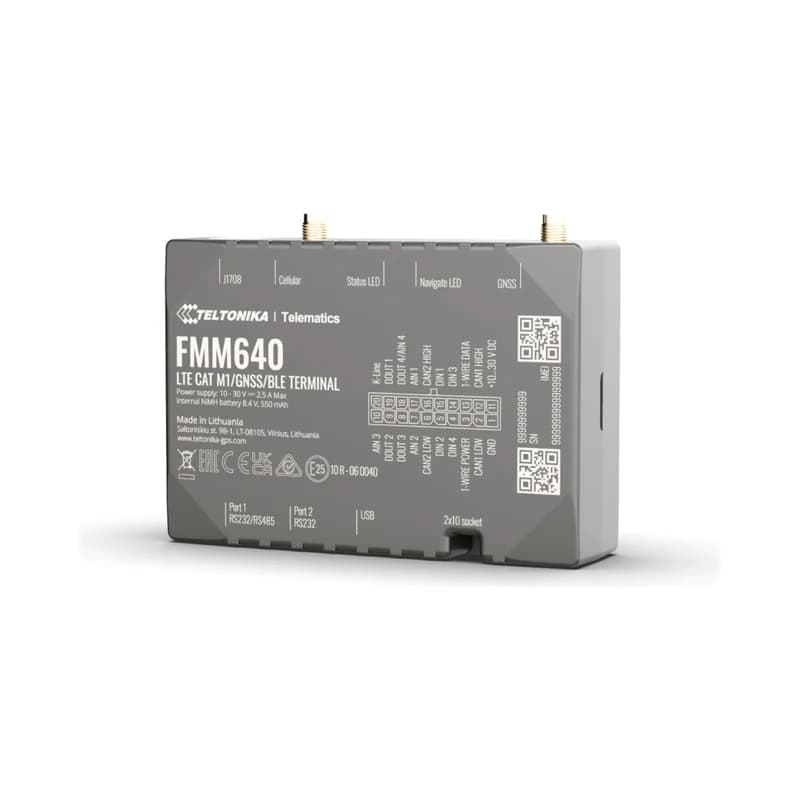
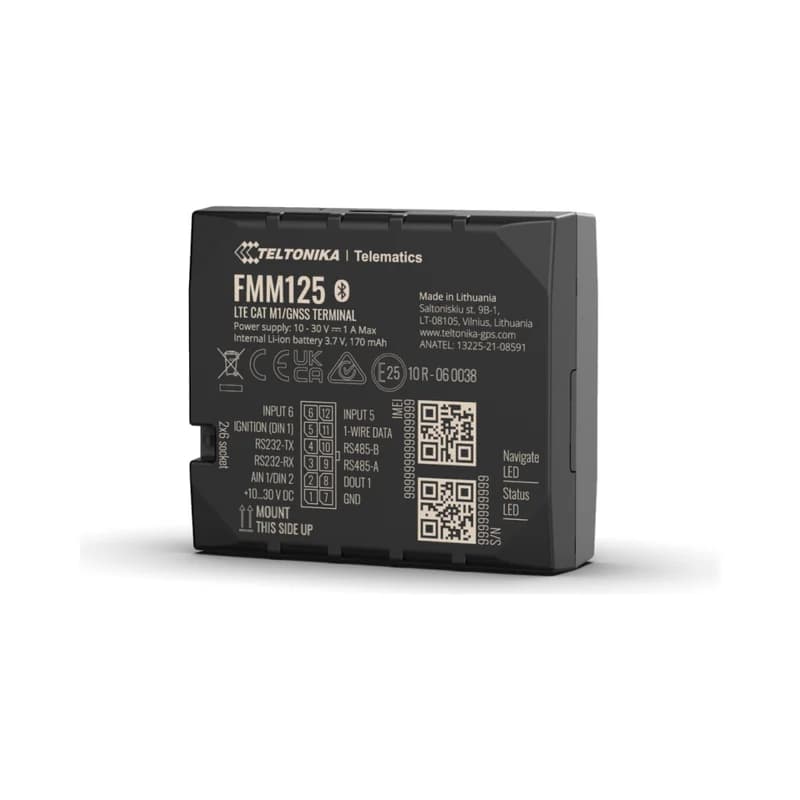
More supported GPS trackers

Parameter IDs are Teltonika AVL IDs from the FMB910 Data Sending Parameters ID list. Some depend on connected accessories (OBD-II dongle, BLE sensors). Teltonika and FMB910 are trademarks of Teltonika Telematics. Specifications from the Teltonika FMB910 datasheet and wiki.

Take Control with
Fleet Tracking

Track vehicles in real time, optimize routes, and take full control of your fleet operations.

Free Demo