Skip to content
Fleet Scanner
Hardware integration · Teltonika FMB001

Teltonika FMB001 OBD tracker, working inside Fleet Scanner

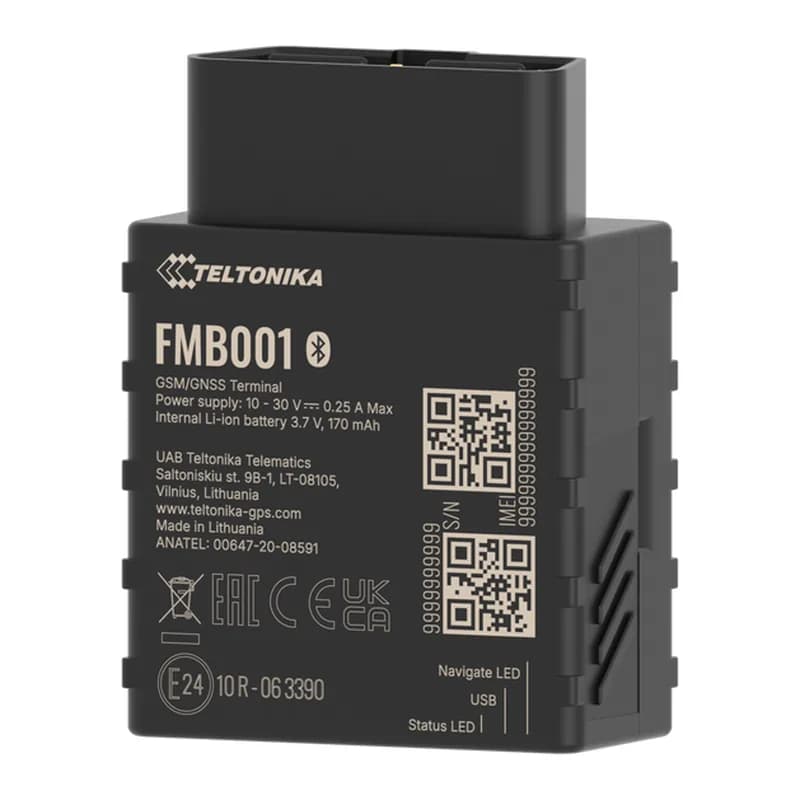
The Teltonika FMB001 is a GPS tracker you plug into a car’s OBD port. That is the small socket under the steering wheel that mechanics use. No wires, no installer: plug it in and it starts working. It sends the car’s location and engine data to Fleet Scanner.

OBD plug and play2G mobile network32 engine valuesBluetooth wireless sensors
Teltonika FMB001 OBD plug-in GPS tracker
0wires to connect
32engine values it can read
170 mAhbackup battery
128 MBmemory
63 gweight
live_position
Speed 46 km/hEngine ON
01 · Live tracking · Every record

Plug it in and see the car on the map

The FMB001 gets its power from the OBD socket, so it starts as soon as you plug it in. It uses GPS and other satellites to find its position and shows the car live in Fleet Scanner, with speed and engine on or off.

24 Speed239 Engine on/off240 Moving or stopped16 Total distance
GPS fleet tracking software →
engine · OBD
Coolant 88 °C
02 · Engine data · OBD-II

Read engine data straight from the car

Through the OBD socket the FMB001 can read up to 32 values from the car’s computer, like engine speed (RPM), engine load, coolant temperature, fuel level and the car’s VIN number. Fleet Scanner uses them to plan servicing and spot problems early.

36 Engine RPM31 Engine load32 Coolant temperature48 Fuel level256 VIN
Preventive maintenance scheduling →
driving · accelerometerX -612Y 180Z 990
Hard braking
03 · Driving and safety · Motion sensor

Harsh driving, speeding and crash alerts

A motion sensor inside notices hard braking, fast starts, sharp turns and crashes. The tracker also reports speeding and long idling. Fleet Scanner turns these into a simple score for each driver.

253 Harsh driving255 Speeding251 Idling247 Crash
Driver scorecards →
security · alerts
Unplugged
04 · Unplug and towing · Events

Know if someone unplugs it or tows the car

Because the FMB001 is easy to plug in, it is also easy to pull out. So it tells you when it is unplugged, and when the car is moved with the engine off. Its small backup battery keeps it working long enough to send the alert.

252 Unplugged246 Towing249 Jamming
Real-time fleet alerts →
bluetooth · sensors
Van 6 °C
05 · Bluetooth sensors · Bluetooth 4.0

Add wireless temperature sensors

The FMB001 can talk to small Bluetooth sensors, for example a temperature sensor in a delivery van. Fleet Scanner saves the readings with each trip.

25–28 Bluetooth temp 1–4
Fleet reports and dashboards →

FMB001 specifications

Network2G (GSM)
SatellitesGPS, GLONASS, Galileo and BeiDou
PowerFrom the car’s OBD socket
Backup battery170 mAh
Car protocolsISO 9141-2, ISO 14230 (KWP2000) and ISO 15765 (CAN)
ExtrasBluetooth 4.0, 1 digital input
Memory128 MB
Size and weight50.7 x 49.6 x 25 mm, about 63 g
Fleet Scanner port11922

Specifications can differ between hardware revisions. Check the manufacturer’s datasheet for your exact unit.

How to connect the FMB001 to Fleet Scanner

  1. Put a data SIM card in the FMB001 and set your SIM internet settings (APN) and Fleet Scanner server address with port 11922, using the Teltonika Configurator.
  2. Find the OBD socket. It is usually under the dashboard, near the steering wheel.
  3. Plug the FMB001 in. In Fleet Scanner, add it using its IMEI number and pick the car.
  4. Start the engine and drive a little. The car should appear on the live map.

Teltonika FMB001 FAQ

Does Fleet Scanner work with the Teltonika FMB001?

Yes. Fleet Scanner reads its location, engine on/off, OBD engine data, driving alerts and unplug alerts. It uses port 11922.

Does the FMB001 need installing?

No. You just plug it into the OBD socket. Most cars and vans made in the last 20 years have one.

Can the FMB001 stop the engine?

No, it has no output to stop the engine. If you need that, use a wired tracker like the Teltonika FMB920 with a relay.

Will it drain the car battery?

It uses very little power. If a car will stand still for weeks, check the tracker’s power settings or unplug it until the car is used again.

FMB001 plugged in. Every car on one map.

From a single tracker to a mixed fleet across 1,000+ device models: live tracking, alerts, fuel, drivers, maintenance and reports in one self-hosted platform. See it with your own hardware.

Get a free demo

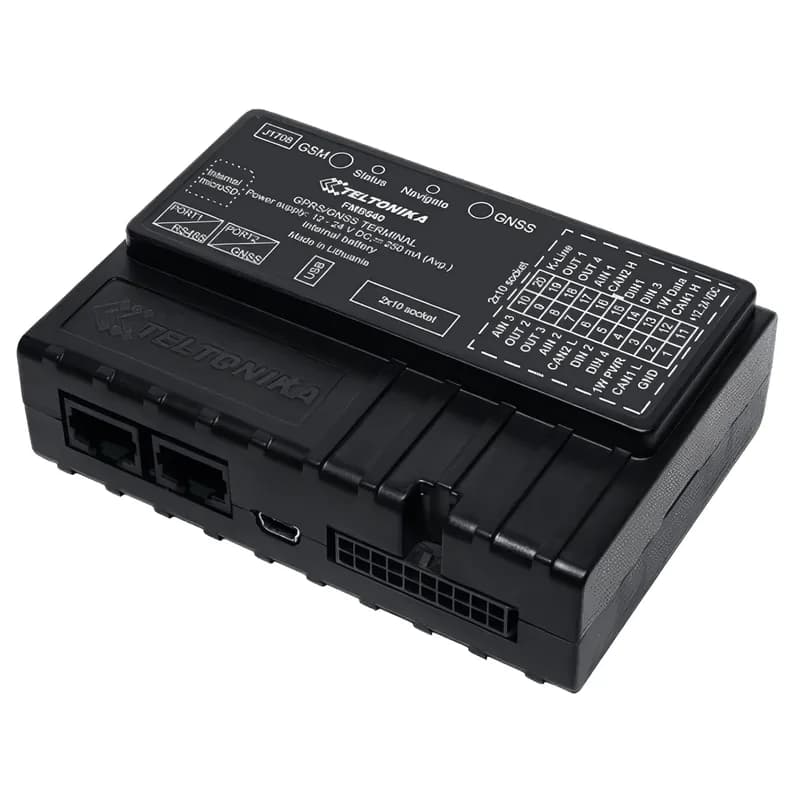
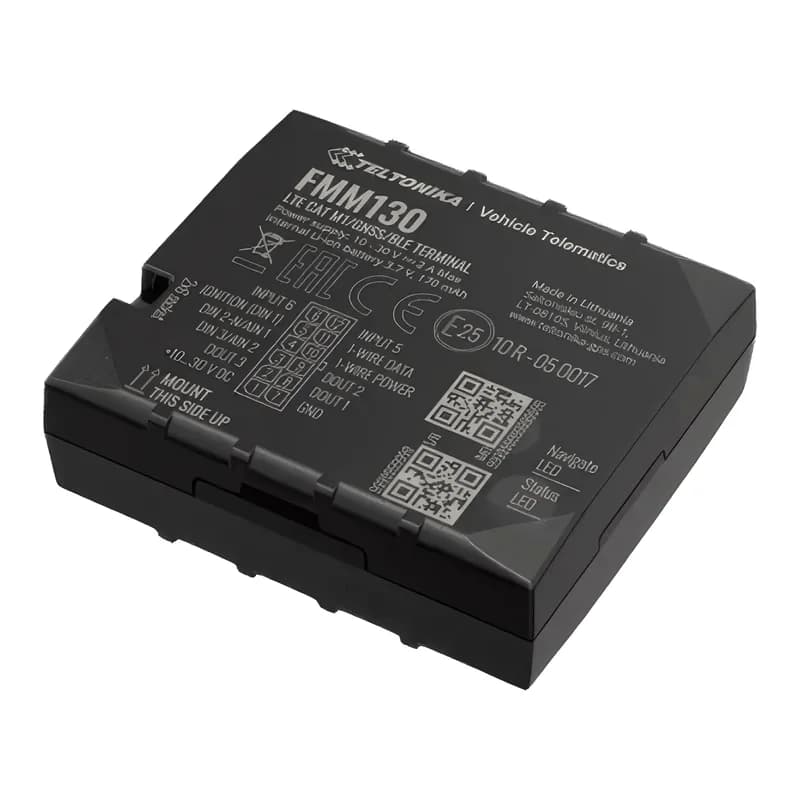
More supported GPS trackers

Parameter IDs are Teltonika AVL IDs listed for the FMB001; engine data depends on what each car shares over OBD. Teltonika and FMB001 are trademarks of Teltonika Telematics. Specifications from the Teltonika FMB001 datasheet.

Take Control with
Fleet Tracking

Track vehicles in real time, optimize routes, and take full control of your fleet operations.

Free Demo