Skip to content
Fleet Scanner
Hardware integration · Teltonika FMB110

Teltonika FMB110 GPS tracker, working inside Fleet Scanner

The Teltonika FMB110 GPS tracker is a 2G box with its GPS and mobile antennas built in. There is nothing extra to mount on the roof or the glass. It reads iButton and RFID tags, temperature probes and Bluetooth sensors, and it has a plug for a Teltonika CAN adapter. Connect it to Fleet Scanner on your own server and you get live maps, driver records, alerts and reports.

2G quad-band GSMInternal GNSS + GSM antennas1-Wire iButton + temperatureBluetooth 4.0 LE sensors and dongles
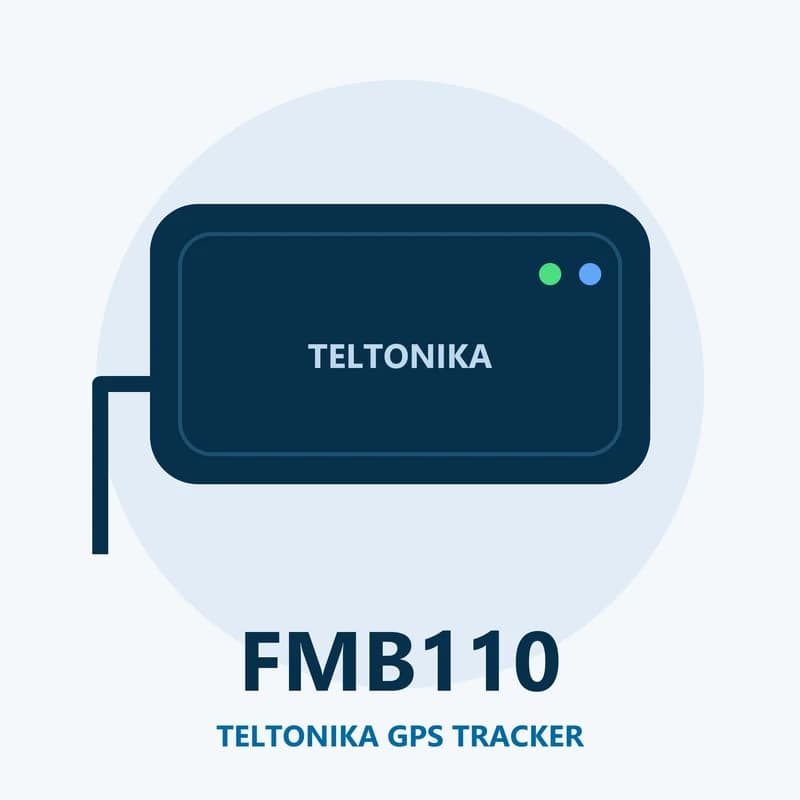
Illustration of the Teltonika FMB110 GPS tracker
3 · 2 · 2digital in · out · analog in
33GNSS channels
-165 dBmGNSS tracking sensitivity
128 MBinternal flash memory
< 1 shot start
live_position · internal antenna
Speed 47 km/hFix GOOD
01 · Live tracking · GNSS + GSM

A clear position with no outside antenna to fit

Both antennas sit inside the FMB110 case. That means one small box to fit and no antenna cable to hide. It listens to GPS, GLONASS, Galileo and BeiDou, and AGPS helps it get a fix fast. Fleet Scanner puts each vehicle on the live map and saves every trip for playback.

GPS / GLONASS Galileo / BeiDou AGPS Speed Ignition
GPS fleet tracking software →
driver_id · 1-WireA3 41 9F 00
Tag READEngine RELEASED
02 · Driver ID · 1-Wire

iButton and RFID tags that name the driver

The driver holds a small tag up to a reader on the 1-Wire line. The FMB110 sends the tag code with the next record. Fleet Scanner matches the code to a person, so every trip and every alert shows who was driving. You can also set the tracker to keep the engine blocked until a known tag is read.

iButton RFID tag iButton read notification Immobilizer
Driver management software →
temperature · 1-Wire
Box 4.1 °C
03 · Temperature · 1-Wire

Temperature probes for vans that carry food or medicine

Wire a Dallas temperature probe to the 1-Wire line and the FMB110 sends the reading with its position. Fleet Scanner keeps a temperature line for each trip. It warns you when the load gets too warm or too cold, so you can act before the goods spoil.

Dallas temperature Dallas sensor ID
Cold chain tracking →
bluetooth · 4.0 LE
Sensor PAIREDHumidity 55 %
04 · Bluetooth add-ons · Bluetooth 4.0 + LE

Wireless sensors, a headset or an OBD dongle

The FMB110 has Bluetooth 4.0 with Low Energy. It can pair with wireless temperature and humidity sensors, so you do not need to run wires through the cargo area. It can also link to a hands-free headset or an OBDII dongle that reads car data. Fleet Scanner stores what each add-on sends.

BLE temperature BLE humidity OBDII dongle Headset
Fleet reports and dashboards →
can_bus · adapter
Adapter ONLINE
05 · CAN adapter · LV-CAN200 / ALL-CAN300 / CAN-CONTROL

Truck and car data through a Teltonika CAN adapter

The FMB110 does not read the CAN bus by itself. Add an LV-CAN200, ALL-CAN300 or CAN-CONTROL adapter and it passes the vehicle’s own data to the tracker. Newer adapters can get firmware updates over the air through FOTA WEB. Fleet Scanner adds that data to the trip, fuel and service views.

LV-CAN200 ALL-CAN300 CAN-CONTROL FOTA WEB updates
Fuel monitoring system →
driving_events · accelerometerX -612Y 180Z 990
Harsh brakingTowing
06 · Eco driving and safety · Accelerometer

Eco driving, crash, towing and jamming events

A motion sensor inside the FMB110 spots harsh starts, hard braking and sharp turns. The tracker also flags speeding, long idling, a crash, the vehicle being towed, the tracker being unplugged and someone blocking the mobile signal. Fleet Scanner turns these events into driver scores and sends an alert right away.

Green Driving Over Speeding Excessive Idling Crash detection Towing detection Unplug detection Jamming
Real-time fleet alerts →
inputs · outputs · powerDIN1 Ignition ONAIN1 12.4 VDOUT1 Relay OFF
Door CLOSEDPower 12.6 V
07 · Inputs, outputs and power · I/O elements

Wires for sensors, relays and power checks

The inputs can watch a door switch, a panic button or a fuel level sensor. Input 3 works as a digital or an analog input, as you choose. Two open-collector outputs can switch a buzzer or a starter relay. The tracker also reports the vehicle’s voltage and its mobile signal. Fleet Scanner alerts you when power drops or a tracker goes quiet.

Digital input 1 to 39 Analog input 1 Digital output 1 to 2 External voltage GSM signal
Vehicle and equipment protection →

FMB110 specifications

Network2G GSM quad-band 850/900/1800/1900 MHz, GPRS multi-slot class 12 (up to 240 kbps)
GNSSGPS, GLONASS, Galileo, BeiDou, SBAS, QZSS, DGPS, AGPS; 33 channels, -165 dBm tracking
AntennasInternal high-gain GNSS and GSM antennas
Start time and accuracyHot start < 1 s, warm < 25 s, cold < 35 s; < 2.5 m CEP
Power supply10 to 30 V DC
Inputs / outputs3 digital inputs, 2 analog inputs (DIN3/AIN2 shared), 2 open-collector digital outputs
Interfaces1-Wire (temperature, iButton), CAN adapter input (LV-CAN200, ALL-CAN300, CAN-CONTROL), Bluetooth 4.0 + LE, Micro-USB
Memory128 MB internal flash
Size / weight65 x 56.6 x 20.6 mm, 50 g, IP41
Fleet Scanner port11922 (TCP)

Specifications can differ between hardware revisions. Check the manufacturer’s datasheet for your exact unit.

How to connect the FMB110 to Fleet Scanner

  1. Mount the FMB110 behind the dashboard. Both antennas are inside, so there is no antenna cable to run. Connect power, ground and ignition, plus any 1-Wire reader or CAN adapter.
  2. Plug the tracker into a Windows laptop with a Micro-USB cable and open the Teltonika Configurator. In GPRS settings, enter the APN from your SIM provider, your Fleet Scanner server’s domain or IP, port 11922 and protocol TCP.
  3. In Fleet Scanner, add the device by its IMEI number and link it to a vehicle.
  4. Drive around the block and check that the vehicle moves on the live map. Then add driver tags and temperature limits in the device settings.

Teltonika FMB110 FAQ

Does Fleet Scanner support the Teltonika FMB110?

Yes. Fleet Scanner takes the FMB110’s position, ignition, inputs and outputs, iButton and RFID reads, temperature data, Bluetooth sensor data and driving events. Point the tracker at port 11922 over TCP.

Does the FMB110 need an outside GPS antenna?

No. Teltonika builds the GNSS and GSM antennas into the case. You fit one small box and nothing else.

Can I set up the FMB110 by SMS?

Yes. One setparam text message can set the APN, the server domain, the port and the protocol. The Teltonika Configurator on Windows is the easier way for the first setup.

Which older Teltonika trackers does the FMB110 replace?

Teltonika’s end of life list names the FMB110 as the replacement for the FMA110, FMA204 and FM1204. If you still run those, the FMB110 is the swap Teltonika points to, and Fleet Scanner handles it the same way.

FMB110 fitted. Drivers, loads and alerts in one place.

From a single tracker to a mixed fleet across 1,000+ device models: live tracking, alerts, fuel, drivers, maintenance and reports in one self-hosted platform. See it with your own hardware.

Get a free demo

More supported GPS trackers

Parameter names follow the Teltonika FMB110 wiki; only the AVL ID we could confirm for this model is shown. CAN data needs a Teltonika CAN adapter. Teltonika and FMB110 are trademarks of Teltonika Telematics. Specifications from the Teltonika FMB110 datasheet v1.7, wiki and product page.

Take Control with
Fleet Tracking

Track vehicles in real time, optimize routes, and take full control of your fleet operations.

Free Demo