Skip to content
Fleet Scanner
Hardware integration · Teltonika FMB130

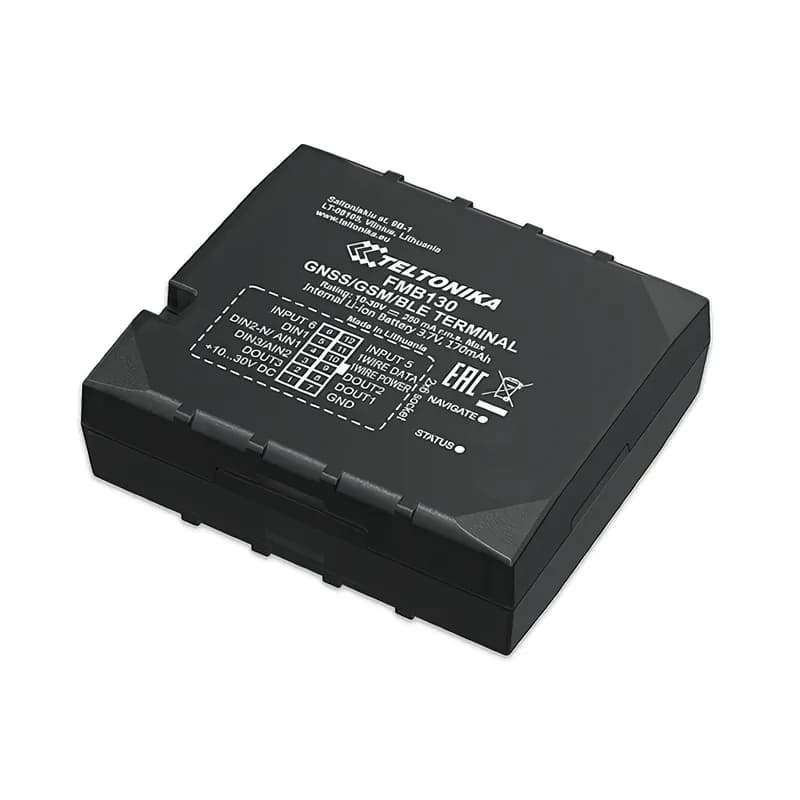
Teltonika FMB130 GPS tracker, working inside Fleet Scanner

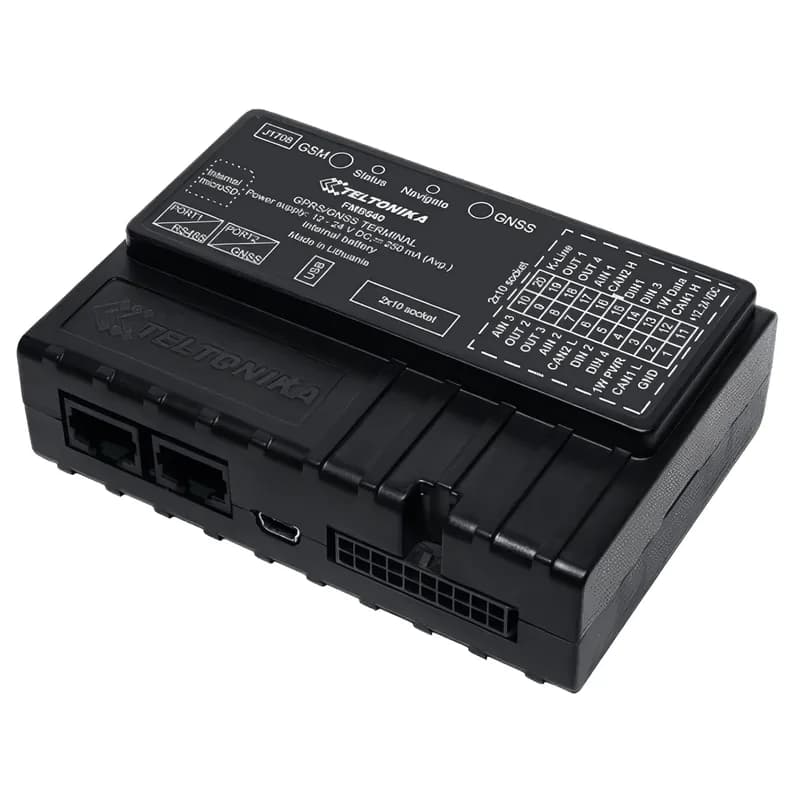
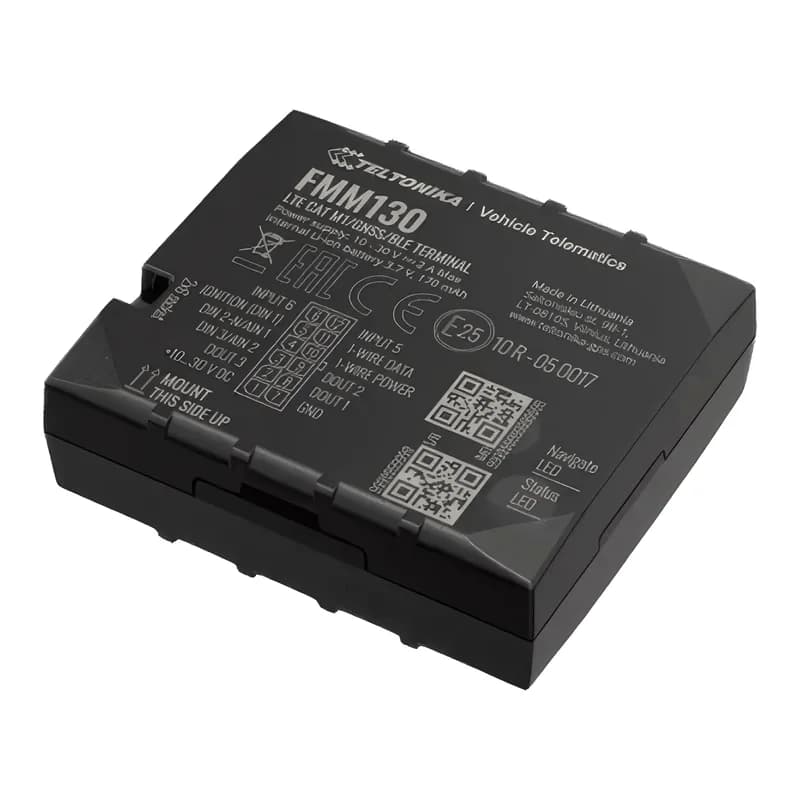
The Teltonika FMB130 is a small box that goes inside a vehicle and tells you where it is, all day. It also has extra wires for things like a driver key, temperature sensors and a fuel sensor. Plug it into Fleet Scanner and you can see every vehicle on one map, get alerts and check reports.

2G mobile network3 · 3 · 2 inputs · outputs · analog1-Wire driver key + temperatureBluetooth wireless sensors
Teltonika FMB130 GPS tracker box for vehicles
3inputs for switches and sensors
3outputs to control things
128 MBmemory, about 422,000 records
170 mAhbackup battery
< 2.5 mlocation accuracy
live_position
Speed 58 km/hEngine ON
01 · Live tracking · Every record

See where the vehicle is, right now

The FMB130 checks its position using GPS and other satellite systems, then sends it to Fleet Scanner. You see the vehicle move on a live map, with its speed and whether the engine is on. Every trip is saved, so you can play it back later.

24 Speed239 Ignition (engine on/off)240 Moving or stopped16 Total distance
GPS fleet tracking software →
driver_id · 1-WireA3 41 9F 00
Driver known
02 · Know who is driving · 1-Wire

Driver keys that tell you who is behind the wheel

Each driver gets a small key called an iButton. They touch it to a reader before they drive. The FMB130 reads the key and Fleet Scanner links the trip to that driver. You can also stop the engine from starting until a known key is used, which helps stop theft.

78 iButton (driver key)
Driver management software →
temperature · 1-Wire + BLE
Inside -18 °C
03 · Temperature · 1-Wire + Bluetooth

Keep cold loads cold

Add up to four wired temperature probes, or wireless Bluetooth sensors, inside a fridge truck. Fleet Scanner saves every reading and warns you when the load gets too warm or too cold.

72–75 Wired probes 1–425–28 Bluetooth sensors 1–4
Cold chain tracking →
vehicle_data · CAN adapter
Fuel 74 %
04 · Fuel and engine data · CAN adapter

Read fuel and mileage from the truck itself

Big vehicles have a CAN bus, which is the vehicle’s own data network. Add a small Teltonika CAN adapter and the FMB130 can read the real fuel level, fuel used, engine speed (RPM) and total mileage. Fleet Scanner uses these real numbers in fuel and cost reports.

84/89 Fuel level83 Fuel used85 Engine RPM87 Total mileage
Fuel monitoring system →
driving · accelerometerX -612Y 180Z 990
Hard braking
05 · Driving and safety · Motion sensor

Spot harsh driving and accidents

A motion sensor inside the box notices hard braking, fast starts and sharp turns. It also notices a crash, the vehicle being towed away, and someone pulling the tracker out. Fleet Scanner turns this into a driver score and sends you an alert straight away.

253 Harsh driving255 Speeding247 Crash246 Towing252 Unplugged
Real-time fleet alerts →
inputs · outputsDIN1 Ignition ONAIN1 12.4 VDOUT1 Relay OFF
Door OPEN
06 · Switches and relays · Inputs and outputs

Connect buttons, doors and an engine stop

The three inputs can tell Fleet Scanner when a door opens or a panic button is pressed. The outputs can switch things on and off, like a relay that stops the engine from starting. You control them from the dashboard.

1/2 Inputs 1–29/6 Analog inputs179/180 Outputs 1–2
Vehicle and equipment protection →

FMB130 specifications

Network2G (GSM), works in most countries
SatellitesGPS, GLONASS, Galileo and BeiDou
Power10 to 30 V from the vehicle
Backup battery170 mAh, keeps working if power is cut
Inputs and outputs3 inputs, 3 outputs, 2 analog inputs
Extras1-Wire (driver key, temperature), CAN adapter input, Bluetooth
Memory128 MB
Size and weight65 x 56.6 x 20.6 mm, 55 g
Fleet Scanner port11922

Specifications can differ between hardware revisions. Check the manufacturer’s datasheet for your exact unit.

How to connect the FMB130 to Fleet Scanner

  1. Fix the FMB130 under the dashboard and connect the power, ground and ignition wires.
  2. Open the free Teltonika Configurator on a laptop. Enter your SIM card’s internet settings (APN) and your Fleet Scanner server address with port 11922.
  3. In Fleet Scanner, add the tracker using its IMEI number (printed on the box) and pick the vehicle.
  4. Take a short drive. You should see the vehicle moving on the live map.

Teltonika FMB130 FAQ

Does Fleet Scanner work with the Teltonika FMB130?

Yes. Fleet Scanner reads its location, engine on/off, driver keys, temperature sensors, CAN adapter data and driving alerts. It uses port 11922.

Is the FMB130 4G?

No, the FMB130 uses the 2G network. If 2G is closing where you work, the Teltonika FMC130 is the 4G version.

Can the FMB130 read fuel?

Yes. It can read fuel from the truck with a CAN adapter, from an analog fuel sensor, or estimate it from the distance driven.

What is the difference between the FMB130 and the FMB140?

The FMB140 can read the truck’s data network (CAN bus) on its own. The FMB130 needs a small CAN adapter to do the same.

FMB130 plugged in. Your fleet on one map.

From a single tracker to a mixed fleet across 1,000+ device models: live tracking, alerts, fuel, drivers, maintenance and reports in one self-hosted platform. See it with your own hardware.

Get a free demo

More supported GPS trackers

Parameter IDs are Teltonika AVL IDs listed for the FMB130. Teltonika and FMB130 are trademarks of Teltonika Telematics. Specifications from the Teltonika FMB130 datasheet.

Take Control with
Fleet Tracking

Track vehicles in real time, optimize routes, and take full control of your fleet operations.

Free Demo