Fleet Management Software Checklist: 25 Features to Score Before You Buy
Use this Fleet Management Software Checklist to compare 25 features for GPS tracking, fuel management, maintenance, driver safety, compliance, and reporting.
 Prerit Khera7 min read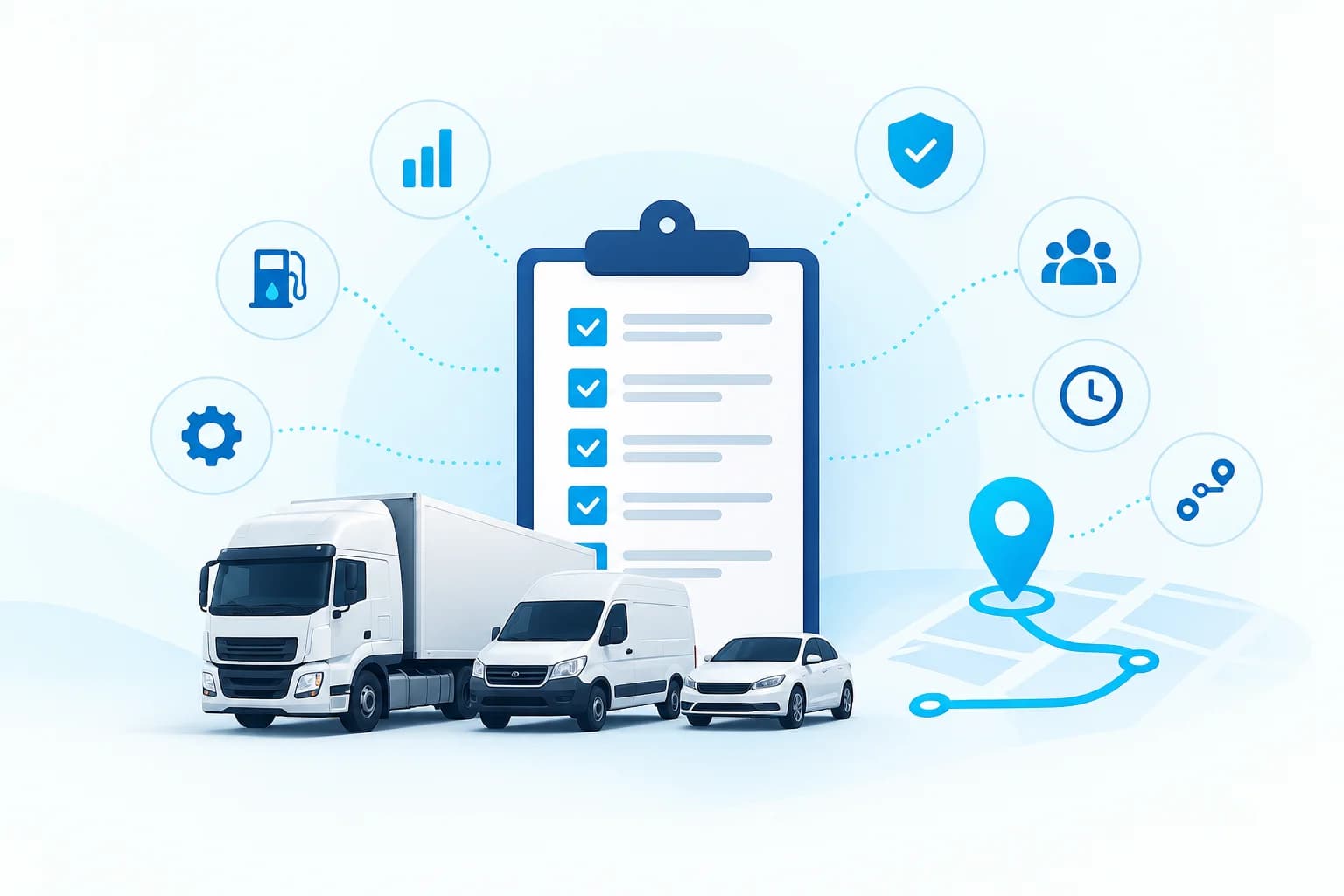
The fleet management software that's worth paying for are the ones that address four daily questions: Where are the vehicles, what are they costing, what needs service and are the papers in order. This checklist provides 25 features in 7 areas to respond to those questions. After a live demo, rate each of the vendors on each of the features (0 to 2) and compare the totals.
Want to know what Fleet Scanner has? View full product feature overview.
How to score the checklist
Rate each feature: 0=not included, 1=partial or available as an add-on, 2=functions as desired in a real test. The maximum is 50. Review the features and eliminate any that aren't relevant to your fleet, and then compare vendors based on the percentage of the points that apply.
If you're a newcomer to the category, begin with what fleet management software does and why it matters. Then go through the sections which are what you spend the most on: fuel for long haul fleets, maintenance for mixed fleets, compliance for passenger and regulated vehicles.
Tracking and visibility (items 1 to 5)
1. Live tracking, with a claimed refresh rate. Inquire about the frequency of updates and if it varies with plan or device. Test it in the demo – observe a moving vehicle. View GPS and realtime tracking.
2. History and playback of trips. Routes, stops and idle periods are required for previous months with the ability to search by vehicle, date etc. This resolves late deliveries and unauthorized trips issues.
3. Geofencing. Entry, exit, dwell-time and after hours alerts on yards, customer sites and no-go zones—no limit on number of zones. See geofencing.
4. Alerts you can tune. The base is speeding, idling, ignition, route deviation, power-cut and geofence alerts. The important thing is to set thresholds and set recipients per vehicle group, so that alerts do not become unhelpful. There are 8 types of alerts managed by Fleet Scanner's alerts management
5. Support for devices and protocols. Make sure the platform is compatible with the trackers you currently own or would like to invest in such as AIS-140 devices and request a list of the supported devices in writing. See supported devices and the GPS tracking hardware guide.
6. Preventive Maintenance by km, engine hour or days. Services should be set on each individual vehicle and triggered by the lower one of the limits. See maintenance and service.
7. Reminders for services and documents. Oil changes, fitness, permit, PUC and insurance expiry should all be included in the reminder system with advance notice to the appropriate person. View service reminders and compliance.
8. Work Orders and Service History per Vehicle. They should include the cost of the repair, the vendor (who does the repair), parts used and downtime and allow you to see which vehicles are costing you too much to keep on the road.
9. Tyres, batteries and spare parts. In most fleets these are distinct cost lines. Check for indicators of tyre positions & retread tracking, battery health alerts, parts stock with reorder levels. See tyre management, battery management and spare parts inventory.
10. Fuel sensor support. Inquire about if the platform is able to read fuel-level sensors and record fills and drains as distinct events with theft alerts. Fuel cards can't be used as a proof of the drain between fills. See fuel management and fuel monitoring.
11 Idling and fuel efficiency report. Idle hours and km per litre should be available per vehicle, driver & route, as well as fleet totals.
12. Cost per km: All costs (fuel, tyres, maintenance, driver salary, tolls and EMI) should roll up to one cost per km view per vehicle. See fleet analytics.
13. Driver behavior events. Harsh braking, harsh acceleration, cornering and over speeding with adjustable thresholds for each vehicle type.
14. Driver scorecards. Events need to be transposed to a score with distinct bands so that coaching can have a target to aim for. Learn about how to set RAG thresholds for driver scores and driver management.
15. Video telematics support. If you're thinking about installing dashcams, make sure that the platform displays the video clip next to the incident that triggered it. See video telematics.
Operations and dispatch (items 16 to 18)
16. Trip Management from Indenting to delivery. Orders, vehicle and driver assignment, trip status and trip closing should all reside in one record. See trip operations.
17. Plan a route and estimate time of arrival. Find multi-stop planning and routes optimized for the vehicle, with ETAs that are adjusted as the vehicle falls behind schedule. See route planning.
18. Delivery and customer tracking details. Digital POD with photo, signature and location fastens the billing process and a live link for the customer eliminates ‘where is my truck' calls. See proof of delivery.
19. AIS-140 support. AIS-140 pertains to particular groups of vehicles, primarily public service vehicles, and is enforced differently in various states. The platform must be compatible with compliant devices and provide information as mandated by your state. Before purchasing, be sure to review the current rules for your vehicle category.
20. E-Way Bill. Find generation/integration, update of Part-B vehicles, and expiry notification based on trip status. See E-Way Bill.
21 Toll-tracking and FASTag. Toll spend should align with trips, enabling to view cost per trip and catch charges not aligned with the route. Refer to FASTag and toll management.
Two similar attributes are worth adding to your checklist: digital LR (bilty) instead of paper lorry receipts and permit and renewal tracking under compliance.
Reports, integrations and administration (items 22 to 25)
22. Report out Library with scheduling. Reports for trips, fuel, maintenance, drivers and compliance, right away, then export to Excel and PDF and set up email reporting. There are 60+ reports in the Fleet Scanner's reports hub.
23. API and webhooks. Request REST API and webhooks – don't settle for "integration on request" if you have an ERP, accounting software or a customer portal. See administration and API.
24. Roles, permissions and branch structure. Branch managers should only be able to view their vehicles, owners can view everything. Inspect user quotas and if they are logged.
25. Mobile access. Managers require live status and alerts on a phone, and drivers may just need a simple app for trips and proof of delivery. Try both on the phones that your team already has.
Which features matter for your fleet
Use these as starting points for your must-have list. The numbers refer to the items above.
Fleet type | Must-have items | Why |
Small fleet buying its first software | 1, 2, 4, 6, 7, 22 | Visibility, alerts and service reminders deliver the first savings; add the rest as the fleet grows |
Long-haul and logistics | 1, 3, 4, 10, 16, 17, 18, 20, 21 | Fuel, trip records, proof of delivery and E-Way Bill drive margin and payment speed |
Last-mile and FMCG distribution | 1, 3, 17, 18, 22, 25 | Delivery windows and customer updates decide service levels |
School and staff transport | 1, 3, 4, 13, 19 | Safety events and compliance come first; check item 19 for your vehicle category |
Construction and equipment | 1, 3, 4, 6, 10 | Theft, idle time and service by engine hours matter more than routes |
FAQs About Fleet Management Software Checklist
What are the main features of fleet management software?
Live GPS Tracking, Trip History, Geofencing, Alerts, Maintenance Scheduling, Fuel Monitoring, Driver Behavior, Reports and Integrations. In India, include compliance options like AIS-140 support, tracking of E-Way Bill and FASTag.
Which features should a small fleet start with?
The first savings are live tracking, alerts, trip history and a report library and service reminders. After all, basics are in daily use, add fuel sensors and driver scorecards.
Is AIS-140 support required?
This varies according to the car type and state. Requirements for devices apply to particular categories such as public service vehicles, so verify the existing rules for fleet before selecting devices.
How do I compare vendors fairly?
After a demo with each one, rate each vendor on the same 25 points (0-2) and eliminate features that don't apply to you and compare the percentage of points each vendor amassed.
Looking to experience these features in your own cars? Book a free Fleet Scanner demo.
Keep reading
Best CRM for Fleet Management Companies
Compare the best CRM for fleet management companies in 2026. Explore fleet CRM features, leading platforms, and how to choose the right solution.

How Can Fleet Maintenance Software Cut Costs And Downtime?
Fleet maintenance software is a digital system for fleet maintenance management that centralizes preventive maintenance schedules, work orders, inspections, parts inventory and service history in one place and tracks and schedules them.
Self-Hosted vs Cloud Fleet Management: Which Is Best?
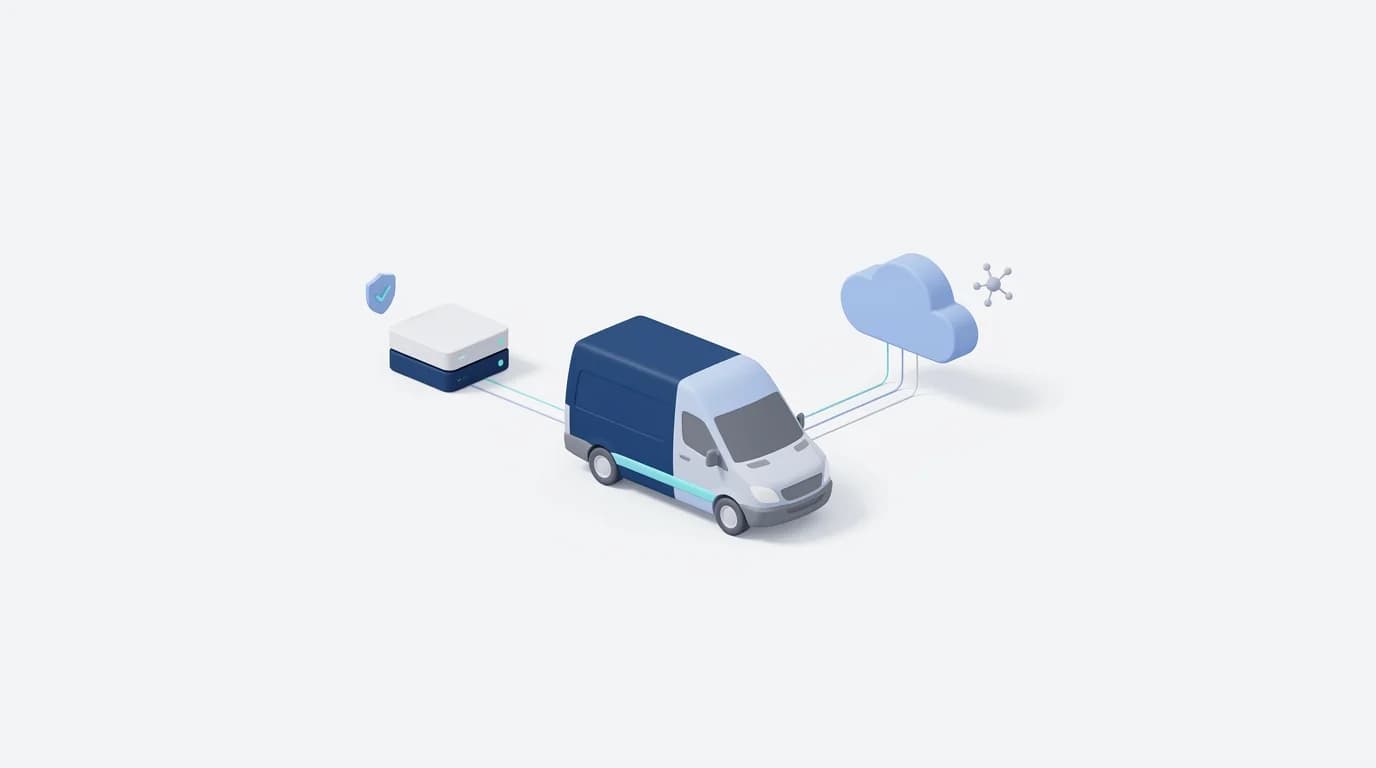
Cloud fleet management software is hosted by the vendor, and you access it via the internet while self-hosted (on-premise) fleet management software runs on your own servers and your data is on your own network.