Skip to content
Fleet Scanner
Hardware integration · Coban 108A / 108B

Coban 108A and 108B magnetic GPS tracker, working inside Fleet Scanner

The Coban 108A and Coban 108B are one magnetic GPS tracker in two versions. Coban lists them as BN-108A and BN-108B, under its asset management terminals. Both have a strong magnet on the back and a 10,000 mAh battery, so you can stick them under a car or on a valuable item with no fitting at all. The 108B can also be wired in. Then it gets an SOS button, an engine cut relay and a power cut alarm. Fleet Scanner reads the positions and alarms of both and shows them on your map.

10,000 mAh rechargeable battery2G GSM quad-bandMagnet no wiring neededPort 10200
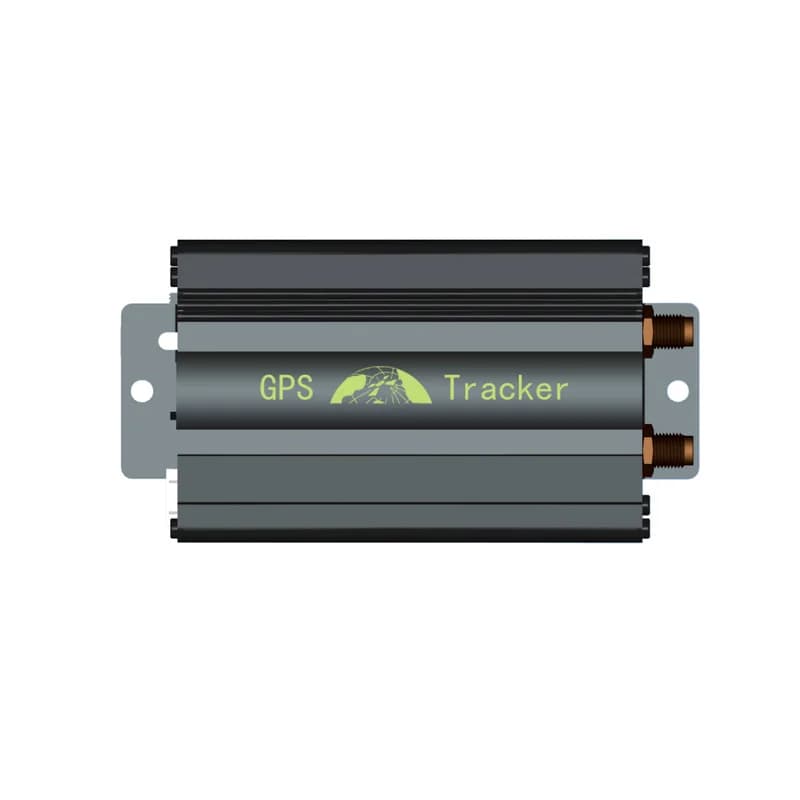
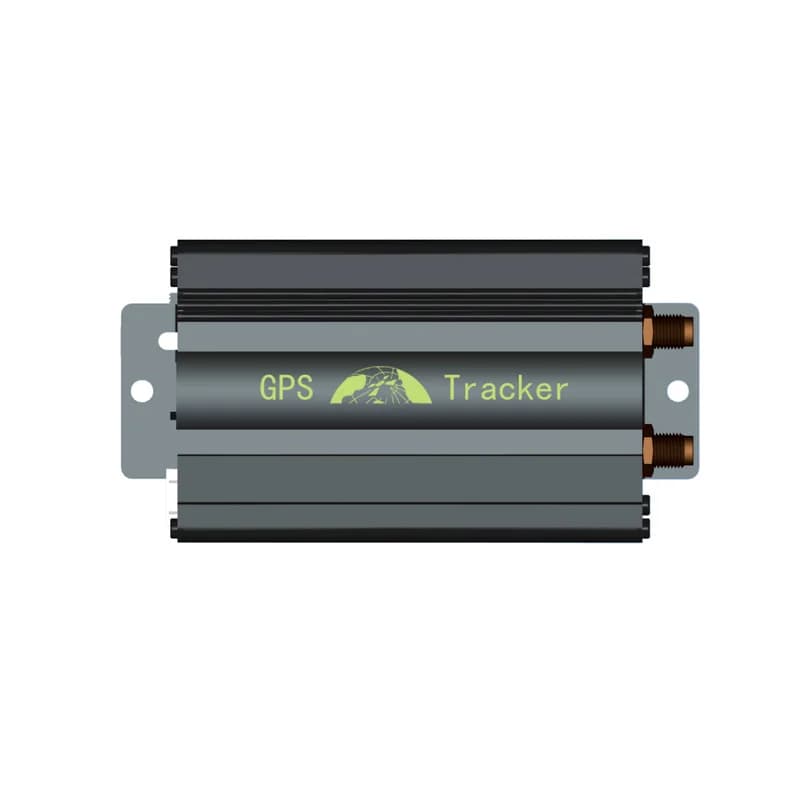
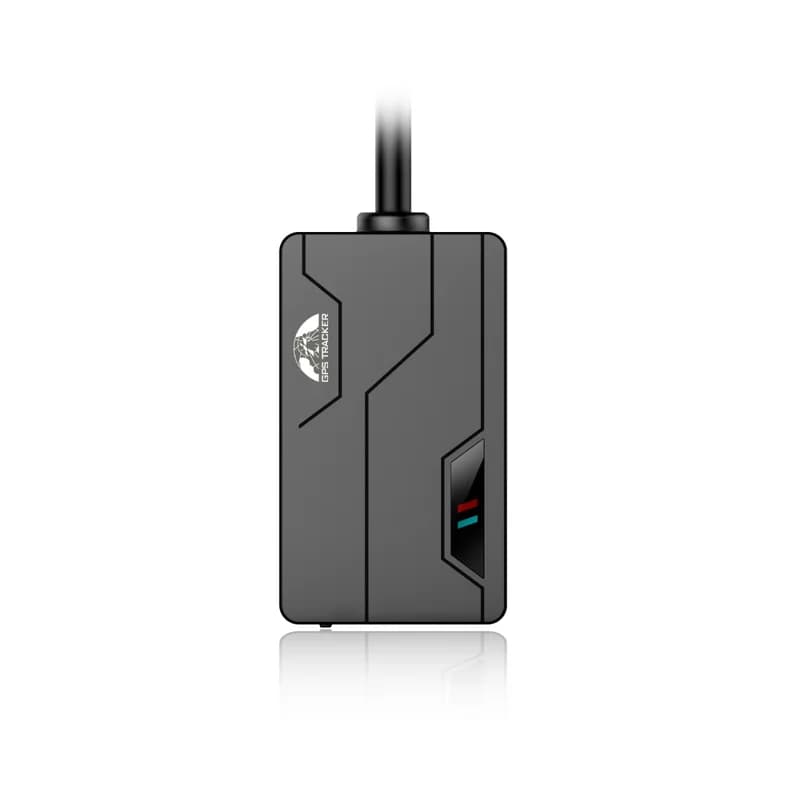
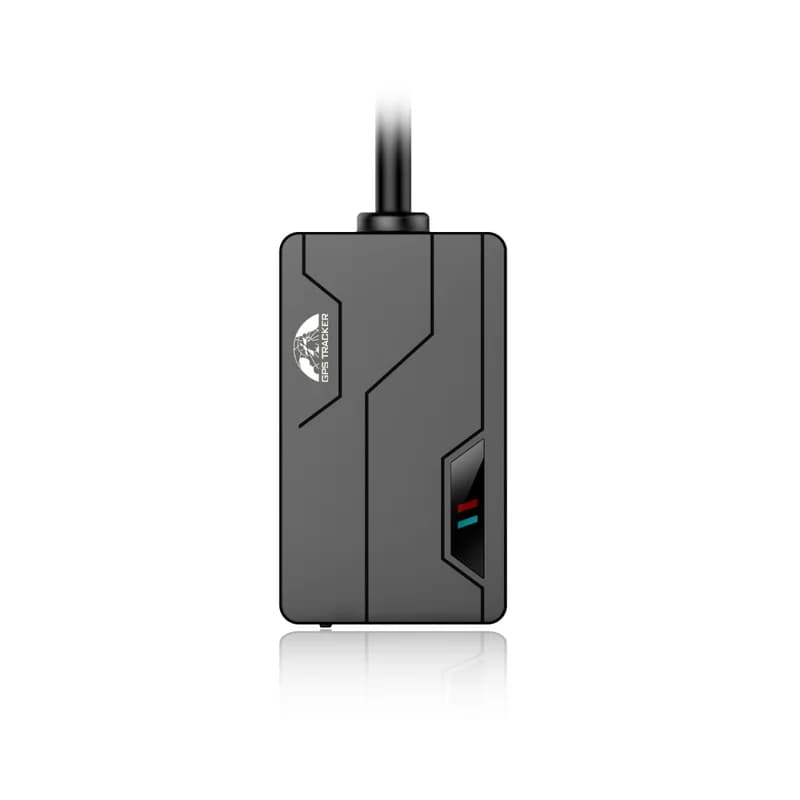
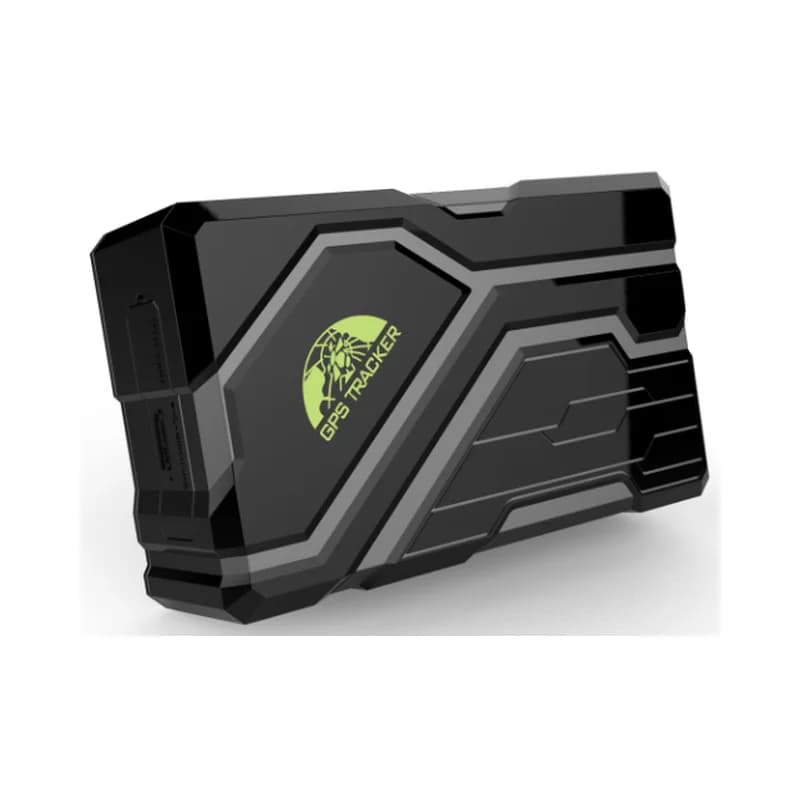
Coban 108 asset GPS tracker in a rugged black case
10,000 mAhLi-ion battery, both versions
256 daysstandby at one report a day
3working modes
5phone numbers for SMS alarms
343 gweight with the magnet
location · real time online
Mode ONLINEGPS FIXED
01 · Live tracking · Real time online

Two report gaps: one while moving, one while parked

Out of the box, the 108 sits in real time online mode. It stays connected and sends its place on a timer. You give it two gaps by SMS, one for when it moves and one for when it stands still. The manual’s example is every 20 seconds on the road and every 2 hours when parked. Fleet Scanner draws each report on the map and keeps the whole trip for playback.

Moving interval Parked interval Report count limit TCP or UDP
Live vehicle tracking →
standby · 3 modes68%
Mode SMARTBattery 82 %
02 · Battery life · Working modes

Pick a mode to trade report speed for battery days

Coban gives the 108 three working modes. Real time online lasts about 45 days with a report every 3 minutes on the move and every 2 hours when parked. Smart mode goes offline while the tracker is still and wakes when it moves, for about 55 days at the same gaps. Power saving mode wakes at a set time, reports, works for 3 minutes and sleeps again. At one report a day that is about 256 days. Coban says these are lab figures.

Real time online Smart mode Power saving mode Wake-up time
Fleet asset management software →
alarm · shock + movesleepmoving
ShockLevel 2
03 · Theft alerts · Shock sensor

Shock and movement alarms for a car or item at rest

Turn on the shock alarm and the 108 warns you when the parked car or item is moved or shaken. You can set how touchy it is, from level 1 to 3. The movement alarm draws a circle around where the tracker is now. If it leaves that circle, you get an alarm. Coban also lists Bluetooth arming and disarming on both versions. Fleet Scanner saves every alarm in the asset’s history.

Shock alarm Sensitivity (1 to 3) Movement radius Bluetooth arming
Fleet alerts management software →
geofence · speed
Zone Home areaSpeed over
04 · Zones and speed · Alarm list

Zone alarms and an over-speed limit

You can set several zones, and the tracker raises an alarm when it goes in or out of one. You can also set a top speed. When the car goes faster, an over-speed alarm goes off. In Fleet Scanner you draw as many zones as you like on the map, such as a home area, a yard or a client site. Each zone gets its own alert rules.

Geofence in Geofence out Over-speed limit
Fleet geofencing software →
battery · ext power12.6V
Battery lowExt power cut
05 · Power alarms · Battery + 108B wiring

Low battery on both, power cut alarm on the 108B

When the battery drops to about 3.55 V, the 108 sends a low battery alarm, twice, 15 minutes apart. You charge it through the micro USB port with a 5 V adapter of 2 A or more. The 108B can also run from the vehicle’s power through its 4-pin harness. Turn on its power cut alarm, and it tells you if someone pulls that power. Fleet Scanner shows the battery state of each tracker.

Low battery (about 3.55 V) External power cut (108B) Micro USB charging
Fleet reports and dashboards →
sos · listen-inSOS
SOSListen on call
06 · SOS and listen-in · SOS button + mic

Hear around the tracker, and an SOS button on the 108B

Both versions have a hidden microphone. From an approved phone, you switch the tracker to listen mode, call it, and hear what is going on nearby. Up to 5 phone numbers can get its SMS alarms. The 108B comes with a harness that has an SOS button. Fit the button where the driver can reach it but others cannot see it. A 3 second press sends an SOS alarm, and Fleet Scanner flags it at once.

Listen mode Approved numbers (up to 5) SOS button (108B)
relay · 108B only
Relay CUTSpeed < 20 km/h
07 · Engine cut · Relay (108B)

Stop a stolen car remotely with the 108B

The 108B comes with a relay that can cut fuel and power. There are two ways to use it. The safe way waits until the car is going slower than 20 km/h before it cuts. The quick way cuts at once, at any speed. A third command turns fuel and power back on. The 108A has no wiring, so it cannot do this. Fleet Scanner keeps the alarm and the last place of the car in its history.

Delayed cut (under 20 km/h) Immediate cut Resume

108A/108B specifications

Versions108A: magnet and battery only. 108B: adds a 4-pin harness with SOS button and a relay for external power, SOS and engine cut
Network2G GSM/GPRS quad-band 850/900/1800/1900 MHz
PositioningGPS; -165 dBm sensitivity; 5 m accuracy
Time to first fixHot start 1 s, warm start 35 s, cold start 45 s
Battery10,000 mAh / 3.7 V rechargeable Li-ion; quick charge up to 2 A over micro USB
Working modesReal time online, smart mode and power saving mode, set by SMS or app
InterfacesMicro USB (charging and firmware updates), TF card slot, SIM slot, microphone, red power light, green GSM light
AlarmsBoth: low battery, shock, movement, over-speed, geofence. 108B only: external power cut, SOS
TransportTCP, UDP and SMS
Size / weight106 x 63 x 37.5 mm, 343 g
EnvironmentWorking -20 to +45 °C, storage -40 to +85 °C, 5 to 95 % humidity (no condensation)
Fleet Scanner port10200 (TCP)

Specifications can differ between hardware revisions. Check the manufacturer’s datasheet for your exact unit.

How to connect the 108A/108B to Fleet Scanner

  1. Charge the tracker with a 5 V adapter of at least 2 A and the micro USB cable. Open the soft plug, put in a 2G SIM card with data and SMS, and close the plug. The 108 turns on by itself when the SIM goes in. Take it outdoors for its first fix.
  2. Change the default password 123456 by texting password123456 followed by a space and your new password. Then text apn plus password, a space and your SIM’s APN. Text adminip plus password, a space, your Fleet Scanner server’s domain or IP, a space and 10200. Text tcp plus password to send over TCP.
  3. Text imei plus password to get the IMEI, or read it from the label on the side. Add the tracker by that IMEI in Fleet Scanner. Pick a mode with online, sleep or psm plus password, and set your report gaps with the fix command from the Coban manual.
  4. Stick the tracker to metal, for example under the car or on a valuable item. For a 108B, connect the 4-pin harness to power, the relay and the SOS button with the engine off. Text check plus password to see the GPS, GSM, APN, IP and port, then watch for the first position on the map.

Coban 108A / 108B FAQ

Does Fleet Scanner work with the Coban 108A and 108B?

Yes. Point either version at your Fleet Scanner server on port 10200 and add it by IMEI. Fleet Scanner then shows its positions and trips, and its alarms for shock, movement, zones, speed and low battery. With a 108B you also get its SOS and power cut alarms.

What is the difference between the Coban 108A and 108B?

They share the same case, battery and GPS. The 108A is magnet only, with no wires. The 108B comes with a 4-pin harness, an SOS button and a relay. Wired in, it adds a power cut alarm, an SOS alarm and remote engine cut.

How long does the Coban 108 battery last?

It depends on the mode. Coban’s lab figures are about 45 days in real time online mode and about 55 days in smart mode, both with a report every 3 minutes on the move and every 2 hours when parked. In power saving mode with one report a day, it is about 256 days.

Which SMS commands connect the Coban 108 to a tracking server?

Use apn plus password, a space and the APN to set the internet settings. If your SIM needs a user name, use up plus password, user name and password. Then use adminip plus password, a space, the server address, a space and the port. For Fleet Scanner the port is 10200. The default password is 123456.

Is the Coban 108A / 108B waterproof?

Coban does not give a water rating for the 108. Its manual says to keep the tracker in a dry place, so put it where rain and road spray cannot soak it. It works from -20 to +45 °C.

108A on the magnet, 108B wired in. Both on one map.

From a single tracker to a mixed fleet across 1,000+ device models: live tracking, alerts, fuel, drivers, maintenance and reports in one self-hosted platform. See it with your own hardware.

Get a free demo

More supported GPS trackers

Battery figures are Coban’s lab ratings and change with signal and report settings. Features marked 108B need the wiring harness that comes with that version. Coban and BN-108 are trademarks of Shenzhen Coban Electronics Co., Ltd. Specifications from the Coban BN-108A and BN-108B product pages and the Coban 108 user manual.

Take Control with
Fleet Tracking

Track vehicles in real time, optimize routes, and take full control of your fleet operations.

Free Demo