Skip to content
Fleet Scanner
Hardware integration · Coban 303F

Coban 303F GPS tracker, working inside Fleet Scanner

The Coban 303F GPS tracker is a wired car tracker from Shenzhen Coban Electronics, which lists it as the BN-303F. It runs on the car’s 12 or 24 V power and is made to be hidden out of sight. It talks over 2G, can cut the fuel or power from far away, and turns into a car alarm when you arm it. Point it at your own Fleet Scanner server and every car shows up on one live map.

2G GSM 850/900/1800/1900GPS 5 m accuracyRelay fuel / power cutPort 10200
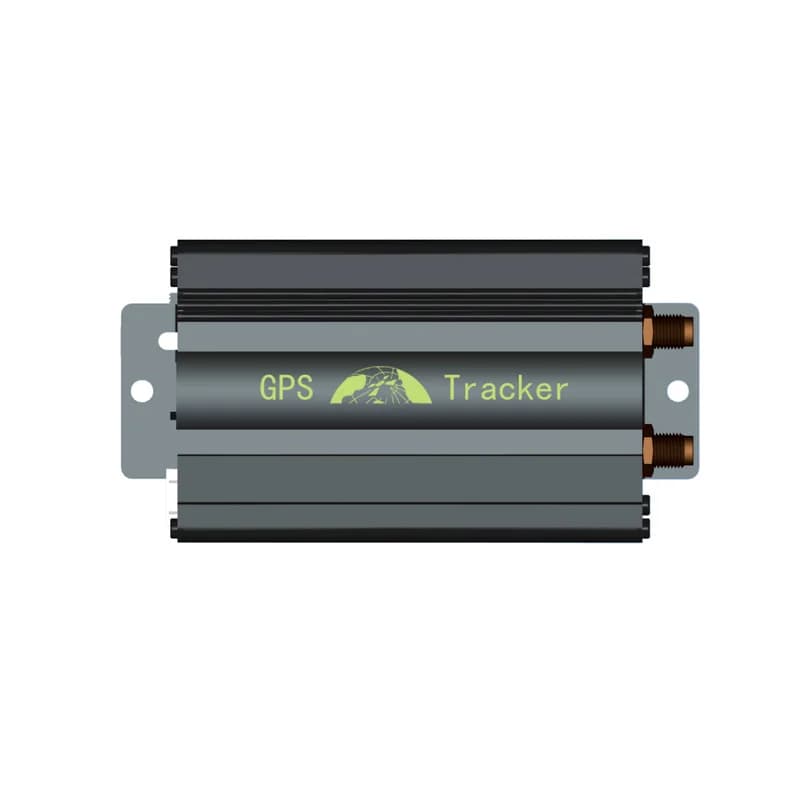
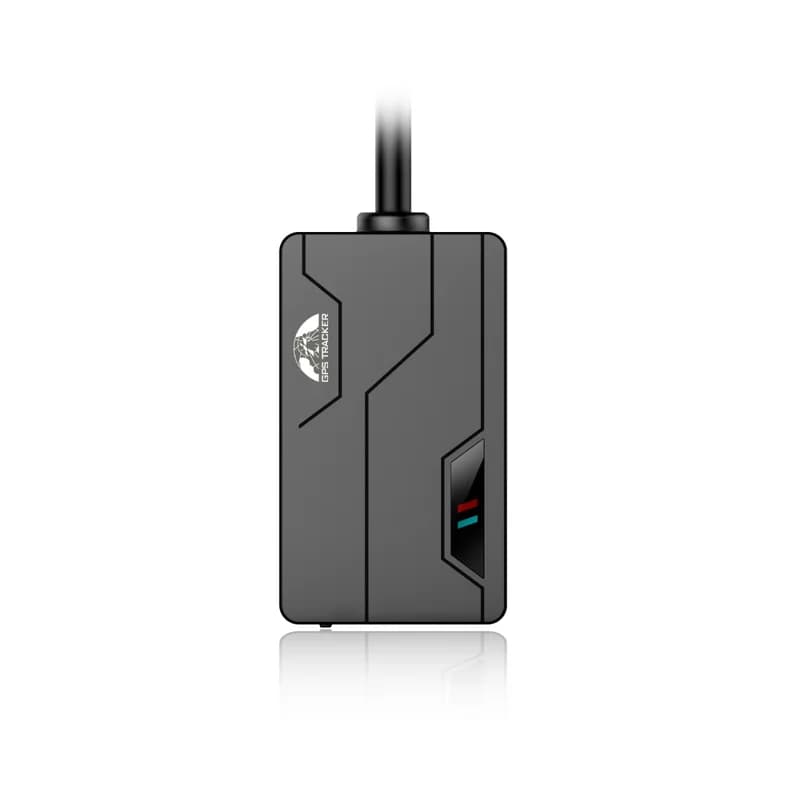
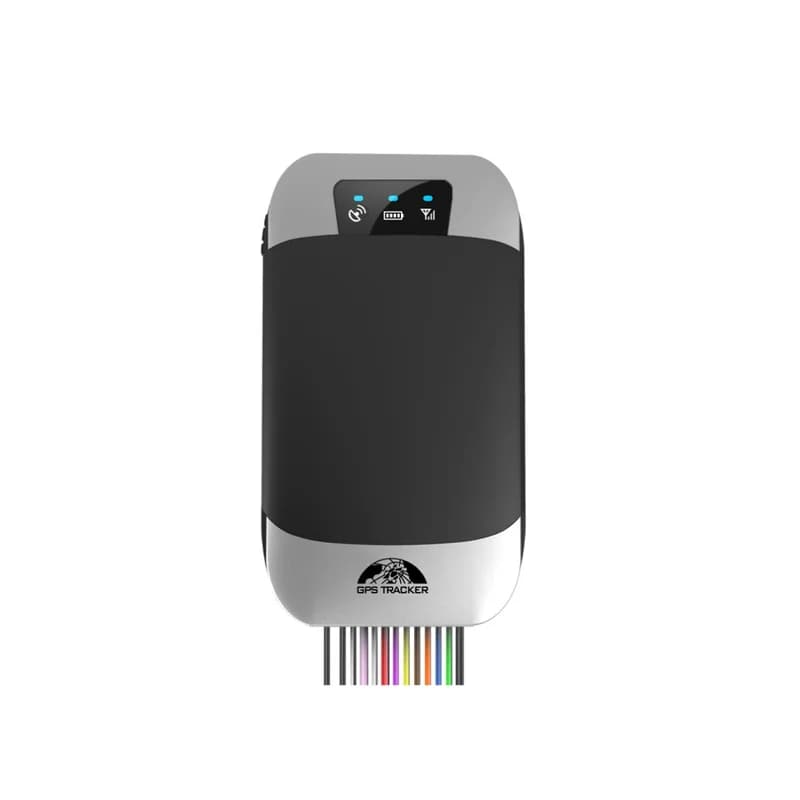
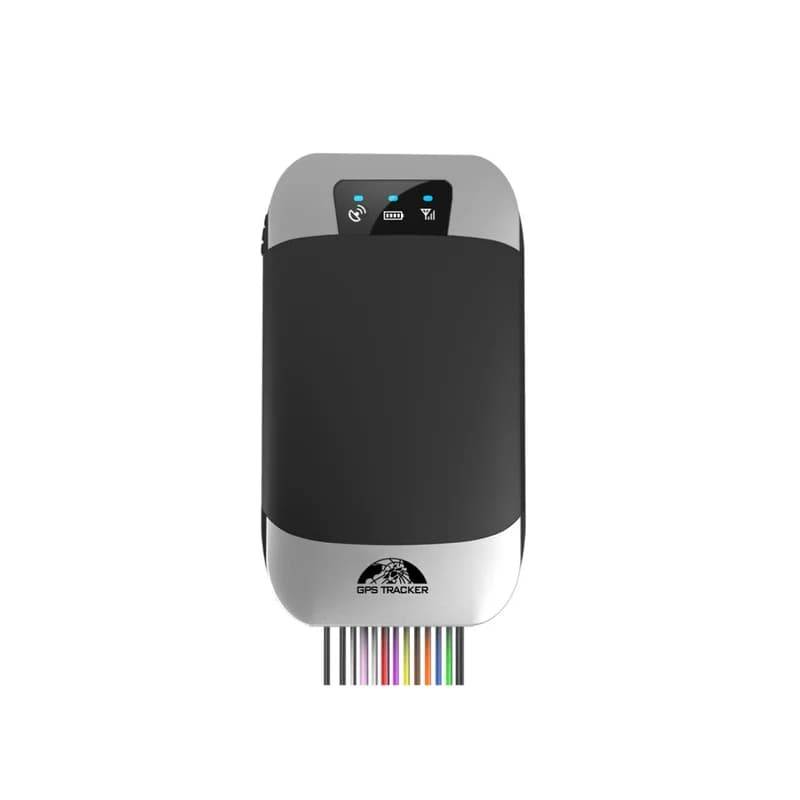
Coban 303F GPS tracker, a black and silver case with three status lights and a bundle of coloured wires
12 to 24 Vcar power input
300 mAhbackup battery
-165 dBmGPS sensitivity
5authorized phone numbers
70 gweight
sms · fix
Speed 38 km/hGPS FIX
01 · Live tracking · GPS

Short report gaps on the road, long ones in the car park

The 303F keeps two report gaps: one for when the car moves and one for when it stands still. Out of the box it stays online and reports every 10 seconds while moving and once an hour while parked. You can change this by text. For example, fix020s002h***n followed by the password means every 20 seconds on the move and every 2 hours when stopped, with no limit on the count. Fleet Scanner draws each trip on the live map and keeps the route for playback.

fix Moving / parked gapsnofix Stop timed reportsonline Real time onlinesleep Smart mode
Live vehicle tracking →
sms · stop / quickstop
Engine STOPPEDSpeed 0 km/h
02 · Remote cut-off · Relay output

Two ways to stop the engine from far away

A relay comes in the box with the 303F, rated 12 V/40 A or 24 V/40 A. Once it sits on the fuel pump or ignition line, the tracker can cut the engine. The stop command waits until the car is slower than 20 km/h before it acts. The quickstop command cuts at once, at any speed, so use it with care. The resume command brings fuel and power back. In Fleet Scanner, give the cut-off only to the people you trust.

stop Cut below 20 km/hquickstop Cut right awayresume Restore fuel and power
Vehicle and equipment protection →
sms · arm / silentsleepmoving
Armed ONDoor opened
03 · Car alarm · Door, ACC and shock

Armed mode guards the doors, the key and any knock

Text arm with the password and the 303F watches the car. It will not arm while the key is on and replies that you must turn off the ACC first. When armed, it raises an alarm with the position if a door opens, the key turns or the car gets shaken. A siren (sold as an extra) sounds too, unless you chose silent arm, which only sends the text. Shock sensitivity goes from 1 to 3 and starts at 2. Disarm switches the door, key and shock alarms off.

arm Armsilent Arm without sirendisarm Disarmsensitivity Shock level 1 to 3 Door / ACC / shock alarms
Fleet alerts management software →
alarm · SOSSOS
SOSMic open
04 · SOS and listen-in · SOS button + microphone

A panic button for the driver and an ear inside the cab

An extension cord with an SOS button and a 1.5 m microphone both come with the 303F. Coban says to fit the button where the driver can reach it. Holding it for 3 seconds sends the SOS alarm. To hear what is going on in the car, text listen with the password, then call the tracker. Text tracker with the password to go back, so a call gets a location reply again. Fleet Scanner puts each SOS at the top of the alert list.

SOS (hold 3 s)listen Listen modetracker Back to Track modextime Times each alarm is sent
Driver management software →
sms · move / speed
Speed 104 km/hLimit 90 km/h
05 · Zones and speed · Tracker + server

Know when a car leaves its spot or drives too fast

The 303F has three ways to tell you a car went where it should not. A movement alarm draws a circle around where the car is now and goes off once it leaves that radius. An overspeed alarm goes off above the speed you set. Fences set up on a platform give an alarm on the way in or out. In Fleet Scanner you can draw as many zones as you like, around a depot, a client’s site or a driver’s home.

move Movement radiusnomove Cancel movementspeed Speed limitnospeed Cancel speed Fence in / out
Fleet geofencing software →
sensor · oil %
Fuel 42%Drop parked
06 · Fuel level · Optional fuel sensor

Catch fuel theft with the add-on sensor

Add Coban’s fuel sensor and the 303F can tell how much fuel is left. It sends a fuel alarm with the level in percent and the position if fuel use is too high while driving, or if fuel drops while the car is parked from a leak or theft. Tanks differ, so set the scale first. Send oilzero with the password when the tank is empty, then oilfull when it is full. Fleet Scanner shows the fuel alarm as an alert.

oilzero Set empty tankoilfull Set full tank Fuel level % Fuel alarm
Fleet reports and dashboards →
alarm · power12.6V
Power cutBackup 300 mAh
07 · Power and health · Battery + status

A warning when the wires are cut or the battery runs down

If someone pulls the car power, the 303F sends a power cut alarm. This is on by default and the extpower command turns it on or off. It keeps working on its 300 mAh backup battery. When that battery gets close to 3.55 V, it sends a low battery message twice, 15 minutes apart. With the ACC alert on, you also get a text each time the key turns on or off. Fleet Scanner shows when each tracker last checked in.

extpower Power cut alarmlowbattery Low battery alarmACC Key on / off alertcheck Status reply
Trip planning and trip records →

303F specifications

Network2G GSM/GPRS, 850/900/1800/1900 MHz
PositioningGPS (GNSS receiver), -165 dBm sensitivity, 5 m accuracy
Time to first fixCold 45 s, warm 35 s, hot 1 s
Power supply12 to 24 V car power
Backup battery3.7 V 300 mAh rechargeable Li-ion
DataTCP, UDP and SMS; Bluetooth setup from the phone app
Wiring12-pin harness: power, ACC, door (positive or negative trigger), siren
In the boxRelay, 1.5 m microphone, extension cord with SOS button
ExtrasSiren, fuel sensor
LightsRed for power and charging, green for GSM, blue for GPS
Size / weight96 x 53 x 16 mm, 70 g
EnvironmentWorks at -20 to +45 °C, stored at -40 to +85 °C, 5% to 95% humidity
ProtocolCoban GPS103 (TK103 style) family
Fleet Scanner port10200 (TCP)

Specifications can differ between hardware revisions. Check the manufacturer’s datasheet for your exact unit.

How to connect the 303F to Fleet Scanner

  1. Get a 2G (GSM) SIM with data, SMS, voice calls and caller ID turned on. Turn off its PIN code and call forwarding. Open the 303F case with the small screwdriver in the box and slide the SIM in.
  2. Ask a trained installer to fit the tracker where GPS and GSM signals are good, away from dust and damp. Plug in the 12-pin harness. Red and black go to the 12 or 24 V power, white goes to ACC (ignition). Use green for a door that triggers positive or blue for one that triggers negative, and pink for a siren. Put the relay on the fuel or ignition line and the SOS button within the driver’s reach. Wait 1 minute after power on, then switch on the backup battery.
  3. Send the setup texts. The default password is 123456 and Coban says to change it first with password123456 followed by a space and your new password. Then send admin with the password, a space and your phone number. Send apn with the password, a space and your SIM’s APN. Send adminip with the password, a space, your Fleet Scanner domain or IP, a space and 10200. Send tcp with the password to keep it on TCP.
  4. Text check with the password. The reply shows the GPRS status, APN, IP and port, so you can see the settings took. In Fleet Scanner, add the tracker by the IMEI on the side of the case (or text imei with the password) and link it to the car. Take a short drive, then test the SOS button.

Coban 303F FAQ

Can I connect the Coban 303F to my own tracking server?

Yes. Out of the box it reports to Coban’s own BAANOOL IOT app. Text adminip with your password, a space, your server address, a space and 10200, and it reports to your Fleet Scanner server instead. Fleet Scanner then shows its position, trips and alarms.

What are the main Coban 303F SMS commands?

Each command is the word, then the password, which is 123456 until you change it. The setup ones are admin (your phone number), apn (SIM internet settings), adminip (server and port) and fix (report gaps). For daily use there are arm, disarm, stop, quickstop, resume and check. Up to 5 phone numbers can get alarm texts.

What can the 303F track?

It sends position and speed from GPS, the key state (ACC), door openings and shocks while armed, SOS presses, power cuts and low battery. With the optional fuel sensor it also reports the fuel level and fuel drops.

How is the 303F different from the 303G?

Coban shows one spec table for both, under the model name 303FG. The difference Coban names is the key fob remote: only the G type works with it. On the 303F you arm and disarm by text, from the app, or with Bluetooth, which arms the car when your phone walks out of range.

How long does the Coban 303F battery last?

Coban does not give a number of hours. The 303F runs on the car’s power, and the 300 mAh battery is a backup. It keeps the tracker going after the wires are cut, so the power cut alarm still reaches you. A low battery text comes when it gets near 3.55 V.

Is the Coban 303F still sold, and is it 4G?

Yes, Coban still lists the BN-303F in its car tracker range on coban.net. It works on 2G (GSM) only and has no 4G. Before you buy, check that 2G still runs where your cars drive.

303F wired in. Every car on your own map.

From a single tracker to a mixed fleet across 1,000+ device models: live tracking, alerts, fuel, drivers, maintenance and reports in one self-hosted platform. See it with your own hardware.

Get a free demo

More supported GPS trackers

Specs and SMS commands come from Coban’s BN-303F product page and user manual on coban.net. Coban prints the spec table under model 303FG, which also covers the 303G. The protocol is the Coban GPS103 (TK103 style) family. Coban and BN-303F are trademarks of Shenzhen Coban Electronics.

Take Control with
Fleet Tracking

Track vehicles in real time, optimize routes, and take full control of your fleet operations.

Free Demo