Skip to content
Fleet Scanner
Hardware integration · Coban 303G

Coban 303G GPS tracker, set up and tracked in Fleet Scanner

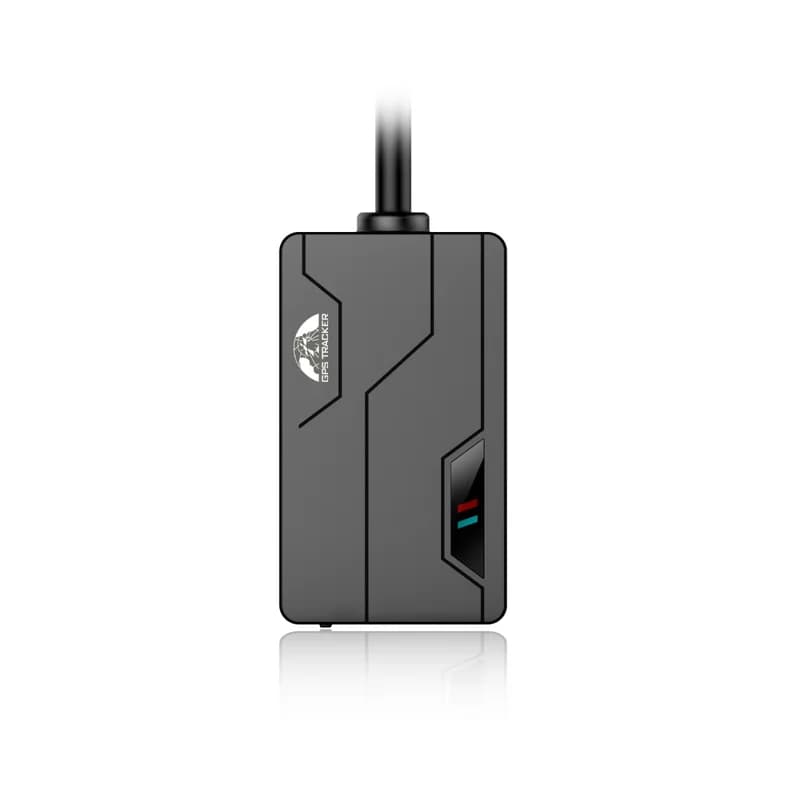
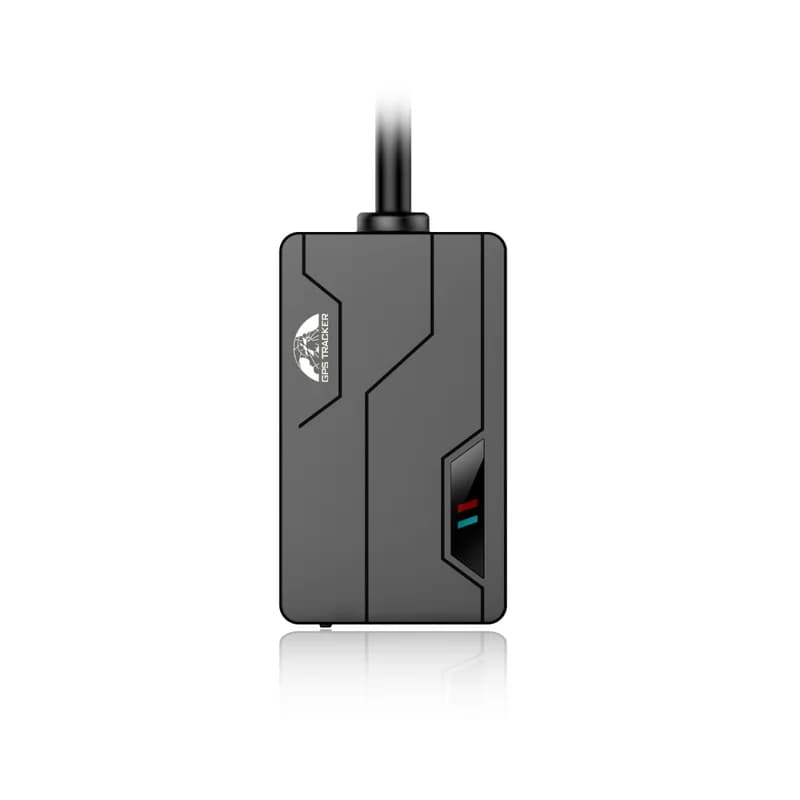
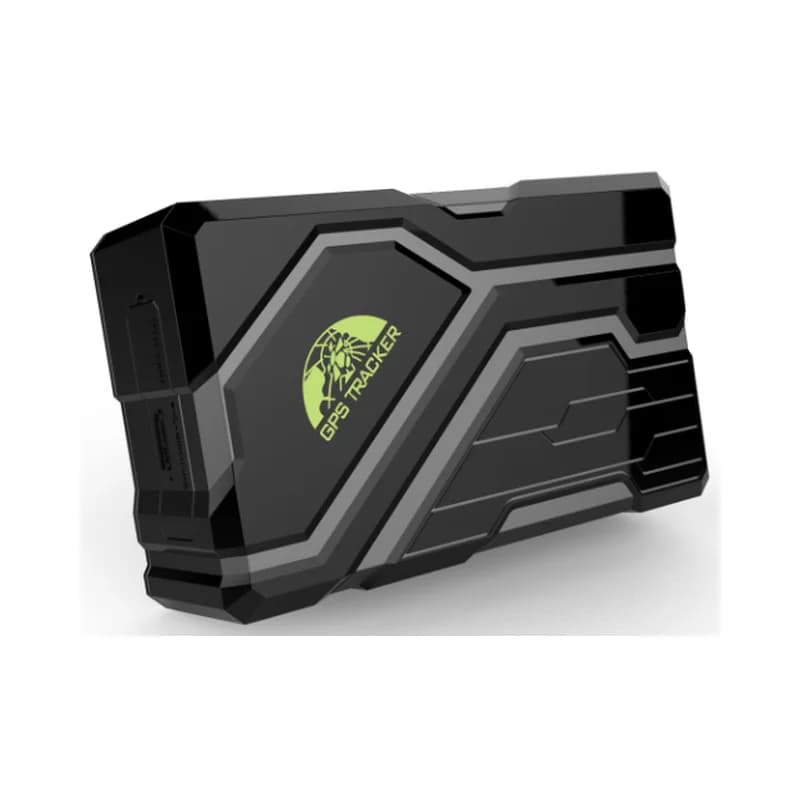
The Coban 303G GPS tracker is a small 2G box that you hide inside a car, van or truck. Coban sells it as the BN-303G, and many people know it as the TK303G. It comes with a key fob remote, so the driver can arm and disarm it like a car alarm. When it is armed, it warns you if a door opens, the engine starts or the car is shaken. Fleet Scanner takes its reports on your own server and shows them as live maps, alerts and trips.

2G GSM / GPRS, 4 bandsRemote arm / disarm fobRelay fuel / power cutPort 10200
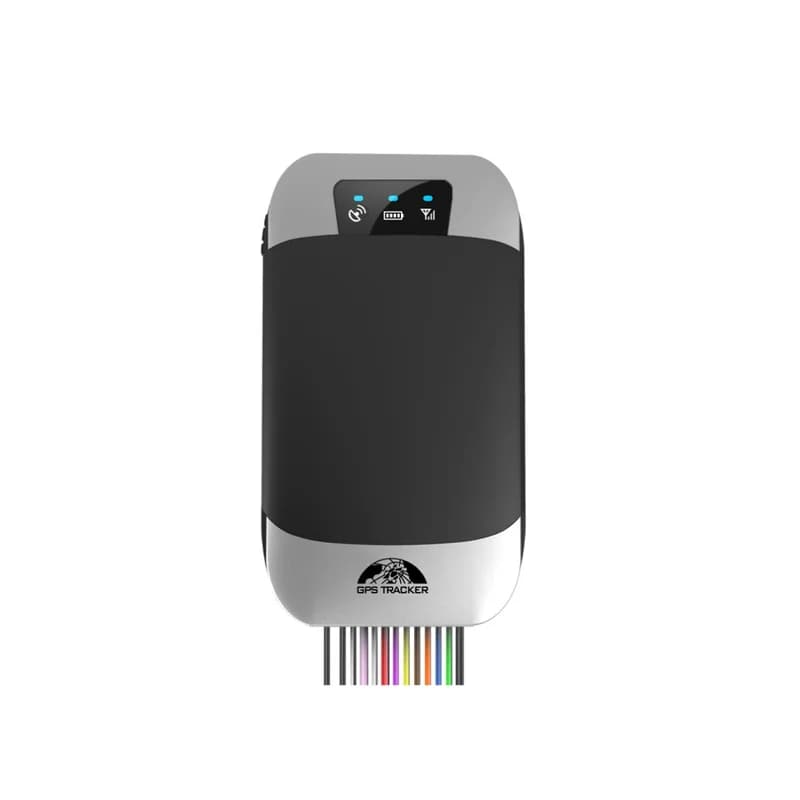
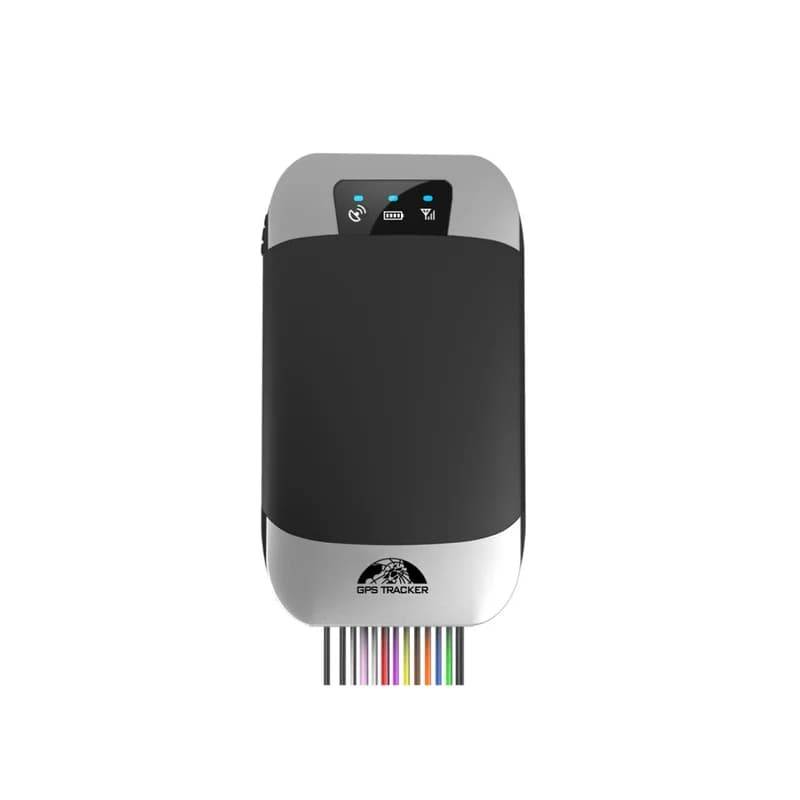
Coban 303G GPS tracker, a black and silver case with three status lights and a bundle of coloured wires
300 mAhbuilt-in backup battery
5 mGPS accuracy
5phone numbers that get alarms
12 to 24 Vcar power
70 gweight
report · fix interval
Speed 64 km/hGPS FIXED
01 · Live tracking · GPRS reports

See the car on the map, moving or parked

The 303G sends its position over GPRS at the times you choose. By default it reports every 10 seconds on the move and once an hour when parked. In smart mode it goes offline while parked to save power. It comes back online when it moves, gets a call or an SMS, or raises an alarm. Fleet Scanner draws each route and lets you play back any trip.

Latitude / longitude Speed Real time online Smart mode fix interval
Live vehicle tracking →
armed · door / acc / shockX -612Y 180Z 990
DoorMode ARMED
02 · Armed alarms · Remote control

A car alarm you can check from your phone

Coban says only the G model works with the remote control. Press one key to arm and another to disarm. There is also a silent arm, where no siren sounds but the alarm message still goes out. While armed, the 303G raises an alarm if a door opens, the ignition turns on or the car is moved or shaken. Fleet Scanner shows each one as an alert with the place it happened.

Door open ACC (ignition) alarm Shock Arm / silent arm / disarm
Fleet alerts management software →
alarm · always onSOS
SOSPosition sent
03 · Other alarms · Alarm reports

SOS, cut wires, low battery and speeding

Some alarms work whether the tracker is armed or not. The driver holds the SOS button for 3 seconds to call for help. The 303G also warns you when its power wire is cut, when its own battery runs low and when the car goes over a speed you set. A movement alarm fires when the car leaves a circle around where it was parked.

SOS Power cut Low battery Overspeed Movement
fence · in / out
Zone Yard ALeft
04 · Geofences · Server zones

Zones that tell you when a car comes or goes

Coban lists a geofence alarm for when the car enters or leaves a zone set up on a platform. In Fleet Scanner you draw those zones yourself on the map. Make one for each yard, shop or customer. Then choose who hears about it when a car crosses the line.

Zone in Zone out Many zones
Fleet geofencing software →
output · relay
Fuel CUTSpeed 12 km/h
05 · Remote cut-off · Relay (in the box)

Cut fuel and power, gently or right away

A relay comes in the box. Wire it on the fuel pump or ignition line. The normal stop command waits until the car is slower than 20 km/h before it cuts. A second command cuts at once, at any speed, so keep it for real emergencies. A third command turns fuel and power back on. In Fleet Scanner only the users you allow can do this.

stop (below 20 km/h) quickstop (at once) resume
Vehicle theft protection →
sensor · oil %
Fuel 48 %Drop
06 · Fuel level · Optional fuel sensor

Fuel level and fuel theft alarms

With Coban’s optional fuel sensor, the 303G reports the tank level as a percent. You set the empty and full points once, so the reading fits your tank. It raises an alarm when fuel use is too high on the road or the level drops while the car is parked. Fleet Scanner keeps a fuel graph so a sudden drop is easy to spot.

Fuel % oilzero / oilfull Fuel alarm
Fleet fuel management →
input · white wireDIN1 Ignition ONAIN1 12.4 VDOUT1 Relay OFF
ACC ONTrip started
07 · Ignition · ACC wire

Know when the engine starts and stops

The white wire reads the ignition (ACC). With ACC alerts turned on, the 303G sends a message each time the engine starts or stops. Fleet Scanner uses the same signal to split the day into trips and count engine hours.

ACC on ACC off Trips Engine hours
Trip planning and trip records →

303G specifications

Network2G GSM / GPRS, 850/900/1800/1900 MHz
GPS-165 dBm sensitivity, about 5 m accuracy
Time to first fixAbout 45 s cold, 35 s warm, 1 s hot
Power supply12 to 24 V car power
Backup battery3.7 V 300 mAh lithium-ion, rechargeable
In the box12-pin harness, relay (12 V or 24 V, 40 A), microphone, SOS button, remote control
OptionalSiren, fuel sensor
Size and weight9.6 x 5.3 x 1.6 cm, 70 g
Working conditions-20 to 45 °C, 5 to 95% humidity without condensation
Sends data byTCP, UDP or SMS
ProtocolCoban GPS103 family (as listed for the TK303G on Traccar’s public device list)
Fleet Scanner port10200

Specifications can differ between hardware revisions. Check the manufacturer’s datasheet for your exact unit.

How to connect the 303G to Fleet Scanner

  1. Open the case with the small screwdriver and put in a 2G SIM with data, SMS and caller ID on. Turn the SIM PIN off and do not use call forwarding.
  2. Wire the 12-pin harness: red and black to 12 V or 24 V power, white to the ignition (ACC). Use green for a door that triggers on positive or blue for one that triggers on negative. Fit the relay on the fuel or ignition line and put the SOS button where the driver can reach it.
  3. Wait about a minute after power-on, then switch on the backup battery. Change the default password 123456 with password123456 followed by a space and your new password.
  4. Point it at Fleet Scanner by SMS: apn plus password, a space and your SIM’s APN. Then adminip plus password, a space, your server domain or IP, a space and 10200. If your SIM needs a login, use the up command too. Send check plus password to see the APN, IP and port it saved.
  5. Add the tracker in Fleet Scanner using the IMEI printed on its side, or send imei plus password to get it by SMS. Then drive a few streets and make sure the route, ignition and alerts appear.

Coban 303G FAQ

Does Fleet Scanner work with the Coban 303G?

Yes. Set the 303G to send to your Fleet Scanner server on port 10200. You then get its positions, ignition, alarms and cut-off on your own server, with web and phone apps, reports and the built-in AI agent.

What are the main 303G SMS commands?

Each command ends with the tracker password, which is 123456 until you change it. Use apn123456 and your APN to set the internet, adminip123456 with your server and port to set the server, and fix to set how often it reports. Use stop, quickstop and resume for the fuel cut, and check123456 to read back the settings.

How do I set the reporting interval on the 303G?

Send fix with the moving time in seconds, the parked time in hours, the number of reports and the password. Coban’s example fix020s002h005n123456 means every 20 seconds on the move and every 2 hours when parked, 5 times. Put ***n in place of 005n for no limit. nofix123456 cancels it.

What is the difference between the Coban 303G and 303F?

Coban shows both on one spec sheet, model 303FG. The one difference Coban states is the remote control. Only the G model works with the key fob for arming and disarming.

How long does the 303G battery last?

Coban does not give a time. The backup is a 3.7 V 300 mAh battery, there to keep the tracker going for a while after a power cut. When it gets close to 3.55 V, the tracker sends a low battery alarm twice, 15 minutes apart.

Is the Coban 303G still made?

Yes. Coban still lists the BN-303G on its own website as a current vehicle tracker. Keep in mind it is 2G only, so check that 2G still works where your vehicles drive.

Coban 303G on the map. Your fleet on your own server.

From a single tracker to a mixed fleet across 1,000+ device models: live tracking, alerts, fuel, drivers, maintenance and reports in one self-hosted platform. See it with your own hardware.

Get a free demo

More supported GPS trackers

Specs and SMS commands come from Coban’s BN-303G product page and the BN-303G user manual on coban.net. The protocol family comes from Traccar’s public device list. Coban and BN-303G are trademarks of Shenzhen Coban Electronics.

Take Control with
Fleet Tracking

Track vehicles in real time, optimize routes, and take full control of your fleet operations.

Free Demo