Skip to content
Fleet Scanner
Hardware integration · iStartek VT600

iStartek VT600 GPS tracker, working inside Fleet Scanner

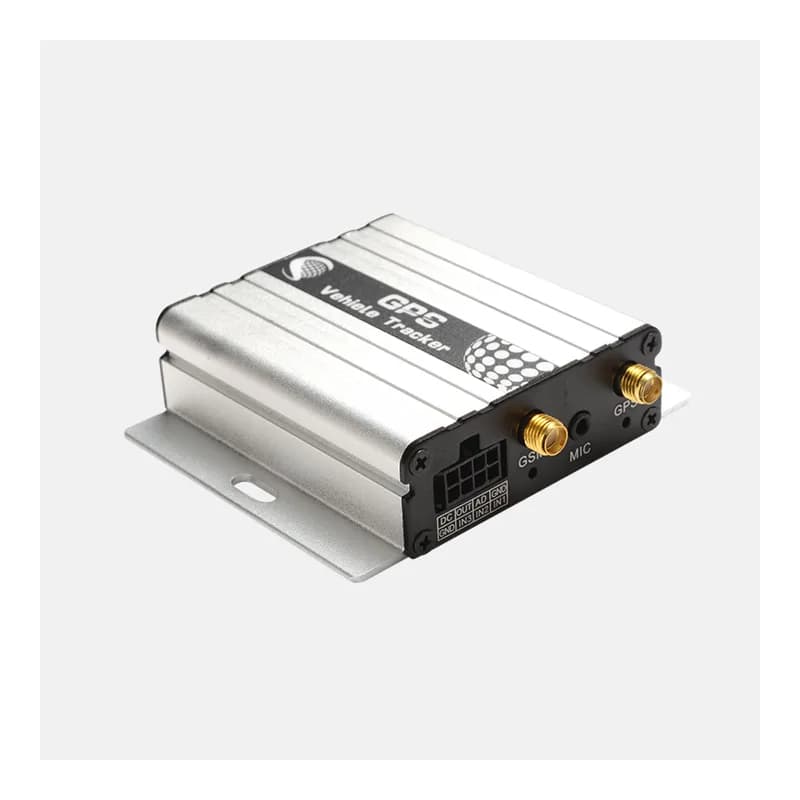
The iStartek VT600 GPS tracker is a wired box for cars, vans and trucks. It uses the 2G mobile network (GSM/GPRS) to send its data. It has an SOS button, three inputs, an analog input and an output that can stop the engine. Fleet Scanner reads every report it sends. It turns them into live tracking, alarms, fuel graphs and trip records on your own server.

2G GSM / GPRSSiRF Star IV GPS, 20 channelsiStartek GPRS protocolPort 10803
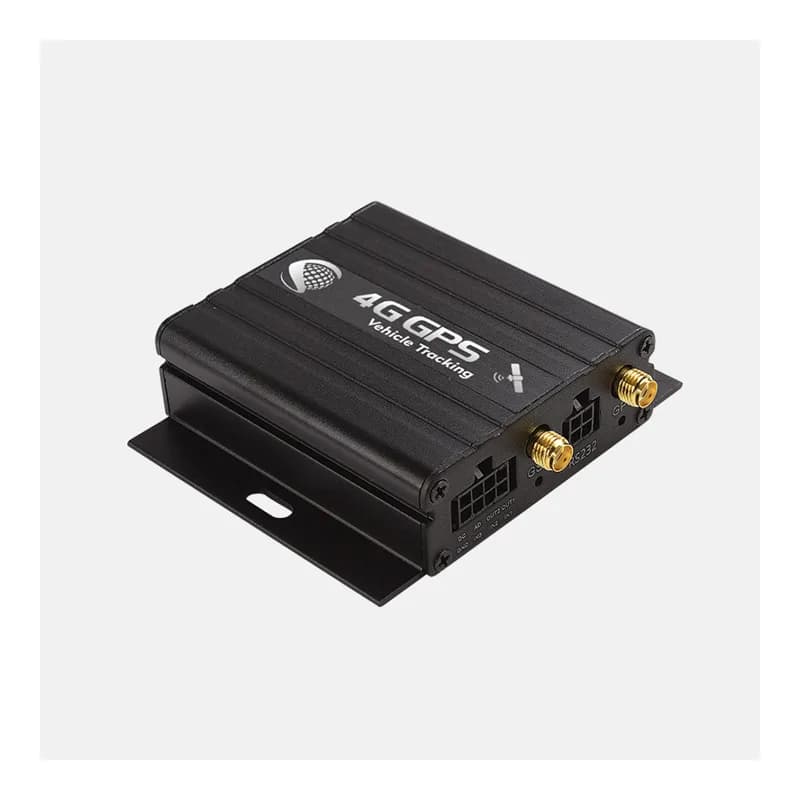
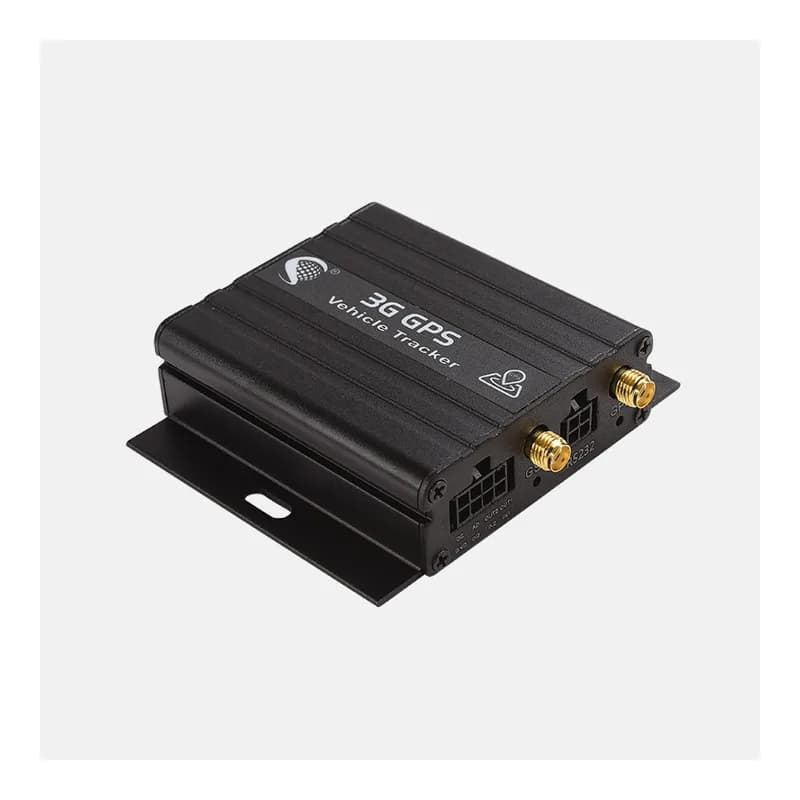
iStartek VT600 GPS vehicle tracker, a silver metal box with mounting ears and antenna sockets
500 mAhbackup battery
30 hon battery in power-saving mode
4 MBflash memory for stored points
3digital inputs
90 gtotal weight
report · position
Speed 58 km/hFix A
01 · Live tracking · Position message

Where the vehicle is, how fast it goes and where it heads

Every position message carries the time, the GPS fix flag, latitude and longitude. It also has the number of satellites, speed, heading, height and the distance counter. The cell tower in use comes along too. When the signal drops, the VT600 keeps points in its 4 MB memory and sends them later. Fleet Scanner draws the route and lets you replay any day.

Position message Satellites HDOP Odometer Cell tower
Live GPS vehicle tracking →
event · alarmsSOS
Power cutBattery backup
02 · Alarms · Event reports

SOS button, power cut and low battery alarms

The driver can press the SOS button in an emergency. The VT600 also raises an alarm when someone cuts its main power, when power comes back and when the battery runs low. iStartek lists alarms for movement, a weak GPS area and a cut GPS antenna as well. Fleet Scanner sends each alarm to the right people at once.

SOS Low power Main power cut Power back
Instant fleet alerts →
geofence · zones
Zone DepotLeft zone
03 · Geofences · Tracker and server

Know when a vehicle leaves its zone

The VT600 has its own geofence alarm. On top of that, Fleet Scanner lets you draw as many zones as you like on the map. A zone can be a yard, a client site or a city. You pick who gets told when a vehicle goes in or comes out.

Geofence alarm Zone in Zone out
Geofencing software →
output · relay
Output CUT
04 · Remote cut-off · Digital output

Stop a stolen vehicle from far away

The VT600 output can drive a relay on the fuel line or the power line. From Fleet Scanner, an allowed user can cut it and later switch it back. Each report shows the output state, so you can see the cut worked. iStartek also offers an anti-jammer option for units that need it.

Output state Fuel cut Power cut Anti-jammer (option)
Vehicle theft protection →
io · inputs / outputsDIN1 Ignition ONAIN1 12.4 VDOUT1 Relay OFF
Ignition ONPower 12.6 V
05 · Inputs and power · Position message

Ignition, door and other wires you connect

There are three digital inputs. One triggers on negative, one on positive and one can be set either way. There is also one analog input. Each report has the input and output states, the main power voltage and the battery voltage. Fleet Scanner uses ignition for trips and engine hours. The voltages show up as device health.

Ignition Door Analog input Main power voltage Battery voltage
Trip records →
fuel · sensor
Fuel 62 %Drop
06 · Fuel level · Fuel sensor

Fuel level from a sensor in the tank

iStartek sells two fuel sensors for the VT600. One is capacitive and one is ultrasonic. The fuel reading travels inside the normal reports. Fleet Scanner draws a fuel graph and flags sudden drops that may be theft.

Capacitive sensor Ultrasonic sensor Fuel level
Fleet fuel management →
event · driver IDA3 41 9F 00
Driver taggedTemp 4 °C
07 · Driver ID and temperature · 1-Wire

Who is driving and how cold the load is

A custom version of the VT600 has a 1-Wire port. It takes an iButton key for driver ID or a temperature probe. When a driver taps the key, the tracker sends the key number. Fleet Scanner links each trip to that driver. It can also chart the probe reading for chilled goods.

Driver ID iButton Temperature probe
Driver management →

VT600 specifications

Network2G GSM / GPRS
GPSSiRF Star IV, L1 1575.42 MHz, 20 channels, -159 dB sensitivity
AccuracyAbout 10 m position, 0.1 m/s speed
Time to first fixAbout 1 s hot start, 38 s warm start, 42 s cold start
Power supply10.6 to 36 V DC
Backup battery500 mAh, about 30 h in power-saving mode or 7.5 h in normal mode
Inputs / outputs3 digital inputs, 1 analog input, 1 output, SOS button, 2 status lights
Memory4 MB flash for points stored when there is no connection
Extras1-Wire for iButton or temperature probe (custom version), optional hidden microphone, optional anti-jammer
Size and weightAbout 65 x 61 x 26 mm, 90 g
Working conditions-20 to 65 °C, 5 to 95% humidity without condensation
ProtocoliStartek GPRS protocol
Fleet Scanner port10803

Specifications can differ between hardware revisions. Check the manufacturer’s datasheet for your exact unit.

How to connect the VT600 to Fleet Scanner

  1. Mount the VT600 out of sight. Wire power, ground and ignition. If you want remote cut-off, add a relay on the fuel or power line and connect it to the output.
  2. Put in a 2G SIM with data. Set the APN (the SIM’s internet name) and point the tracker at your Fleet Scanner domain or IP on port 10803. Use SMS or the iStartek PC tool. iStartek sales can send the VT600 SMS command list.
  3. In Fleet Scanner, add the device with its IMEI number and give it a vehicle.
  4. Drive around the block. Check the route and ignition on the live map. Then press SOS once to test the alarm.

iStartek VT600 FAQ

Can I use the iStartek VT600 with Fleet Scanner?

Yes. Fleet Scanner understands the iStartek GPRS protocol the VT600 talks. It reads position, inputs, voltages, alarms, fuel and driver ID. Point the tracker at port 10803 on your own Fleet Scanner server.

How do I connect the VT600 to a tracking server?

Send the tracker SMS commands or use the iStartek PC tool. Set the APN from your SIM provider, then the server address and port. For Fleet Scanner, the port is 10803. The exact command words are in iStartek’s SMS document for the VT600 and VT900.

How long does the VT600 battery last?

The 500 mAh backup battery lasts about 30 hours in power-saving mode and about 7.5 hours in normal mode, says iStartek. It is there to report a power cut, not to run the tracker for weeks.

Does the VT600 work on 4G?

No. The VT600 uses 2G GSM and GPRS only. If 2G is closing where you drive, pick one of iStartek’s 4G trackers. Fleet Scanner works with those too.

VT600 wired in. Every vehicle on your own server.

From a single tracker to a mixed fleet across 1,000+ device models: live tracking, alerts, fuel, drivers, maintenance and reports in one self-hosted platform. See it with your own hardware.

Get a free demo

More supported GPS trackers

Specs come from the iStartek VT600 product page. Data groups follow the iStartek GPRS protocol. Some features need a custom or optional build. iStartek and VT600 are trademarks of their owner.

Take Control with
Fleet Tracking

Track vehicles in real time, optimize routes, and take full control of your fleet operations.

Free Demo