Skip to content
Fleet Scanner
Hardware integration · iStartek VT900-L

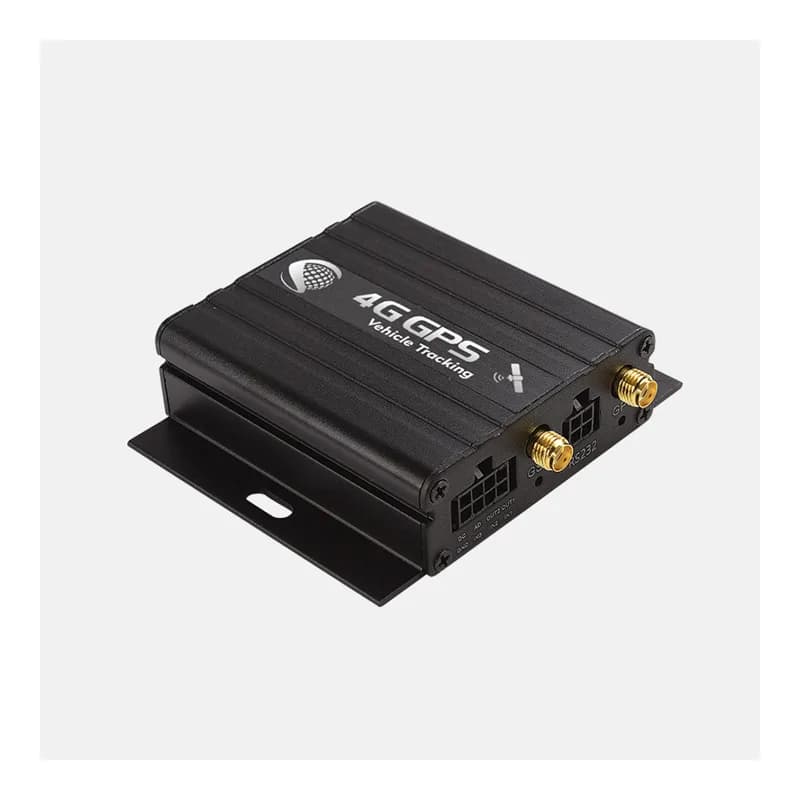
iStartek VT900-L 4G GPS tracker, working inside Fleet Scanner

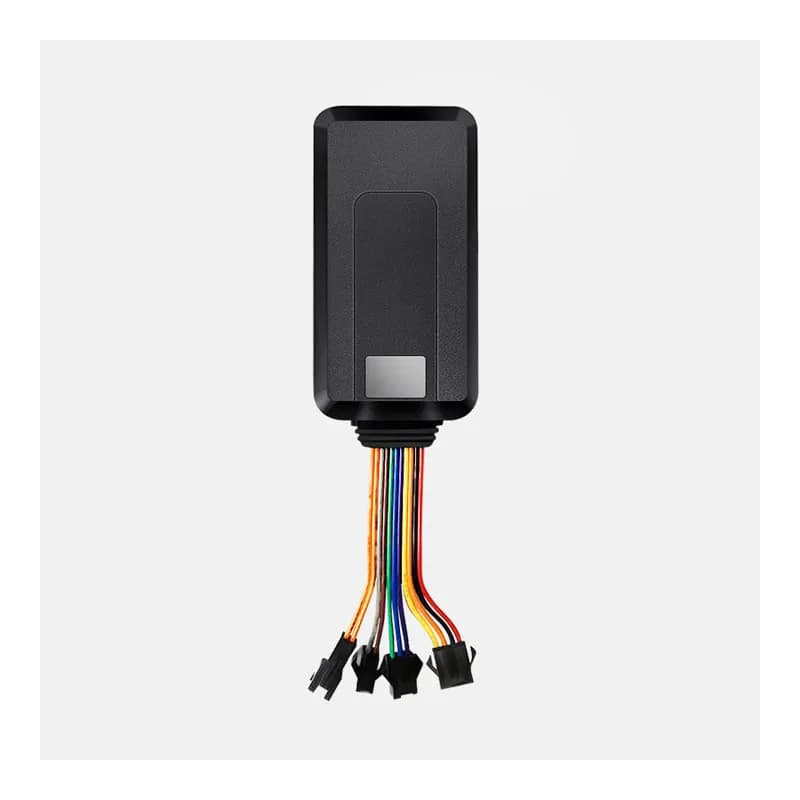
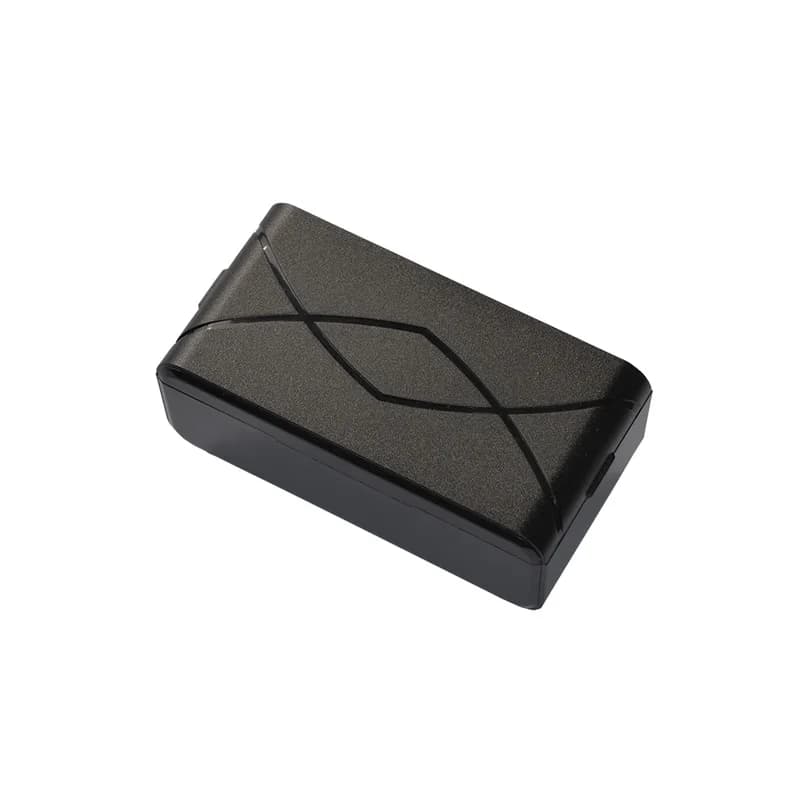
The iStartek VT900-L 4G GPS tracker is a wired box for cars, vans, buses and trucks. It sends its position over 4G LTE, and each version can drop back to 3G or 2G where 4G is missing. It has three inputs, two outputs, an analog input for a fuel sensor and a serial port for card readers. When there is no signal, it keeps positions in its own memory and sends them later. Fleet Scanner reads its iStartek GPRS protocol (the language it uses to send data) and turns it into live tracking, alerts and a safe engine cut-off.

4G LTE three regional versions3 in / 2 out plus RS232Relay fuel / power cutPort 10803
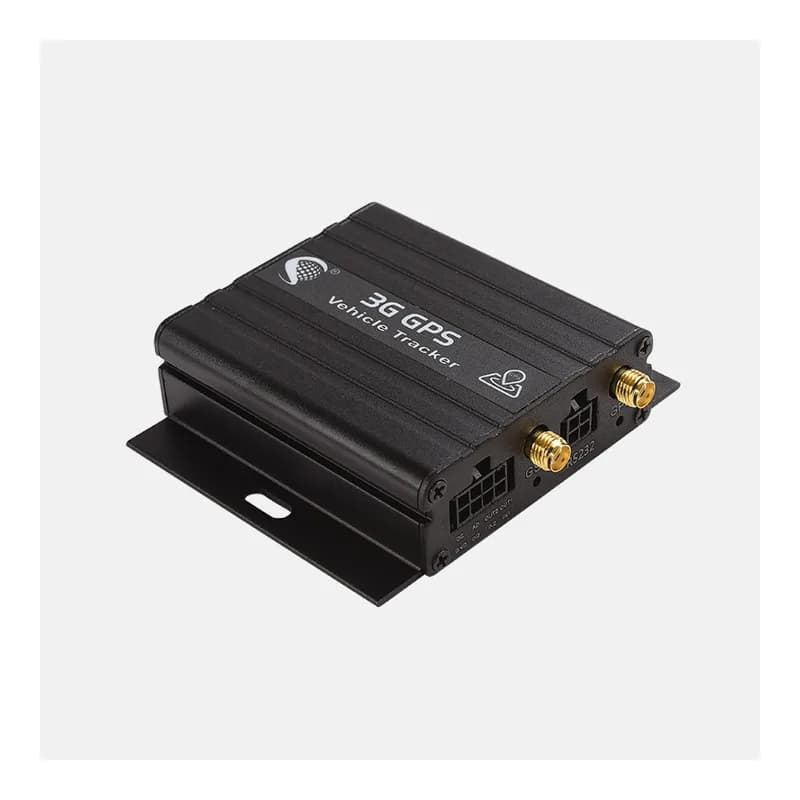
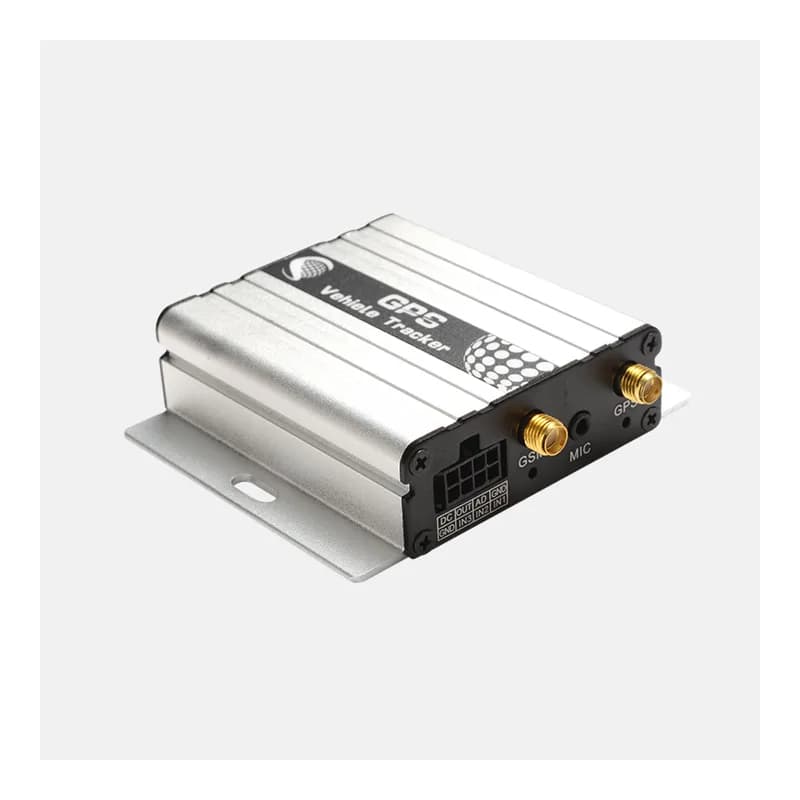
iStartek VT900-L black metal 4G GPS vehicle tracker with two antenna sockets and mounting ears
LTECat-1 or Cat-M / NB-IoT
9 to 36 Vvehicle supply
500 mAhbackup battery
33 hbackup run time, power saving
8 MBmemory for positions with no signal
report · position
Speed 64 km/hLTE
01 · Live tracking on 4G · Position report

Positions on a timer, by distance or on a turn

The VT900-L logs in to the server, then sends position reports. Each report has the time, location, speed, heading, height, satellites in use and the cell tower it is on. You choose when it reports: every set number of seconds, every set distance, or when the vehicle turns by more than a set angle. Fleet Scanner draws the route live and saves it for playback.

Login Position report Distance report Heading change Base ID
Live vehicle tracking →
alarm · drivingX -612Y 180Z 990
Hard brakingScore -4 pts
02 · Driving behaviour · Alarm messages

Speeding, hard speed-ups and hard stops

The tracker watches how fast the speed changes. By default, a change of 7 km/h each second that lasts 3 seconds counts as harsh. It sends one alarm for a hard speed-up and another for hard braking. A speed limit alarm comes on top. Fleet Scanner adds these to each driver’s score.

Harsh acceleration Harsh deceleration Over speed
Driver scorecards →
alarm · securitySOS
Power cutBattery backup
03 · Security alarms · Alarm messages

SOS, cut power and weak battery alarms

An SOS button on input 1 sends an alarm with the position. So does cutting the vehicle power, a low vehicle supply and a low backup battery. The VT900-L also tells you when it loses the GPS signal and when it gets it back. Fleet Scanner turns each one into an instant alert.

SOS / input 1 Power cut Ext-power low Low battery Blind area in / out
Fleet alerts management software →
alarm · zones
Zone Bus depotExit
04 · Geofences · Alarm messages

Zone alarms and a parked-car move alarm

A geofence is a zone on the map. The VT900-L can hold a round zone and send an alarm when it goes in or out. It also has a move alarm: park the vehicle, and it warns you if it leaves a circle of 30 m to 2,000 m. Fleet Scanner adds as many extra zones as you like on its side.

Enter zone Exit zone / moved SMS 302 zone SMS 006 move circle
Fleet geofencing software →
command · output
Cut-off WAITINGSpeed 14 km/h
05 · Remote cut-off · Output commands

Engine cut-off that waits for a safe speed

Wire a relay (an electric switch the tracker controls) to one of the outputs. Fleet Scanner can then cut the fuel pump or engine power. The safe commands only act when GPS is working and the vehicle is below 10 km/h or 20 km/h. With an optional RFID or iButton reader, the vehicle will not start without an approved driver card.

Output, below 10 km/h Output, below 20 km/h Output, at once RFID / iButton event
Vehicle and equipment protection →
status · inputs + AD
ACC ONFuel 62 %
06 · Ignition, door and fuel level · Status field

Ignition, door, fuel sensor and mileage

Every report carries the state of each input and output and whether vehicle power is connected. Input 3 is meant for ignition (ACC) and input 2 for a door. The analog input reads 0 to 24 V, so it can read a fuel level sensor. The report also carries total mileage. Fleet Scanner uses these for trips, engine hours, fuel charts and service reminders.

IN3 ignition (ACC) IN2 door AD1 fuel sensor Ext-power Mileage
Fleet fuel management software →

VT900-L specifications

NetworkVT900-LMN: LTE Cat-M / NB-IoT with 2G (850/900/1800/1900 MHz). VT900-LEC (Europe): LTE Cat-1 B1/B3/B7/B8/B20/B28, 3G B1/B8, 2G B3/B8. VT900-LNS (US): LTE Cat-1 B2/B4/B5/B12/B13/B25/B26, 3G B2/B4/B5
Cellular moduleQuectel EG91 (LEC, LNS) or BG96 (LMN)
GPSMTK MT3337, under 2.5 m CEP, cold start under 15 s, hot start under 1 s
Power supply9 to 36 V DC, 1.5 A (12 V or 24 V)
Backup battery500 mAh 3.7 V; about 33 h in power saving mode, 7.5 h in normal mode
Inputs / outputs3 digital inputs (1 negative, 2 positive trigger), analog input 0 to 24 V, 2 open-drain outputs (500 mA), 5 V accessory output, RS232 port, USB for setup
Memory8 MB flash; keeps positions when there is no network and sends them later
SensorsVibration sensor
AntennasExternal GSM and GPS antennas (SMA)
Size / weight65 x 61 x 26 mm, 106 g
Operating temperature-20 to 55 °C
ProtocoliStartek VT600/VT900 GPRS protocol over TCP or UDP, plus SMS
Fleet Scanner port10803 (TCP)

Specifications can differ between hardware revisions. Check the manufacturer’s datasheet for your exact unit.

How to connect the VT900-L to Fleet Scanner

  1. Charge first: connect the red (DC) and black (GND) wires to 12 V or 24 V for at least 2 hours. Then switch the tracker off, unscrew the front plate, slide out the board and put in a SIM with data on and its PIN lock off.
  2. Screw the GSM and GPS antennas into their sockets. Place the GPS antenna facing the sky with no metal over it. In the vehicle, wire ignition (ACC) to IN3, an SOS button to IN1 and, for cut-off, a relay to an output.
  3. Send these SMS commands (000000 is the default password): W000000,011,yourAPN for the SIM’s internet settings, W000000,012,your-server,10803 for your Fleet Scanner server, W000000,013,1 to switch on TCP tracking and W000000,014,6 to report every 60 seconds.
  4. Send W000000,600. The first number in the reply is the device ID. Add the tracker in Fleet Scanner with that ID, then take a short drive and check the position, ignition and alarms on the live map.

iStartek VT900-L FAQ

Does Fleet Scanner support the iStartek VT900-L?

Yes. Fleet Scanner reads the VT900-L’s login, position and alarm messages, including harsh driving, SOS, power cut, geofence and blind area alarms. It can also send the output commands for a relay. The tracker reports on port 10803.

How do I set the VT900-L APN and server by SMS?

Send W000000,011,APN to set the APN, then W000000,012,server,port to set the server address and port. Turn on TCP tracking with W000000,013,1 and set the report time with W000000,014,X, where X is in steps of 10 seconds. Change the default 000000 password with command 001.

Which VT900-L version should I buy?

iStartek makes three. The VT900-LMN uses LTE Cat-M and NB-IoT with 2G backup. The VT900-LEC is the Europe version and the VT900-LNS is the US version; both use LTE Cat-1 with 3G backup. Pick the one that matches your country and SIM.

How long does the VT900-L run on its own battery?

Its 500 mAh backup battery lasts about 33 hours in power saving mode and about 7.5 hours in normal mode. It is there for when vehicle power is cut. The tracker normally runs from the vehicle’s 9 to 36 V supply.

Can I stop a vehicle remotely with the VT900-L?

Yes, when a relay is wired to an output. Use the safe commands, which only act when GPS works and the vehicle is below 10 km/h or 20 km/h. Fleet Scanner lets only approved users send them.

What does the VT900-L do when it has no signal?

It saves its positions in its 8 MB memory. When the network or server comes back, it sends the saved positions on its own, so the route in Fleet Scanner has no gaps.

VT900-L on 4G. Every vehicle on one live map.

From a single tracker to a mixed fleet across 1,000+ device models: live tracking, alerts, fuel, drivers, maintenance and reports in one self-hosted platform. See it with your own hardware.

Get a free demo

More supported GPS trackers

Data groups follow the iStartek VT600/VT900 GPRS and SMS protocol documents. Some features, such as RFID, iButton and fuel sensors, need optional parts or custom firmware. iStartek and VT900-L are trademarks of Shenzhen iStartek Technology Co., Ltd. Specifications from the iStartek VT900-L product page and user manual.

Take Control with
Fleet Tracking

Track vehicles in real time, optimize routes, and take full control of your fleet operations.

Free Demo