Skip to content
Fleet Scanner
Hardware integration · iStartek VT900-G

iStartek VT900-G 3G GPS tracker, working inside Fleet Scanner

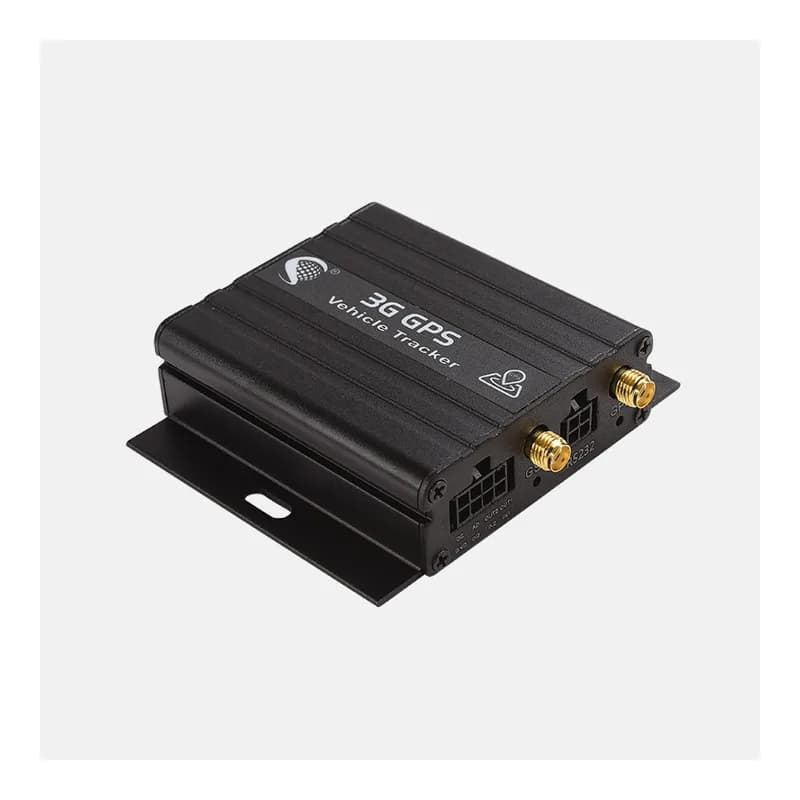
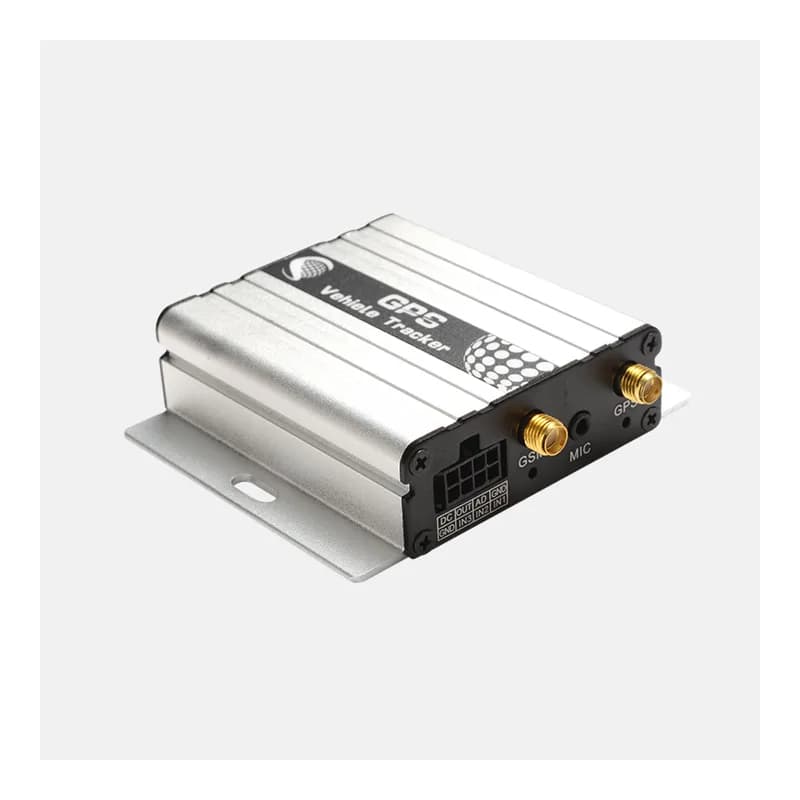
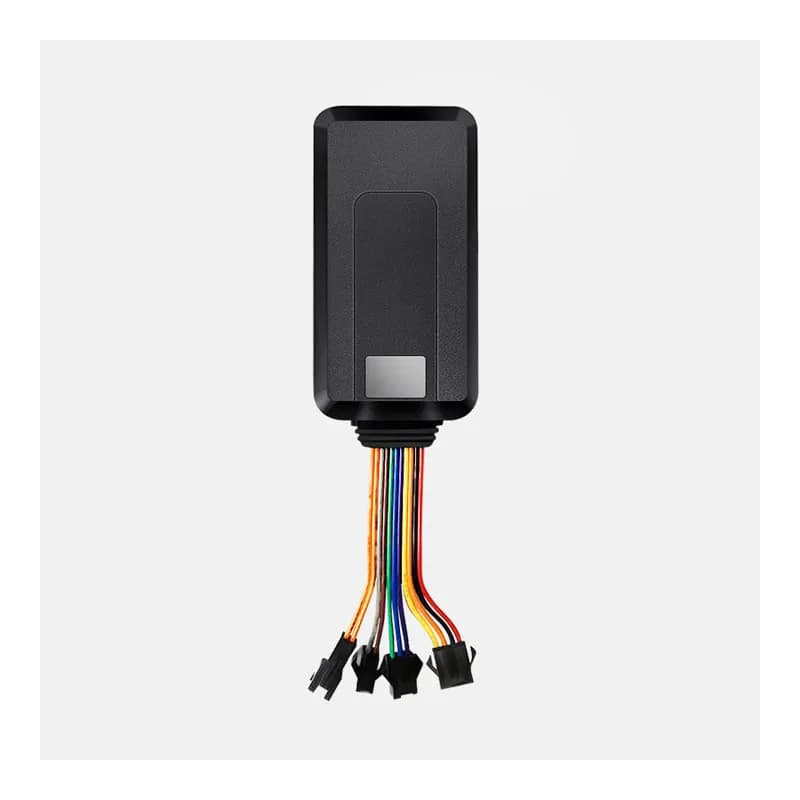
The iStartek VT900-G 3G GPS tracker is a small wired box for cars, vans and trucks. It sends data over 3G (WCDMA) and drops to 2G when there is no 3G. It is built to take add-ons: fuel level sensors, temperature probes, driver ID card readers and an alcohol sensor. It talks to the server in the iStartek GPRS protocol. Fleet Scanner reads every report and shows it as live tracking, fuel and temperature charts, driver records and alerts.

3G WCDMA with 2G backupFuel + temp sensor readyRFID driver IDPort 10803
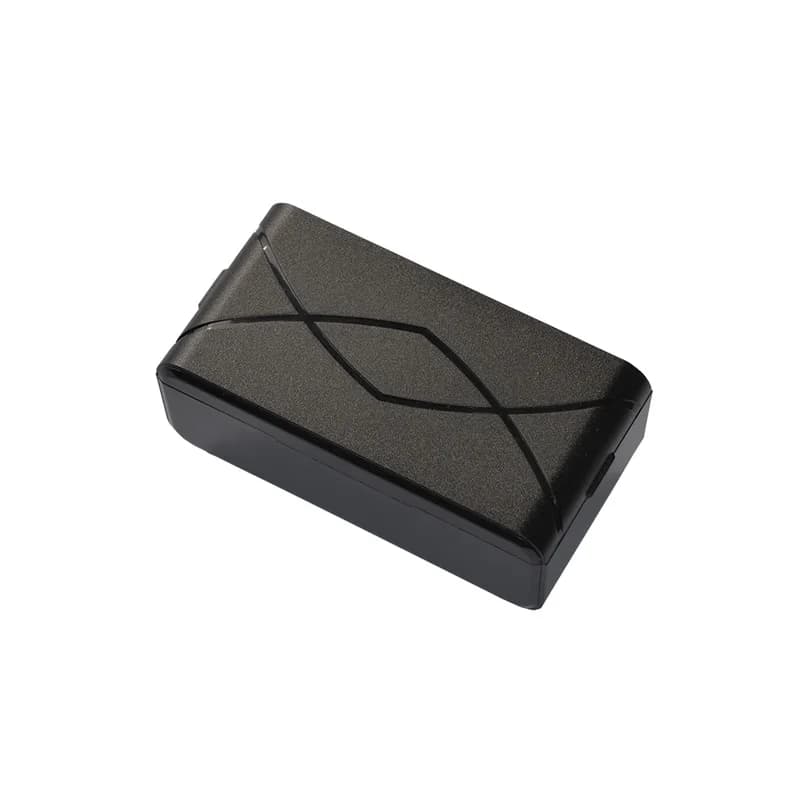
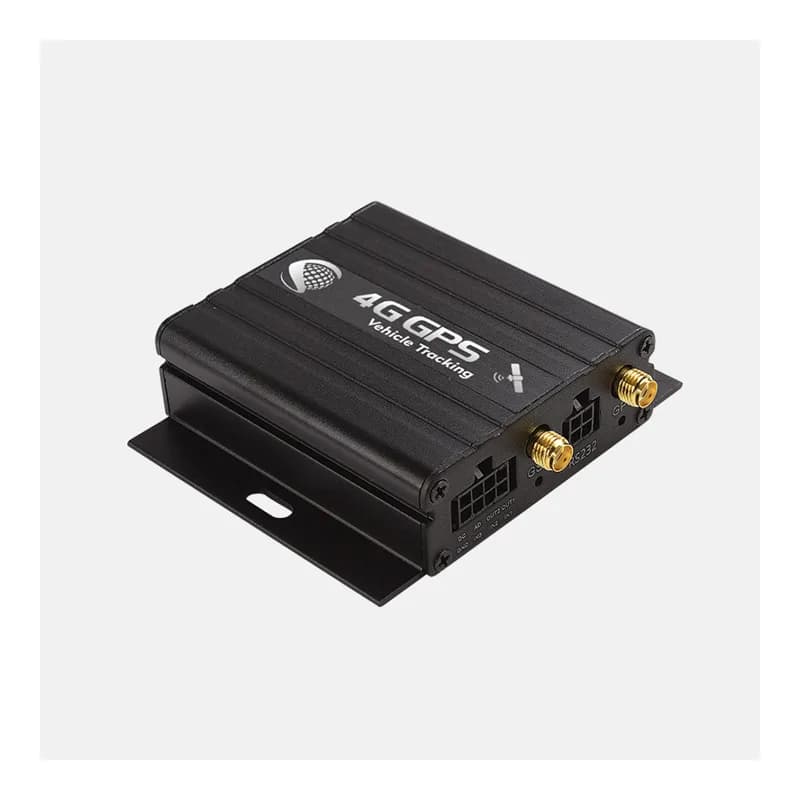
iStartek VT900-G black metal 3G GPS vehicle tracker with antenna sockets and mounting ears
37+alarm types (iStartek)
3 in / 2 outdigital inputs and outputs
8 MBflash memory for offline points
500 mAhbackup battery
90 gweight
report · position
Speed 58 km/hFix VALID
01 · Live tracking · Position report

Where the vehicle is, how fast it goes and how far it has driven

Each position report (type 000) carries the time, latitude, longitude, speed, heading and height. It also says how many satellites the tracker sees and how good the fix is. A trip counter (odometer) and the mobile cell it uses come along too. When the signal drops, the VT900-G keeps points in its 8 MB memory and sends them later. Fleet Scanner draws the route on the map and keeps it for playback.

Position report Satellites + HDOP Speed / course Altitude Odometer MCC / MNC / LAC / Cell ID
Live vehicle tracking →
sensor · fuel
Tank 61 %Drop -18 L
02 · Fuel level · Fuel sensor / CAN

Fuel level from a tank sensor or the engine computer

You can add a capacitive or ultrasonic fuel sensor to the VT900-G. iStartek sells both as options. The fuel reading then arrives inside the normal position report. The tracker can also read fuel from OBD or CAN bus. Fleet Scanner draws the fuel line and flags sudden drops, so a drained tank is easy to spot.

Fuel reading Capacitive sensor Ultrasonic sensor CAN fuel level
Fuel monitoring software →
sensor · temperature
Box -18.4 °C
03 · Cold chain · Temperature sensor

Temperature readings for chilled and frozen loads

iStartek sells the VT900-G for cold chain work. Plug a temperature sensor into it and each report carries the reading. Fleet Scanner keeps a temperature log for every trip. It warns you when a fridge truck gets too warm, before the load is lost.

Temperature reading Below-zero values
Cold chain tracking →
event · driver IDA3 41 9F 00
Driver Card 0417Login
04 · Driver ID · RS232 reader

Know who is driving with RFID, magnetic cards or iButton

An RFID reader or a magnetic stripe card reader connects to the RS232 port. iButton keys work too. When a driver logs in, the tracker sends event 53 with the card number. Fleet Scanner links the trip to that driver. So trips, speeding and fuel use land on the right person.

Driver ID event RFID card Magnetic stripe iButton
Driver scorecards →
alarm · drivingX -612Y 180Z 990
Hard brakeScore 84
05 · Driving behaviour · Event reports

Harsh starts, hard stops and fast corners

The tracker reports harsh acceleration, harsh braking and sharp cornering as events. The VT900-G also takes an alcohol sensor, which can raise a drunk driving alarm. Fleet Scanner adds these events to each driver’s score.

Harsh acceleration Harsh braking Sharp cornering
Driver behaviour reports →
alarm · safetySOS
Power cutBackup ON
06 · Safety alarms · Event reports

Panic button, cut power and opened doors

Event 1 is the SOS (panic) button. Event 18 means someone cut the vehicle power, and event 19 means it came back. Event 17 warns of low power. Events 5 and 6 come from the door input. Fleet Scanner sends each one to your phone with the position, so you can act fast.

SOS Power cut Power restored Low power Door
Real-time fleet alerts →
status · in / outDIN1 Ignition ONAIN1 12.4 VDOUT1 Relay OFF
Ignition ONPower 24.1 V
07 · Ignition, power and engine stop · I/O fields

Ignition, voltages and remote engine shut off

Every report carries the input and output state, including ignition and door. It also carries the vehicle voltage, the backup battery voltage and the analog reading. iStartek lists engine shut off for the VT900-G. Fleet Scanner uses ignition for trips and engine hours. Only approved users can send the stop.

Ignition Door Outputs Power voltage Battery voltage ADC
Vehicle and equipment protection →

VT900-G specifications

Network3G UMTS/HSDPA 850/900/1900/2100 MHz with 2G GSM/GPRS 850/900/1800/1900 MHz
GPSSiRF Star IV, 20 channels, -159 dB, 2.5 m 2D accuracy
Time to first fixAbout 1 s hot, 38 s warm, 42 s cold
Power supply9 to 36 V DC, about 55 mA in normal use
Backup battery500 mAh, about 7.5 hours normal or 30 hours in power saving mode
Inputs / outputs3 digital inputs, 2 outputs, analog input, RS232
Add-onsFuel sensor, temperature sensor, RFID, magnetic card, iButton, alcohol sensor, OBD / CAN bus
Memory8 MB flash
Size / weight65 x 61 x 26 mm, 90 g
Working temperature-20 °C to 65 °C, 5 to 95% humidity
ProtocoliStartek GPRS protocol
Fleet Scanner port10803 (TCP)

Specifications can differ between hardware revisions. Check the manufacturer’s datasheet for your exact unit.

How to connect the VT900-G to Fleet Scanner

  1. Mount the VT900-G out of sight and wire power, ground and ignition. Add the relay, fuel sensor, temperature probe or card reader if you use them.
  2. Insert a SIM card with 3G data. Set the APN and point the tracker to your Fleet Scanner server address on port 10803, by SMS or with iStartek’s parameter editor over USB.
  3. In Fleet Scanner, create a device with the VT900-G’s IMEI and attach it to a vehicle. Set up the fuel tank and temperature limits if you use sensors.
  4. Drive around the block. Check that the route, ignition and voltages show up, then press SOS once to test the alarm.

iStartek VT900-G FAQ

Can I connect the iStartek VT900-G to Fleet Scanner?

Yes. Fleet Scanner understands the iStartek protocol the VT900-G speaks. It reads position reports, alarms, fuel, temperature, driver ID and engine data. Point the tracker to port 10803 on your own Fleet Scanner server.

Is the VT900-G a 4G tracker?

No. The VT900-G uses 3G (WCDMA) and falls back to 2G (GSM). If your carrier has shut down 3G and 2G, it will not connect. iStartek also lists a 4G model, the VT900-L.

Where do I find the VT900-G SMS commands?

iStartek publishes a VT600/VT900 SMS protocol and a VT900-G user manual on its download page. Ask iStartek or your seller for access. Fleet Scanner gives you the server address and port 10803 to enter.

How long does the VT900-G battery last?

Its 500 mAh backup battery lasts about 7.5 hours in normal mode, says iStartek. In power saving mode it lasts about 30 hours.

Can the VT900-G measure fuel?

Yes, with an add-on. You can fit a capacitive or ultrasonic fuel sensor, or read fuel over OBD or CAN bus where the vehicle shares it. Fleet Scanner then shows refuels and drops.

VT900-G wired in. Fuel, cold chain and drivers on one platform.

From a single tracker to a mixed fleet across 1,000+ device models: live tracking, alerts, fuel, drivers, maintenance and reports in one self-hosted platform. See it with your own hardware.

Get a free demo

More supported GPS trackers

Specifications from the iStartek VT900-G product page. Data groups follow the iStartek GPRS protocol. Sensor data needs the matching add-on. iStartek and VT900-G are trademarks of iStartek.

Take Control with
Fleet Tracking

Track vehicles in real time, optimize routes, and take full control of your fleet operations.

Free Demo