Skip to content
Fleet Scanner
Hardware integration · Teltonika FMB641

Teltonika FMB641 2G tracker with RS232 and RS485, set up in Fleet Scanner

The Teltonika FMB641 is a 2G GPS tracker for trucks, buses and special machines. Teltonika calls it an updated FMB640 with a newer processor. It has two RS232 ports and one RS485 port for fuel sensors and card readers, and it can read the tachograph and the truck’s CAN data. Teltonika no longer sells it, but support runs until February 2027, and Fleet Scanner reads it on your own server.

2 x RS232 + RS485 fuel sensors and readersTachograph live data + DDD files2 CAN with switchable terminatorsEnd of life support until Feb 2027
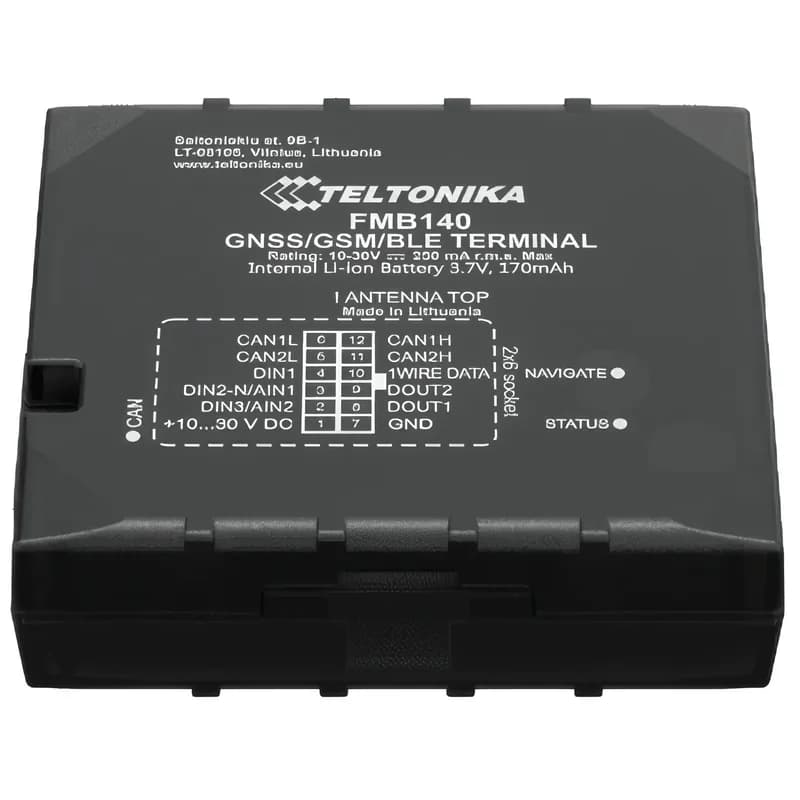
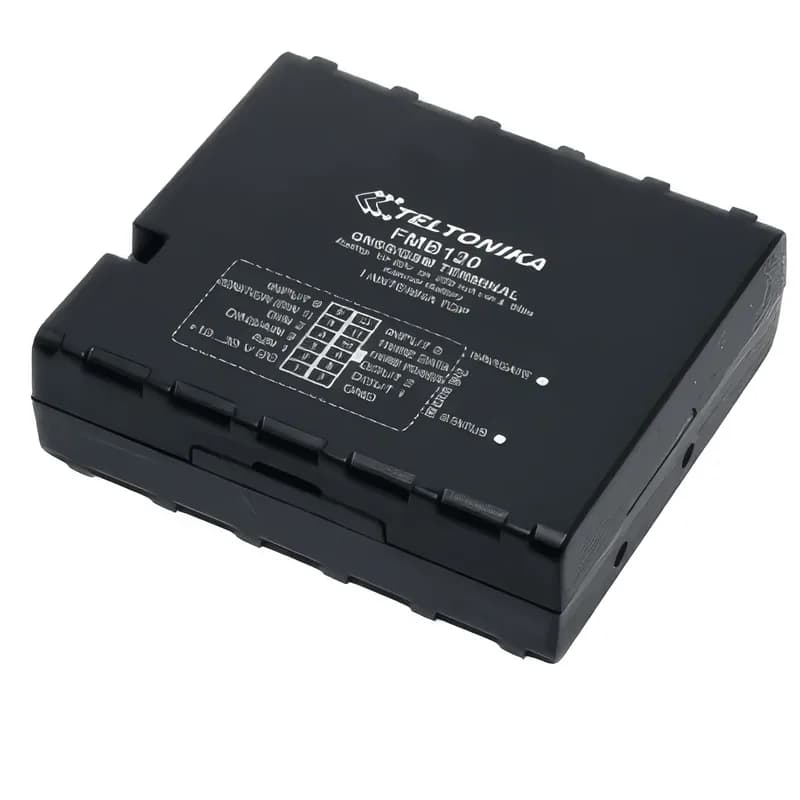
Illustration of the Teltonika FMB641 GPS tracker
5LLS fuel sensors on RS485
4digital inputs
4outputs
4analog inputs
550 mAhNi-MH backup battery
rs485 · LLS
Tank 2 -48 L
01 · FMB641 RS485 fuel sensors · RS485 / RS232

FMB641 RS485: up to five fuel tank sensors

The FMB641 RS485 port can take up to five LLS fuel level sensors on one line, so big trucks with several tanks can watch every tank. Each RS232 port in LLS mode takes one more sensor. Fleet Scanner turns these readings into a fuel line for each tank and alerts you when the level falls fast while parked.

RS485 LLS mode (up to 5 sensors) RS232 LLS mode (1 sensor) RS485 log, NMEA and TCP modes
Fleet fuel management software →
can · FMS J1939
Fuel 57 %RPM 1,350
02 · Truck CAN data · CAN J1939 / J1708

Engine and fuel numbers straight from the truck

Two CAN lines read the FMS data that heavy trucks share, and a J1708 line covers older vehicles. The FMB641 adds CAN terminators you can switch on or off, which helps on a CAN network with many parts. Fleet Scanner uses these values for fuel, engine and service reports.

87 Fuel level (%)88 Engine speed (rpm)89 Axle weight 190 Axle weight 2IDs from the FMB641 data sending list
Fuel monitoring system →
tachograph · K-LineA3 41 9F 00
Driver card read
03 · Tachograph · K-Line / CAN

Tachograph data and remote file download

The FMB641 reads live tachograph data over K-Line. It can also pull driver card and vehicle unit files from the tachograph from far away, so the truck does not have to come back to the yard. Teltonika lists VDO DTCO 1381, Stoneridge SE5000 and Intellic EFAS-4 tachographs, each from a set software version.

Live tachograph data (K-Line) Remote DDD file download VDO, Stoneridge, Intellic
Compliance reminders for fleets →
1-Wire · id + temp
Load 3.8 °C
04 · Driver ID and temperature · 1-Wire + RS232

Know who drives and how cold the load is

An iButton key on the 1-Wire line, or an RFID reader on RS232, tells the tracker who is driving. Teltonika’s quick manual lists up to six 1-Wire temperature probes for checking a cold load. Fleet Scanner puts the driver’s name on each trip and shows the load temperature next to the route.

iButton (1-Wire) RFID reader (RS232 or 1-Wire) 1-Wire temperature probes
Driver management software →
gnss · 2G
GSMSpeed 64 km/h
05 · Live tracking · GNSS + GSM

Live position over 2G with two SIM slots

The FMB641 finds its place with GPS, GLONASS, Galileo and BeiDou, and sends data on 2G GSM in four bands. It has two SIM slots. When there is no signal, it keeps records in its memory and on a microSD card of up to 32 GB, then sends them later. Fleet Scanner shows the truck on a live map and fills in the trip.

GPS, GLONASS, Galileo, BeiDou 2G quad band microSD up to 32 GB
GPS fleet tracking software →
io · inputs + outputsDIN1 Ignition ONAIN1 12.4 VDOUT1 Relay OFF
Door open
06 · Inputs and outputs · I/O

Wires for doors, pumps, buttons and relays

Four digital inputs and four analog inputs can watch things like doors, a panic button or a pump. Four outputs can switch a relay or a buzzer. Fleet Scanner lets you name each wire, so a report says “rear door open” instead of a number.

4 digital inputs 4 analog inputs 4 open collector outputs
Real-time fleet alerts →

FMB641 specifications

StatusEnd of life at Teltonika (ordering ended 20 September 2024, production ended 15 December 2024, support ends 10 February 2027); works with Fleet Scanner
Replacement named by TeltonikaFMC650
Network2G GSM, quad band 850 / 900 / 1800 / 1900 MHz, two SIM slots
SatellitesGPS, GLONASS, Galileo, BeiDou, SBAS and QZSS, with AGPS
Backup batteryNi-MH, 550 mAh
Inputs and outputs4 digital inputs, 4 outputs, 4 analog inputs
Serial ports2 x RS232, 1 x RS485
Vehicle data2 CAN (J1939 / FMS) with switchable terminators, J1708, K-Line
TachographLive data and remote DDD file download on supported VDO, Stoneridge and Intellic units
Memory2 MB internal plus microSD card up to 32 GB
Size and weight104.1 x 76.8 x 31.5 mm, 197 g
Fleet Scanner port11922

Specifications can differ between hardware revisions. Check the manufacturer’s datasheet for your exact unit.

How to connect the FMB641 to Fleet Scanner

  1. Put the SIM card in with its PIN request turned off. The FMB641 has two SIM slots; slot 1 is the one closer to the board.
  2. Plug the FMB641 into a Windows computer with a USB cable and open the Teltonika Configurator. The FMB641 can take its power from USB while you set it up.
  3. In the GPRS section, type your mobile network APN, then your Fleet Scanner server address as the domain and 11922 as the port, using TCP.
  4. To do it by text message instead, send a setparam SMS with parameters 2001 (APN), 2004 (server) and 2005 (port). Teltonika says to put two spaces before the text.
  5. Set the RS485 port to LLS mode if you use fuel sensors, then save the settings to the device.
  6. In Fleet Scanner, add the tracker by its IMEI, choose the FMB641 model and the vehicle, and check that it shows up on the live map.

Teltonika FMB641 FAQ

Is the Teltonika FMB641 still sold?

No. Teltonika marks it as end of life. Ordering stopped on 20 September 2024 and production on 15 December 2024. Teltonika will support it until 10 February 2027 and names the FMC650 as its replacement. FMB641 units already on your trucks can stay connected to Fleet Scanner.

How is the FMB641 different from the FMB640?

Teltonika says the FMB641 is an updated FMB640 with a newer, faster processor. It also has CAN terminators you can switch, and it can be powered from USB while you configure it. Teltonika says it supports every FMB640 feature.

How many fuel sensors can the FMB641 RS485 port take?

Up to five LLS fuel sensors on the RS485 line. In RS232 LLS mode, one sensor fits on each RS232 port.

How do I connect the FMB641 to a tracking server?

Set the APN, the server address and the port in the Configurator GPRS section, or send a setparam SMS. For Fleet Scanner, use your own server address and port 11922. By default the tracker sends saved records every 120 seconds.

Does the FMB641 work where 2G is shut down?

No. It only uses 2G GSM, so it needs a network that still runs 2G. For places without 2G, look at a 4G Teltonika model such as the FMC650.

Bring your FMB641 trucks into Fleet Scanner.

From a single tracker to a mixed fleet across 1,000+ device models: live tracking, alerts, fuel, drivers, maintenance and reports in one self-hosted platform. See it with your own hardware.

Get a free demo

More supported GPS trackers

AVL IDs 87 to 90 come from Teltonika’s FMB641 data sending parameter list. Teltonika lists the FMB641 as end of life, with the FMC650 as its replacement. Teltonika and FMB641 are trademarks of Teltonika Telematics. Specifications from the Teltonika FMB641 product page, wiki, datasheet and quick manual.

Take Control with
Fleet Tracking

Track vehicles in real time, optimize routes, and take full control of your fleet operations.

Free Demo