Skip to content
Fleet Scanner
Hardware integration · Teltonika FMB120

Teltonika FMB120 GPS tracker, working inside Fleet Scanner

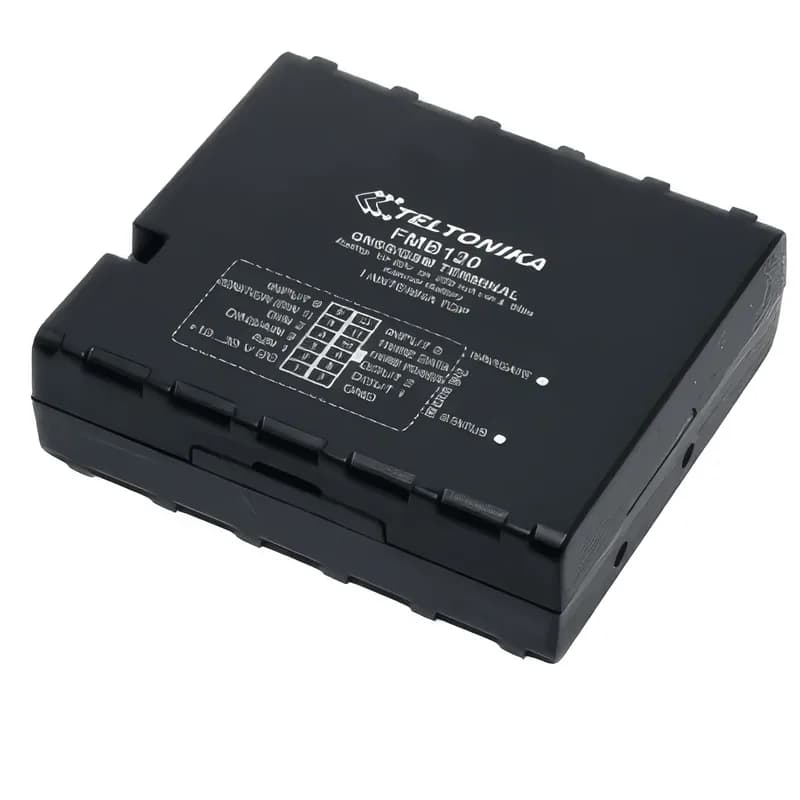
The Teltonika FMB120 GPS tracker is a professional 2G tracker. It has 1-Wire, Bluetooth and an input for an outside CAN adapter. The CAN bus is the vehicle’s own data network. Add an LV-CAN200 or ALL-CAN300 adapter and the FMB120 reads fuel, mileage and even tachograph data. Fleet Scanner turns every record into live tracking, fuel reports, driver records and alerts.

2G quad-band GSM3 · 2 · 2 DIN · DOUT · AIN1-Wire iButton + DallasCAN via LV-CAN200 / ALL-CAN300
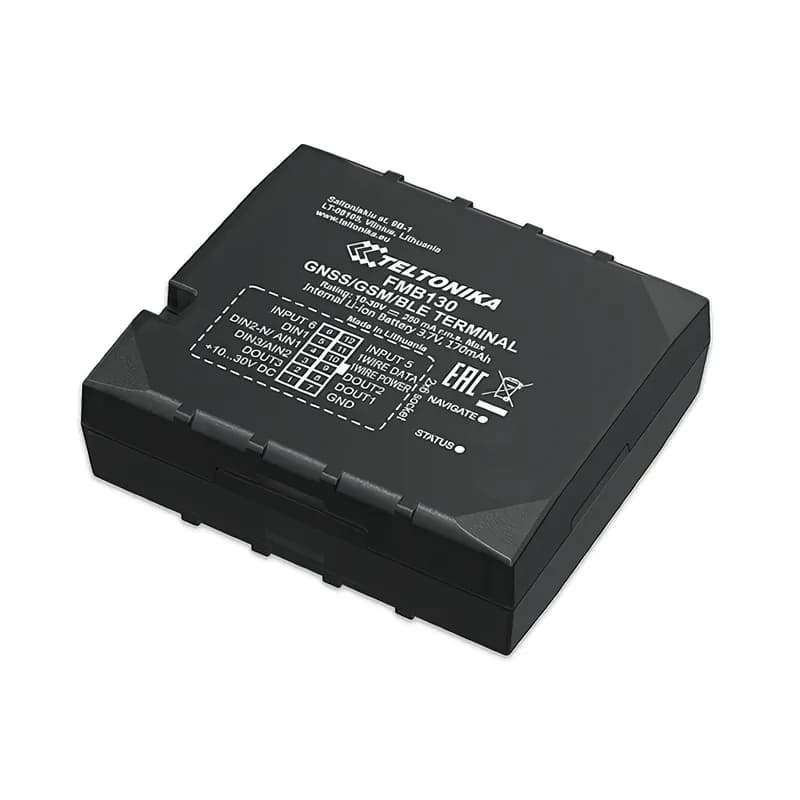
Teltonika FMB120 GNSS/GSM/BLE vehicle tracker
14firmware scenarios
3 · 2 · 2digital in · out · analog in
128 MBflash, about 422,000 records
170 mAhbackup battery
< 2.5 mGNSS accuracy (CEP)
live_position
Speed 58 km/hIgnition ON
01 · Live tracking · Permanent I/O

Live position, speed and ignition on one map

The FMB120 finds its position with GPS, GLONASS, Galileo and BeiDou. It also uses AGPS, which helps it find its place faster. Every record has the position, speed, ignition and whether the vehicle is moving. Fleet Scanner shows each vehicle live. It keeps every trip so you can play it back.

24 Speed239 Ignition240 Movement16/199 Odometer / trip250 Trip
GPS fleet tracking software →
can_bus · adapter
Fuel 66 %RPM 1,240
02 · CAN data through an adapter · LV-CAN200 / ALL-CAN300

Vehicle data from an outside CAN adapter

Connect an LV-CAN200, ALL-CAN300 or CAN-CONTROL adapter. Then the FMB120 reads data from the vehicle itself. You get fuel level, fuel used, RPM, speed, accelerator pedal position and total mileage. Fleet Scanner uses these real numbers for fuel and cost per mile.

84/89 Fuel level83 Fuel consumed85 Engine RPM81 Vehicle speed87 Total mileage
Fuel monitoring system →
tachograph · ALL-CAN300A3 41 9F 00
Card 1 PRESENTDrive time 3h 40m
03 · Tachograph data · ALL-CAN300

Tachograph driver cards and driving time

A tachograph is the device in a truck that records driving time. With an ALL-CAN300 adapter, the FMB120 passes on tachograph data. This includes whether a driver card is in and the driving times. Fleet Scanner uses it to check driving hours. It also links each trip to the right driver.

133–150 Tachograph data
Compliance reminders for fleets →
fuel · LLS + CAN
Level 388 LDrop -35 L
04 · Fuel monitoring · LLS + CAN + OBD

Fuel level probes, CAN fuel and fuel theft alerts

Fuel data can come from analog fuel level sensors or CAN adapters. It can also come from a Bluetooth OBD-II dongle or the GNSS Fuel Counter. Fleet Scanner draws one fuel graph. It shows refuels and flags sudden drops.

9/6 Analog input 1/284 CAN fuel level12/13 Fuel used / rate (GPS)
Fleet fuel management software →
driver id + temperature · 1-Wire
Driver J. SmithZone 1 3.8 °C
05 · iButton and temperature · 1-Wire + BLE

iButton driver ID and Dallas temperature probes

1-Wire is a simple wired connection for small add-ons. On the FMB120, it reads iButton driver keys. These tell you who is driving and work with the immobiliser (engine block). 1-Wire also reads Dallas temperature probes. Bluetooth temperature and humidity sensors work too. Fleet Scanner links each reading to the driver and the trip.

78 iButton ID248 Immobilizer72–75 Dallas temp 1–425–28 BLE temp #1–4
Driver management software →
driving_events · accelerometerX -612Y 180Z 990
Over speedingScore -3 pts
06 · Driving behaviour and safety · Eventual I/O

Green driving, speeding, crash, towing and jamming

The FMB120 sends driving events the moment they happen. These include harsh acceleration, braking and cornering, speeding and idling. It also sends crash, towing, unplug and jamming events. Jamming is when someone blocks the mobile signal. Fleet Scanner turns them into driver scores and safety alerts.

253/254 Green driving255 Over speeding251 Idling247 Crash246 Towing249 Jamming
Driver scorecards →
digital_io · in / outDIN1 Ignition ONAIN1 12.4 VDOUT1 Relay OFF
PTO ONRelay OFF
07 · Inputs, outputs and counters · Permanent I/O

Inputs, pulse counters and a remote immobiliser

The digital inputs can carry ignition, door or PTO (power take-off) sensors. DIN1 and DIN2 can count pulses, for example from flow meters. Two outputs can drive a buzzer or a starter-cut relay. That relay is a switch that stops the engine from starting. Fleet Scanner sends an alert on each change.

1/2/3 Digital input 1–34/5 Pulse counter 1–29/6 Analog input 1–2179/180 Digital output 1–2
Fleet alerts management software →
device_health · power12.6V
Ext 13.1 VGSM 4/5
08 · Power and diagnostics · Permanent I/O

Voltage, battery and signal health

Every record has the vehicle’s power voltage, the backup battery, the GSM signal and sleep mode. Fleet Scanner alerts you when a tracker loses power or stops reporting.

66 External voltage67/68 Battery V / current113 Battery level21 GSM signal200 Sleep mode
Fleet reports and dashboards →

FMB120 specifications

Network2G GSM quad-band 850/900/1800/1900 MHz, GPRS class 12
GNSSGPS, GLONASS, Galileo, BeiDou, SBAS, QZSS, DGPS, AGPS; 33 channels
Accuracy< 2.5 m CEP; hot start < 1 s
Power supply10 to 30 V DC with overvoltage and reverse-polarity protection
Backup battery170 mAh Li-Ion
Inputs / outputs3 digital inputs, 2 digital outputs, 2 analog inputs (DIN3/AIN2 shared)
Interfaces1-Wire, external CAN adapter input (LV-CAN200, ALL-CAN300, CAN-CONTROL), Bluetooth 4.0 + LE
Memory128 MB flash
Size / weight65 x 56.6 x 18.9 mm, 55 g, IP41
CertificationsE-Mark, CE/RED, EAC, RoHS, REACH and others
Fleet Scanner port11922 (TCP)

Specifications can differ between hardware revisions. Check the manufacturer’s datasheet for your exact unit.

How to connect the FMB120 to Fleet Scanner

  1. Fit the FMB120 under the dashboard. Connect power, ground and ignition. Add a CAN adapter, a 1-Wire reader or a fuel sensor if you need them.
  2. Open the Teltonika Configurator. Set the APN (your SIM’s internet settings). Then enter your Fleet Scanner server’s domain or IP, port 11922 and protocol TCP.
  3. In Fleet Scanner, add the device by its IMEI number and assign it to a vehicle.
  4. Take a test drive and check the live map. Then set up extra inputs, fuel sensors and iButton keys in the device settings.

Teltonika FMB120 FAQ

Does Fleet Scanner support the Teltonika FMB120?

Yes. Fleet Scanner reads the FMB120’s position, ignition, inputs and outputs. It also reads 1-Wire iButton and temperature data, Bluetooth sensors, CAN adapter data and driving events. It reports on port 11922.

Can the FMB120 read CAN data?

Yes, through an outside adapter: LV-CAN200, ALL-CAN300 or CAN-CONTROL. With ALL-CAN300, it can also pass on tachograph data.

Does the FMB120 have RS232 for fuel sensors?

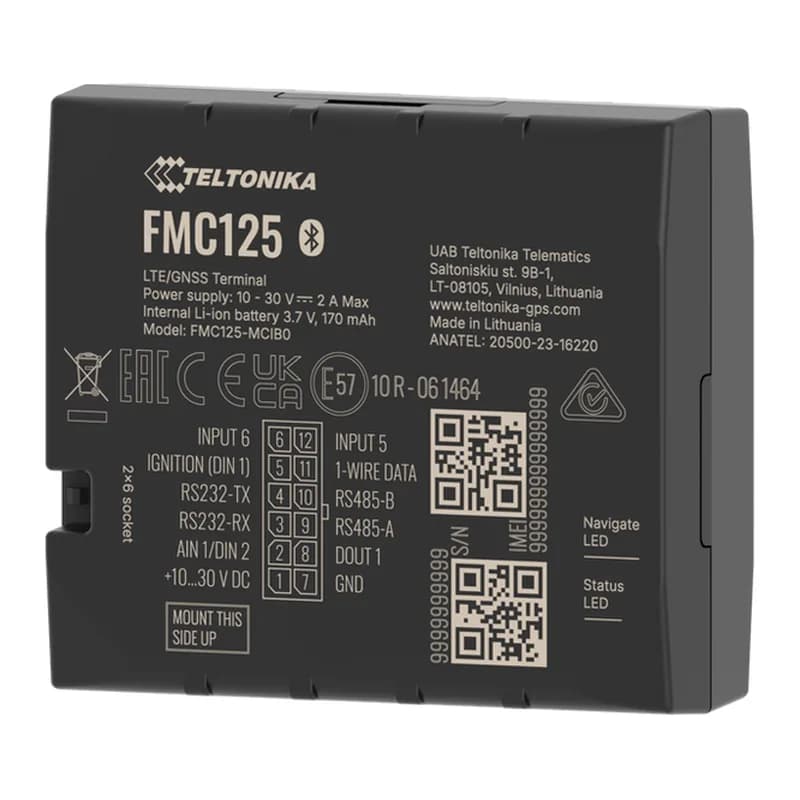
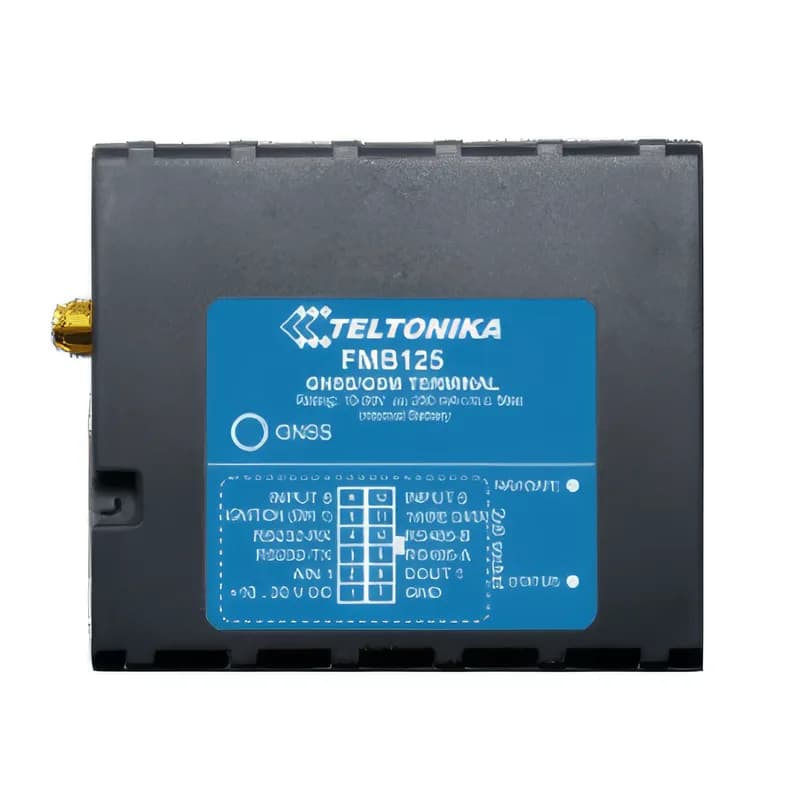
No. RS232 and RS485 are wired data ports, and they are on the FMB125. The FMB120 reads fuel from analog fuel level sensors, CAN adapters, a Bluetooth OBD-II dongle or the GNSS fuel counter.

Is the FMB120 2G or 4G?

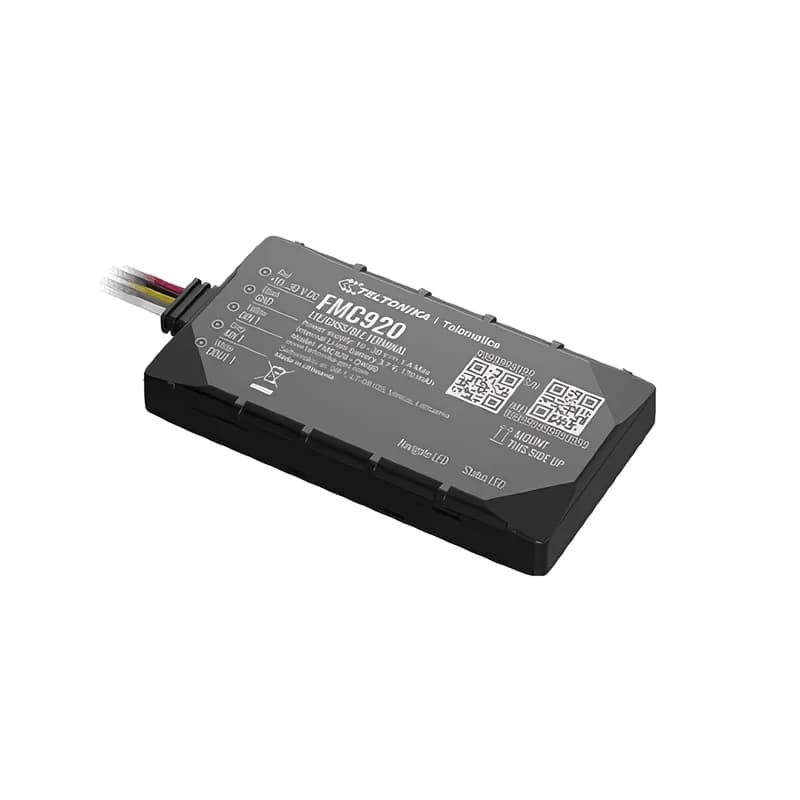
The FMB120 is 2G. Is 2G being switched off where you work? Then look at the Teltonika FMC130 4G tracker. Fleet Scanner supports it too.

FMB120 plugged in. Fleet running on one platform.

From a single tracker to a mixed fleet across 1,000+ device models: live tracking, alerts, fuel, drivers, maintenance and reports in one self-hosted platform. See it with your own hardware.

Get a free demo

More supported GPS trackers

Parameter IDs are Teltonika AVL IDs listed for the FMB120; CAN and tachograph IDs need the matching adapter. Teltonika and FMB120 are trademarks of Teltonika Telematics. Specifications from the Teltonika FMB120 description and datasheet.

Take Control with
Fleet Tracking

Track vehicles in real time, optimize routes, and take full control of your fleet operations.

Free Demo