Skip to content
Fleet Scanner
Hardware integration · Teltonika FMM920

Teltonika FMM920 Cat M1 GPS tracker in Fleet Scanner

The Teltonika FMM920 is a small GPS tracker for cars and vans that talks over LTE Cat M1, and Teltonika sells it as its best-selling Cat M1 tracker. Cat M1, which many networks call LTE-M, is a slim part of the 4G network built for devices that send small bits of data. The FMM920 can also use NB-IoT, and it drops back to 2G where neither is around. Connect it to Fleet Scanner and you get the map, the alerts and the reports, all running on a server you own.

Cat M1 + NB-IoT, 2G fallback1 · 1 · 1 DIN · AIN · DOUTBLE 4.0 + LE on out of the boxPort 11922
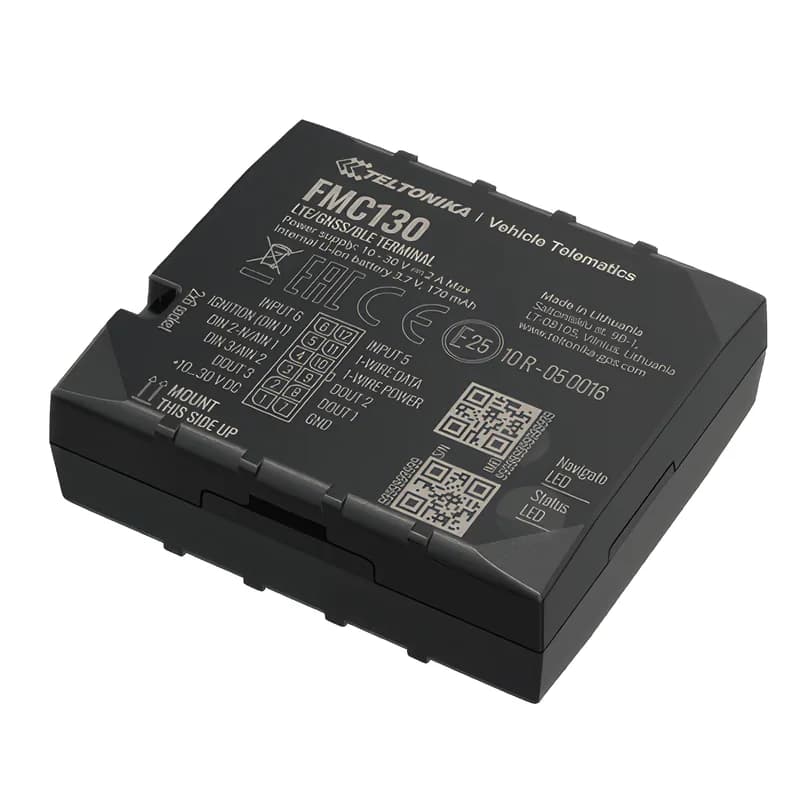
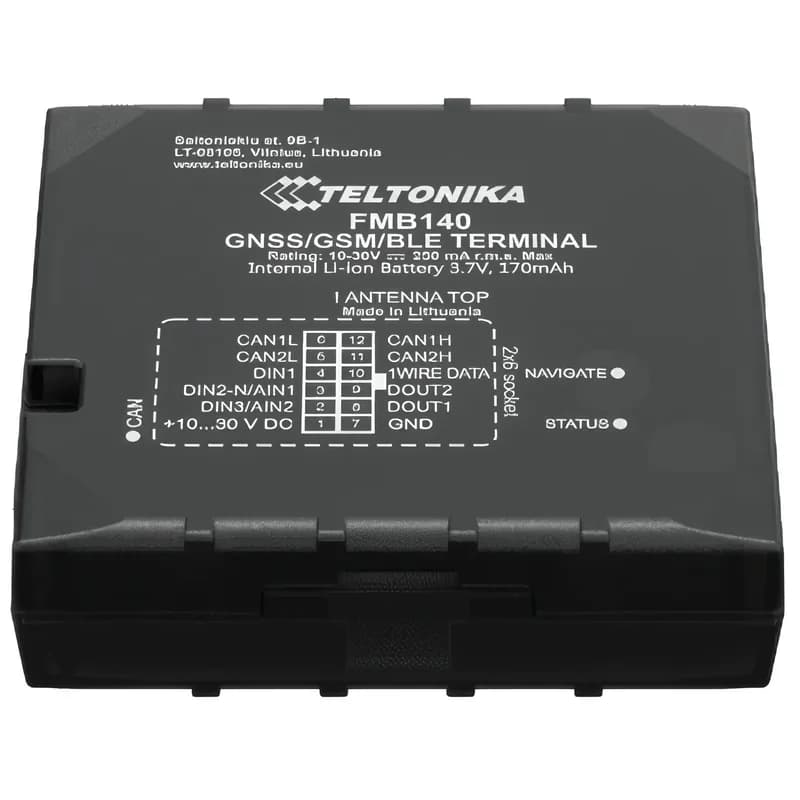
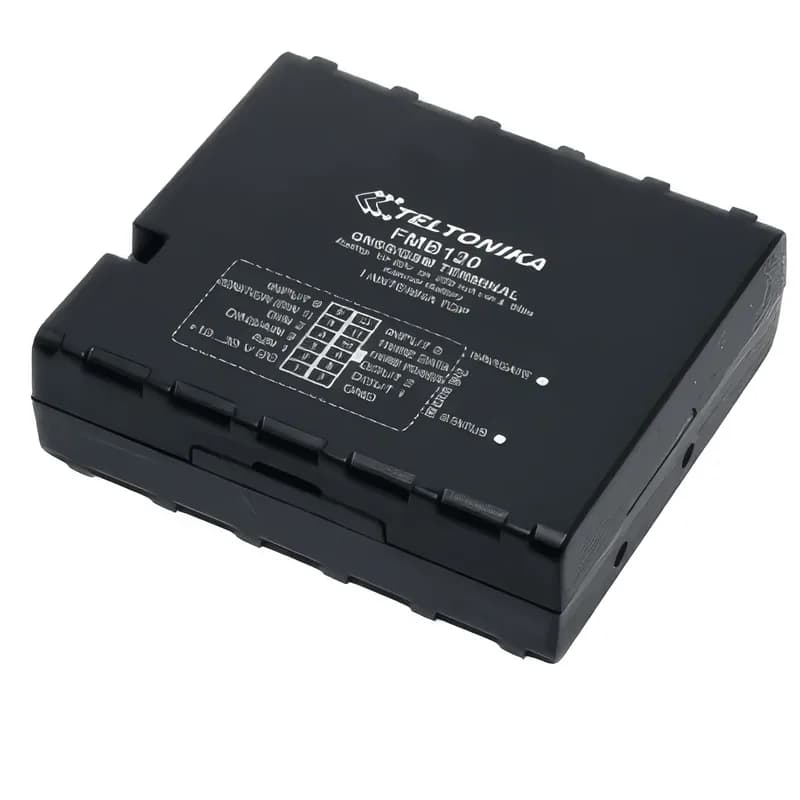
Illustration of the Teltonika FMM920 GPS tracker
588 kbpstop Cat M1 download rate
33GNSS channels
-165 dBmGNSS tracking sensitivity
128 MBflash for stored records
79 x 43 x 12size in mm
live_position · cat_m1
Network Cat M1Ignition ON
01 · Live tracking · Permanent I/O

FMM920 live tracking over LTE Cat M1

Inside the FMM920 is a Quectel BG95-M3 radio. It can send over Cat M1 or NB-IoT, and it moves to 2G (GSM) when it has to. The satellite part reads GPS, GLONASS, Galileo, BeiDou and QZSS. Each record tells Fleet Scanner where the vehicle is, if the key is turned and if the vehicle is moving. You watch it on the live map and play back the trip later.

239 Ignition240 Movement GNSS position
GPS fleet tracking software →
driving_events · green_drivingX -612Y 180Z 990
Harsh corneringOver speed 96 km/h
02 · Driving behaviour · Eventual I/O

Hard starts, hard stops, sharp turns and speeding

Green Driving gives each bad move a type: 1 for harsh acceleration, 2 for harsh braking and 3 for harsh cornering. Over Speeding sends the speed when the event starts and ends. Excessive Idling marks the time the engine runs while the vehicle stays put. Fleet Scanner rolls them into a driver score, which shows who needs a word first.

253 Green driving type255 Over speeding251 Idling
Driver scorecards →
security · eventual
Jamming STARTBattery backup
03 · Guard alerts · Eventual I/O

Four guard alerts: hits, tows, blocked signal, cut power

The FMM920 has four guard features. Crash detection reacts to a hard hit and can keep a crash trace, a log of the seconds around the hit. Towing detection notices the car tilting or rolling away with the key out. Jamming detection notices when someone blocks the mobile signal. Unplug detection sees the power wire being cut. Fleet Scanner pushes each one to your phone at once.

247 Crash detection246 Towing249 Jamming252 Unplug
Real-time fleet alerts →
in / out · dout_callDIN1 Ignition ONAIN1 12.4 VDOUT1 Relay OFF
Door closedDOUT1 OFF
04 · Inputs and outputs · Permanent I/O

One input, one analog line and one output on the FMM920

Teltonika names three jobs for the digital input: ignition, a door switch or an alarm button. The analog input can read a sensor for temperature, humidity or liquid level. Hook a relay to the open collector output and it can stop the engine from being started. A feature called DOUT Control via call lets a known phone number switch that output with a call. Fleet Scanner shows every change in the vehicle history.

Digital input 19 Analog input 1179 Digital output 1
Vehicle and equipment protection →
obd · ble_dongle
OBD link paired
05 · OBD-II over Bluetooth · BLE OBD-II

Car data through a wireless OBD-II plug

The FMM920 has no wired link to the car’s computer. Instead it pairs with a Bluetooth OBD-II dongle, a small plug that sits in the diagnostic port under the dashboard. Teltonika lists OBD-II dongles among the Bluetooth add-ons it works with. Fleet Scanner keeps that engine data next to each trip and uses it for service reminders.

BLE OBD-II dongle
Preventive maintenance scheduling →
bluetooth · eye
EYE 5.2 °CBeacon in range
06 · Bluetooth sensors · Bluetooth 4.0 + LE

EYE sensors and beacons with no extra wires

Bluetooth 4.0 + LE is turned on when the FMM920 leaves the box. It can listen to Teltonika EYE sensors and beacons and to other Bluetooth beacons. Stick an EYE sensor in the back of a van and it can report the cargo temperature. Tag a toolbox with a beacon and you can see if it travelled with the van. Every reading lands in Fleet Scanner next to the route it was taken on.

EYE sensor EYE beacon Other BLE beacons
Cold chain tracking →
zones · trip
Zone Yard 2Left zone
07 · Zones, trips and fuel guess · Scenarios

Geofences, trip split and a GNSS fuel counter

Auto Geofence warns you if a parked car starts to move away from where it was left. Manual Geofence lets the tracker itself know your own zones. The Trip feature cuts the day into single journeys, each with a start and an end. The GNSS Fuel Counter guesses fuel use from the distance and speed. Fleet Scanner adds zones without a limit on its side and turns each trip into a report line.

Auto geofence Manual geofence Trip GNSS fuel counter
Fleet geofencing software →
health · voltage12.6V
Ext 12.4 VBattery present
08 · Power and health · Permanent I/O

Vehicle voltage and backup battery

The FMM920 runs on 10 to 30 V and has protection against too much voltage. Each record carries the vehicle voltage in millivolts. When the main power goes, a 170 mAh battery inside keeps it going for a while. Fleet Scanner draws the voltage on a chart, so a weak car battery shows up before the car fails to start.

66 External voltage252 Battery present / unplugged
Fleet reports and dashboards →

FMM920 specifications

NetworkLTE Cat M1 and NB-IoT (Quectel BG95-M3), 2G GSM/GPRS fallback on B2/B3/B5/B8
Cat M1 bandsB1, B2, B3, B4, B5, B8, B12, B13, B18, B19, B20, B25, B27, B28, B66, B85
Data rateCat M1 up to 588 kbps down / 1119 kbps up
GNSSGPS, GLONASS, Galileo, BeiDou, QZSS, AGPS; 33 channels, -165 dBm tracking
Power supply10 to 30 V DC with overvoltage protection
Backup battery170 mAh Li-Ion
Inputs / outputs1 digital input, 1 analog input, 1 open collector digital output
InterfacesBluetooth 4.0 + LE (EYE sensors and beacons, BLE OBD-II dongle), 2 status LEDs
Memory128 MB internal flash
Size / weight79 x 43 x 12 mm, 54 g, IP54
Working temperature-20 to +40 °C with the battery, -40 to +85 °C without it
Fleet Scanner port11922 (TCP)

Specifications can differ between hardware revisions. Check the manufacturer’s datasheet for your exact unit.

How to connect the FMM920 to Fleet Scanner

  1. Pick a SIM card with Cat M1 (LTE-M) data switched on. NB-IoT or 2G also works, but Cat M1 is what the FMM920 is made for.
  2. Mount the FMM920 out of sight under the dashboard. Run the power lead (10 to 30 V) and the ground lead, then put the ignition signal on the digital input.
  3. FMM920 setup by SMS: send one text that begins with two spaces, then setparam 2001:your APN;2004:your Fleet Scanner address;2005:11922;2006:0. In that text, 2001 holds the APN, 2004 your server, 2005 the port, while 2006:0 sets TCP. You can set the same things in the Teltonika Configurator.
  4. Type the IMEI into Fleet Scanner and choose the vehicle it sits in. Pair any EYE sensor or OBD-II dongle, then take a quick drive and check the trip shows on the map.

Teltonika FMM920 FAQ

Can I track an FMM920 in Fleet Scanner?

Yes. Send the FMM920 to your Fleet Scanner address on port 11922, using TCP. From then on Fleet Scanner reads where it is, the ignition, movement, its input and output, harsh driving, the four guard alerts and Bluetooth sensor readings.

FMM920 vs FMC920: which network does each use?

Teltonika built both from the FMB920 and gave both 4G with a 2G fallback. The FMC920 uses LTE Cat 1. The FMM920 uses LTE Cat M1 and can also use NB-IoT. Teltonika lists the same scenarios for both, such as Green Driving, towing, crash and geofences.

What are the FMM920 SMS commands for APN and server?

Teltonika’s FMM920 manual uses setparam plus a number. The numbers are 2001 (APN name), 2002 and 2003 (APN login and password), 2004 (server domain), 2005 (server port) and 2006 (0 means TCP, 1 means UDP). With no SMS login saved, the message has to open with two spaces.

Is the FMM920 still sold?

Yes. Teltonika still lists the FMM920 on its trackers page, calls it its best-selling 4G LTE Cat M1 tracker, and gave it a new base firmware in May 2025.

Can the FMM920 work in hot or cold places?

With the backup battery fitted, Teltonika rates it for -20 to +40 °C. The battery only charges between 0 and +45 °C. Without the battery, the tracker is rated for -40 to +85 °C.

FMM920 on Cat M1, reporting to a server you own.

From a single tracker to a mixed fleet across 1,000+ device models: live tracking, alerts, fuel, drivers, maintenance and reports in one self-hosted platform. See it with your own hardware.

Get a free demo

More supported GPS trackers

Parameter IDs come from Teltonika’s FMM920 data sending parameter list (Codec 8). Teltonika and FMM920 are trademarks of Teltonika Telematics. Specifications from the Teltonika FMM920 quick manual and wiki.

Take Control with
Fleet Tracking

Track vehicles in real time, optimize routes, and take full control of your fleet operations.

Free Demo