Skip to content
Fleet Scanner
Hardware integration · WanWay G18

WanWay G18 GPS tracker, wired in and running on Fleet Scanner

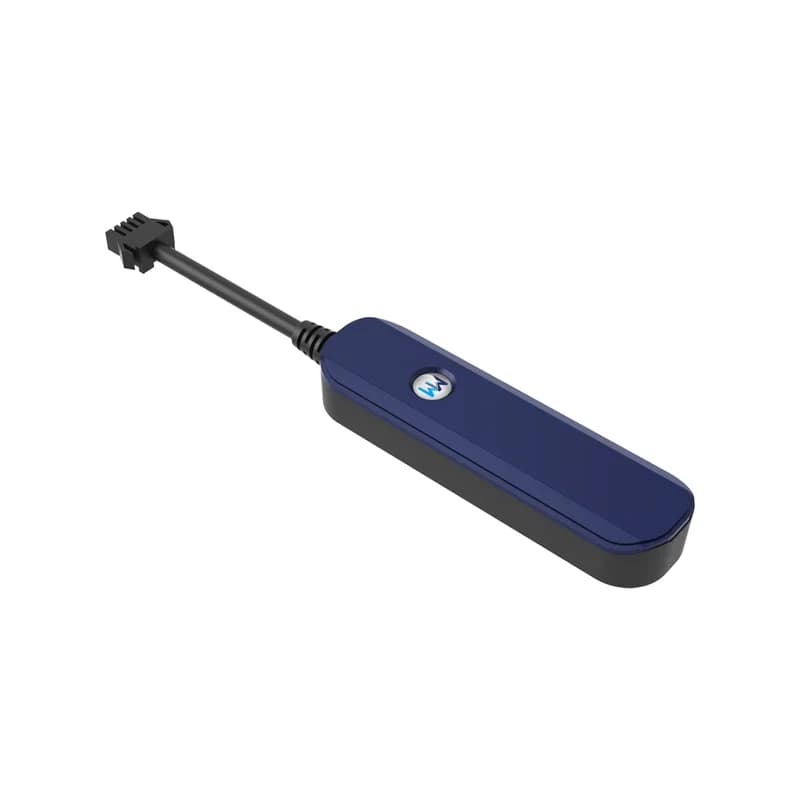
The WanWay G18 GPS tracker is a thin 2G stick for cars, motorbikes and e-bikes. WanWay built it for driver scoring and car insurance that is priced by how you drive (UBI). It has a light sensor that tells you when someone takes it out, and it can cut the petrol or power through a relay. Fleet Scanner runs on your own server and turns its reports into a live map, trips, alerts and driver scores.

2G GSM 850/900/1800/1900 MHzLight sensor removal alarmRelay petrol / power cutPort 10214
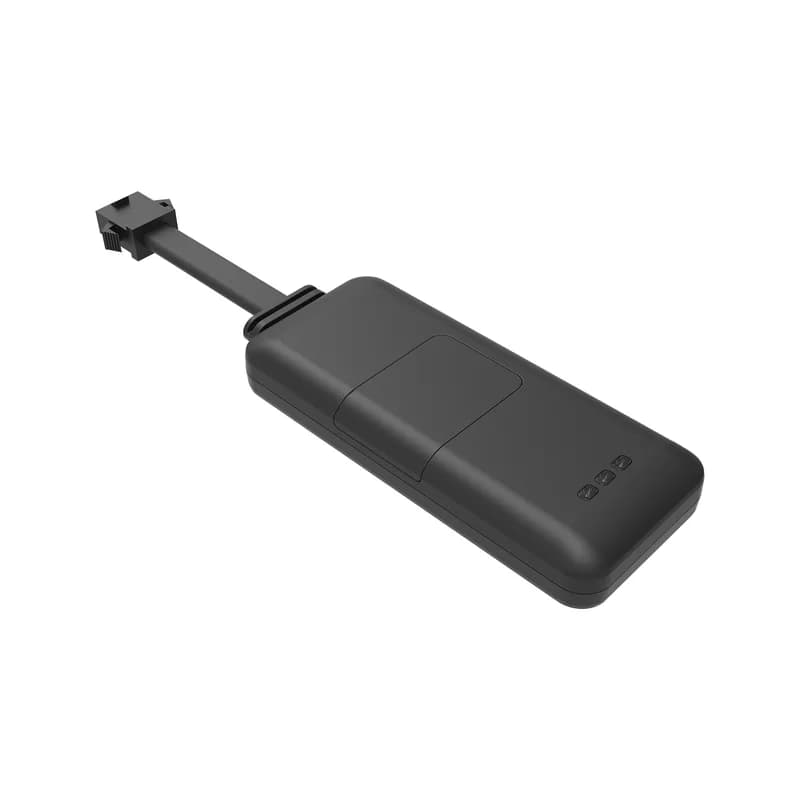
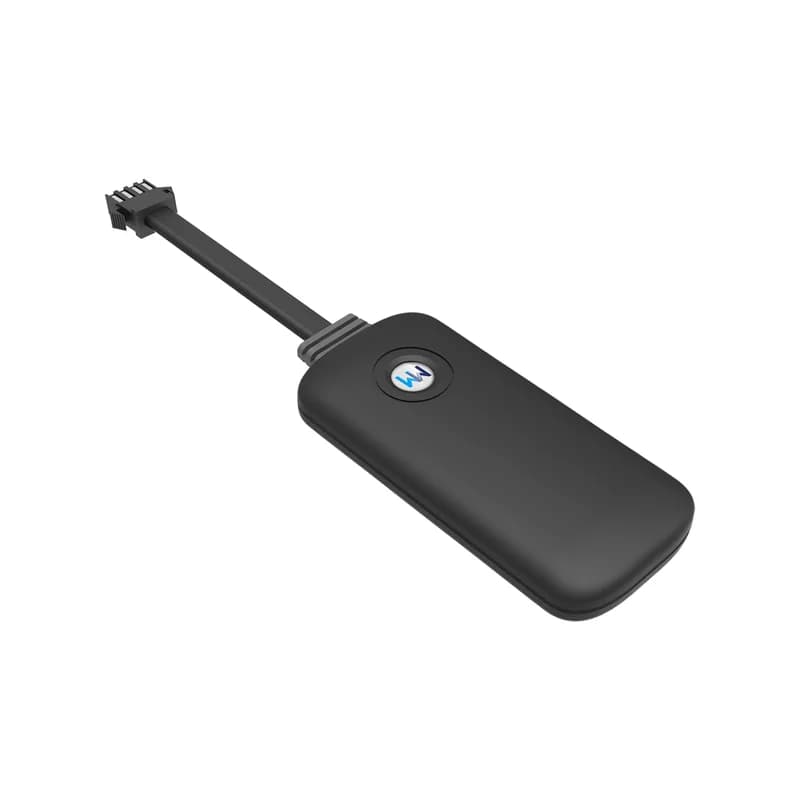
WanWay G18 GPS tracker, a thin navy and black stick with a short black cable ending in a 4-pin plug
9 to 90 Vinput voltage
10 sGPRS upload interval
55 mAhbackup battery
0.5 hbackup battery working time
4wires on the plug
gprs · 10 s upload
Online GPRSKey ON
01 · Live tracking · GPRS position reports

Where the G18 is, sent every 10 seconds

The G18 stays online all the time and sends its GPS position over GPRS every 10 seconds. It also reads the ACC wire, so each report knows if the key is turned on. Fleet Scanner draws the car moving on the live map. Later you can replay the whole trace to see where it went and where it stopped.

GPS position Upload every 10 s ACC detection Trace playback
Live GPS vehicle tracking →
sensor · driving eventsX -612Y 180Z 990
Sharp turnDriver scored
02 · Driving behaviour · Built-in motion sensor

Rapid acceleration, harsh braking and sharp turn alarms

WanWay sells the G18 as a UBI GPS tracker. Its sensor spots rapid acceleration, harsh braking and sharp turns. It can also report a collision and a rollover, but WanWay ships the collision alarm switched off. Fleet Scanner adds these events up for each driver, so you can see who drives gently and who does not.

Rapid acceleration Harsh braking Sharp turn Collision (off by default) Rollover
Driver behaviour scores →
alarm · light sensorSOS
RemovedLight YES
03 · Removal alarm · Light sensor

An alarm the moment the tracker is pulled out

A light sensor sits inside the G18. While the tracker stays hidden in the dark, nothing happens. When someone finds it and takes it out, WanWay says it sends a disassemble alarm. A cut-wire alarm covers the case where the power wire is cut instead. Fleet Scanner shows both on your phone with the last place the car was seen.

Light sensor Disassemble (remove) alarm Cut-wire alarm
Instant fleet alerts →
sms · RELAY,1#
Petrol CUTRelay fitted
04 · Petrol or power cut · Yellow wire + relay

Cut the petrol or power from far away

The yellow wire goes to a relay, which WanWay sells as an extra. Once it is fitted, the text RELAY,1# cuts the petrol or power and RELAY,0# brings it back. WanWay says the same thing can be done from a platform or an app. In Fleet Scanner the cut-off button only shows for the people you allow.

RELAY,1# Cut off petrol / powerRELAY,0# Restore Yellow wire to relay
Stolen vehicle protection →
sensor · vibrationsleepmoving
Moved parked carShake
05 · Vibration and towing · Vibration sensor

Know when a parked car is hit or towed

The vibration sensor raises an alarm when the vehicle is shaken hard, for example when someone tries to break in. A separate movement alarm goes off when the vehicle is moved or towed away. Fleet Scanner marks the spot on the map, so you can see where the car is being taken.

Vibration alarm Movement alarm
Fleet asset protection →
alarm · fence / speed
Fence OUTSpeed 104 km/h
06 · Zones and speed · Geo-fence and speed alarms

Geo-fence in and out, plus an over-speed alarm

You draw a zone on the map and the G18 warns you when the vehicle goes in or out of it. You also set a top speed, and it sends an over-speed alarm when the car goes faster. In Fleet Scanner you can add zones for a depot, a customer or a whole region, each with its own alert rules.

Geo-fence in Geo-fence out Over-speed alarm
Geofence zones and alerts →
alarm · below 5 V12.6V
Supply 4.6 VBackup ON
07 · Low power · Supply voltage + backup battery

A warning when the vehicle power drops

The G18 takes anything from 9 V to 90 V, so it fits cars, trucks and many e-bikes. If the supply falls below 5 V, it sends a low power alarm. For that alarm to work, the backup battery switch inside the case must be on. The 55 mAh battery then keeps the tracker going for about half an hour.

Low power alarm (below 5 V) Backup battery switch 55 mAh battery
Vehicle power alerts →

G18 specifications

Network2G GSM 850/900/1800/1900 MHz, GPRS class 12, TCP/IP
PositioningGPS with an MTK chip
AntennasBuilt in; GPS uses an 18 x 18 x 2 mm ceramic antenna
Input voltage9 V to 90 V DC
Current25 mA at 12 V, 10 mA quiescent
Backup battery55 mAh, about 0.5 hours of working time
Wires4-pin plug: red positive, black negative, orange ACC, yellow to relay
SensorsLight sensor, vibration sensor, ACC detection
ButtonsPower button; no SOS button and no microphone
LightsRed GSM light, yellow GPS light
Upload intervalEvery 10 seconds, always online
SetupSMS commands or platform; OTA firmware upgrade supported
Working temperature-25 °C to 75 °C
ProtocolGT06 family (Traccar lists the WanwayTech G18 under gt06)
Fleet Scanner port10214

Specifications can differ between hardware revisions. Check the manufacturer’s datasheet for your exact unit.

How to connect the G18 to Fleet Scanner

  1. Open the G18 and slide a 2G SIM into the slot. WanWay asks for a SIM with internet plus calls and texts. Next to the slot is the backup battery switch: turn it on.
  2. Pick a hiding place. In a car WanWay suggests under the dashboard, under the front or rear windshield, or under the wiper cover. On a motorbike use the headlight cover or the tail light, and on an e-bike go under the seat or near the key switch. Keep it dry and away from air vents and strong shaking. Then plug in the 4 wires: red to positive, black to negative, orange to ACC and yellow to the relay.
  3. Point the G18 at your Fleet Scanner server, by IP or domain with port 10214, and set your SIM’s APN. WanWay lets you do this with SMS commands or with its Windows configuration tool. The printed manual does not list the server command, so get the exact text from WanWay for your firmware. Text <CKWW> to the tracker to read back what it has saved, and set your time zone with the GMT command (the manual shows GMT,E,8# for 8 hours east).
  4. In Fleet Scanner, add the tracker by the 15-digit IMEI printed on its back and link it to a vehicle. A steady red light means GPRS is online and a steady yellow light means GPS has a fix. Drive a short loop and check the trace and the key state.

WanWay G18 FAQ

Can I use the WanWay G18 with Fleet Scanner?

Yes. Set the G18 to send to your own Fleet Scanner server on port 10214. You then get its live position, key on or off, driving events and alarms, and the people you allow can use the relay cut-off.

What SMS commands does the G18 manual list?

The G18 manual lists four: <CKWW> shows the saved settings, RELAY,1# cuts the petrol or power, RELAY,0# turns it back on, and GMT,E,8# is the example for setting the time zone. For the server and APN, WanWay says to use SMS commands or its configuration tool, so ask WanWay for the exact wording.

How does the G18 know it has been removed?

It has a light sensor inside. Hidden in the dark it stays quiet. When someone takes it out into the light, it sends a disassemble alarm. That is why it should go in a spot where no light reaches it.

How long does the G18 work after the power is cut?

The manual gives about 0.5 hours on its 55 mAh backup battery, and only when the backup battery switch is on. That is enough to send the alarm and a few last positions.

What do the red and yellow lights on the G18 mean?

Red is GSM. Fast flashing means it is starting, slow flashing means it has signal, steady means GPRS is online, and off means no signal or no SIM. Yellow is GPS. Fast flashing means it is looking for satellites, steady means it has a fix, and off means GPS is asleep.

Is the G18 4G, and is it still sold?

No, the G18 is a 2G only tracker, so it will not connect where 2G has been shut down. WanWay still lists the G18 on its website, with the flyer, the manual and the spec sheet to download.

G18 hidden and wired. Every trip on your own server.

From a single tracker to a mixed fleet across 1,000+ device models: live tracking, alerts, fuel, drivers, maintenance and reports in one self-hosted platform. See it with your own hardware.

Get a free demo

More supported GPS trackers

Specs, alarms, wiring, lights and SMS commands come from the G18 product page, flyer, technical specification and user manual on wanwaytech.net. Traccar’s device list gives the GT06 protocol family for this model. WanWay and G18 are trademarks of Shanghai WanWay Digital Technology.

Take Control with
Fleet Tracking

Track vehicles in real time, optimize routes, and take full control of your fleet operations.

Free Demo