Skip to content
Fleet Scanner
Hardware integration · WanWay GS05

WanWay GS05 3G GPS tracker, set up on Fleet Scanner

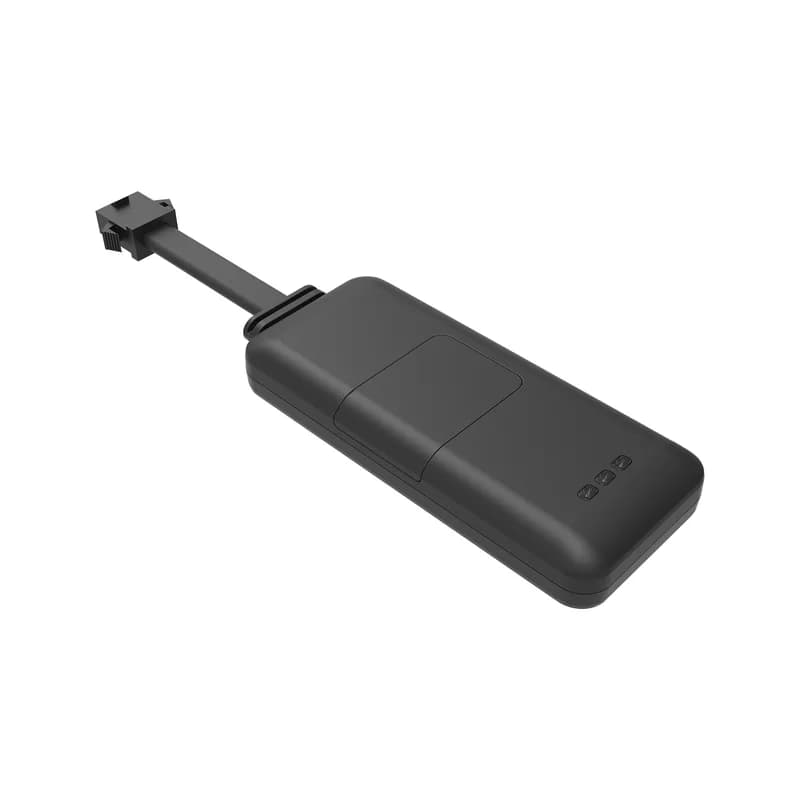
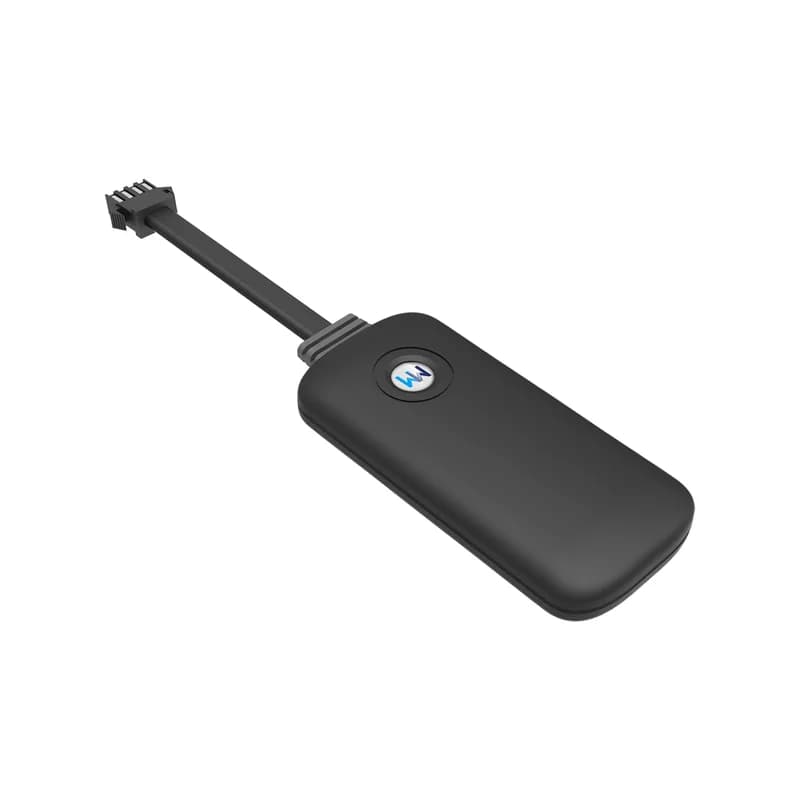
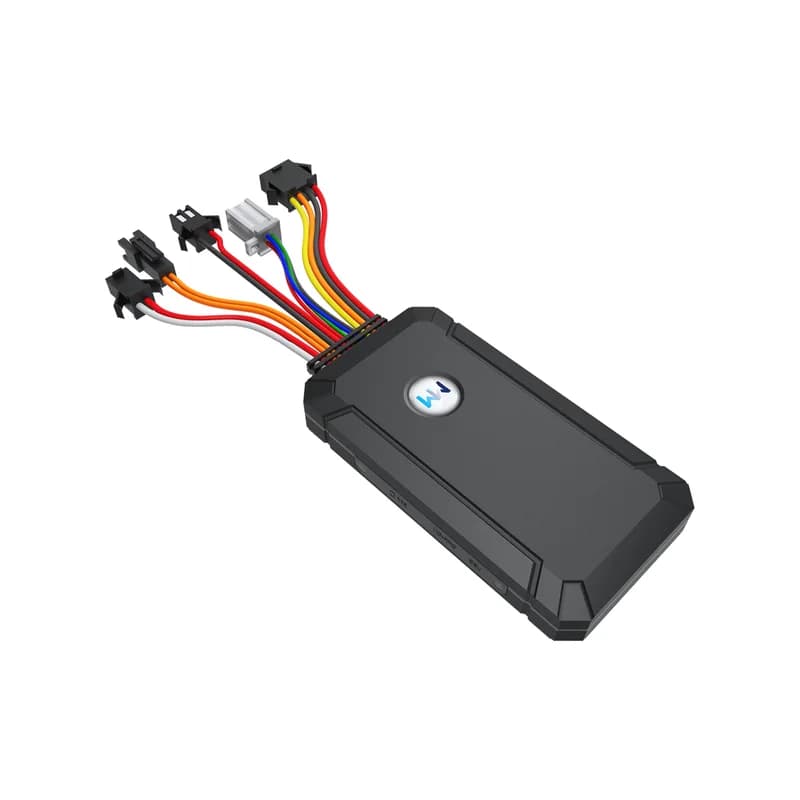
The WanWay GS05 GPS tracker is a 3G box that you wire into a car or a truck. Shanghai WanWay Digital Technology makes it, and its antennas sit inside the case. It runs on anything from 9 to 75 V, finds itself with GPS and BeiDou, and has wires for ignition, an SOS button and a cut-off relay. Point the GS05 at Fleet Scanner, hosted on a server you control, and each vehicle shows up on one live map, with alerts and trip reports.

3G WCDMA plus 2G GSMGPS + BeiDou positioningRelay fuel / power cutPort 10214
WanWay GS05 GPS tracker, a flat black case with a round logo button and a bundle of coloured wires ending in plugs
10 sbetween position uploads
9 to 75 Vpower input
180 mAhbuilt-in backup battery
-162 dBmtracking sensitivity
88 gweight
upload · 10 s
Upload 10 sFix GPS + BDS
01 · Live tracking · GPS + BeiDou

Fresh GS05 positions, 10 seconds apart

WanWay sets the GS05 to upload where it is every 10 seconds while it tracks. Each point comes from GPS and BeiDou, two satellite systems, and WanWay rates it at about 5 metres in open sky. A hot start finds a fix in under 1 second. From cold it takes about 32 seconds. Fleet Scanner keeps every point, so you can replay a day of driving and see how far each vehicle went.

Upload every 10 s GPS + BDS Trace playback Mileage report
Live vehicle tracking →
output · relay
Petrol CUTSent from web
02 · Remote cut-off · Yellow relay wire

Stop the engine from your desk, app or phone

The yellow wire of the GS05 drives a relay. With the relay fitted, you can cut the petrol or the power so nobody can drive the vehicle away. WanWay says this works from a platform, from an app or by SMS. In its diagram, relay pin 85 goes to the white wire and pin 86 to the yellow wire. Pins 87 and 87A go into the line you want to cut. Fleet Scanner keeps that button away from anyone you have not cleared to use it.

Yellow: relay Relay 85: white Relay 86: yellow Relay 87 / 87A
Vehicle and equipment protection →
input · sosSOS
SOSHeld 3 s
03 · SOS · SOS button

A help button for the driver

The GS05 has one SOS input, and the manual shows a button on its own lead. A driver in trouble presses and holds it for more than 3 seconds, and the tracker pushes an emergency alarm. WanWay also lists an emergency call, so your SIM needs voice calls as well as data and SMS. WanWay adds that with a microphone plugged in, you can listen to the sound around the vehicle. Each SOS lands first in your Fleet Scanner alerts, pinned to where the driver was.

SOS input Hold over 3 s Emergency call Microphone (add-on)
Fleet alerts management software →
alarm · fence / speed
Zone left depotSpeed 88 km/h
04 · Zones and speed · Platform rules

Draw a zone, set a top speed, get told when either is broken

On the WanWay side, a zone can be round, a polygon, or a free shape drawn by hand. The alarm fires when the GS05 goes in or out of it. A speed alarm goes off when the vehicle passes the limit you set. Fleet Scanner adds its own zones too, with no cap on how many. Each one can warn a different person, say the depot manager for the yard and the owner for the home street.

Circle zone Polygon zone Zone in / out Over speed
Fleet geofencing software →
alarm · cut wire12.6V
ACC OFFMain power cut
05 · Power and ignition · Power and ACC lines

Know when the key turns or the wires get cut

Red goes to plus and black to minus. The orange wire goes to the key switch, so the GS05 can tell when the ignition (ACC) turns on and off. Snip the main power line and the GS05 sends a cut-wire alarm. WanWay fits a 180 mAh battery inside as a backup. When that battery runs low, a low battery alarm follows. Fleet Scanner uses the ignition changes to start and end each trip.

ACC detection Cut-wire alarm Low battery alarm Power off input
Trip planning and trip records →
sensor · vibrationsleepmoving
VibrationIgnition off
06 · Vibration · Built-in sensor

A shake alarm while the vehicle is parked

A sensor inside the GS05 feels when the vehicle is knocked or shaken. It then sends a vibration alarm, which helps with a car left on the street overnight. Fleet Scanner sends the alarm to the right phone and marks where it happened.

Vibration alarm Built-in sensor
Real-time fleet alerts →
harness · 11 pinDIN1 Ignition ONAIN1 12.4 VDOUT1 Relay OFF
Ports 11 pinRS232 option
07 · Ports and checks · 11 pin harness

Several plugs on one harness, and three ways to check it

WanWay calls the GS05 an 11 pin tracker with many ports. Its data sheet lists one input each for power off, SOS and ACC, plus an RS232 port as an option. There is a debug line and a USB serial port next to the SIM slot. You can check its status and change settings by SMS or from a platform, and WanWay says the firmware can be updated over the air.

RS232 (optional) Debug line USB serial port OTA upgrade
Fleet reports and dashboards →

GS05 specifications

Network3G WCDMA B1/B2/B5/B8 and GSM 850/900/1800/1900 MHz (Quectel UC200A module)
PositioningGPS and BeiDou, 50 channels, about 5 m accuracy
Time to first fixHot under 1 s, warm under 15 s, cold under 32 s (open sky)
Sensitivity-160 dBm GPS, -162 dBm tracking
AntennasBuilt in: FPC antenna for 3G, ceramic GPS antenna 25 x 25 x 4 mm
Power supply9 to 75 V DC
Current drawAbout 50 mA on average at 12 V; under 15 mA in sleep
Backup battery180 mAh, 3.7 V polymer
Inputs / outputsPower off, SOS and ACC inputs; relay output; RS232 as an option
LightsYellow for the 3G network, blue for GPS
SIM cardStandard size SIM with data, SMS and calls
Size / weight100 x 53 x 17 mm, 88 g
CasePC (V0) shell, IP65
Humidity10% to 85%, no condensation
SettingsBy SMS command or platform; over the air firmware updates
Fleet Scanner port10214 (TCP)

Specifications can differ between hardware revisions. Check the manufacturer’s datasheet for your exact unit.

How to connect the GS05 to Fleet Scanner

  1. Pick a standard size SIM on a 3G plan, with data, SMS and calls all switched on. Slide it into the slot on the side of the GS05 before you connect any power. Then turn on the small built-in switch next to the slot, as WanWay asks.
  2. Have a technician fit it in a dry place, with the lights at the front and no metal over the case. Wire red to plus, black to minus and orange to the ignition (ACC). For the cut-off, fit the relay on the yellow and white wires. Hold the tracker in place with a cable tie or sponge double sided tape.
  3. Watch the lights. Yellow flashes slowly while the 3G link starts and stays on once it is working. Blue flashes while it looks for satellites and stays on with a fix. If your SIM needs it, send APN,your APN name# by SMS, for example APN,internet#.
  4. The GS05 reports to WanWay’s own iopgps.com platform out of the box. Point it at Fleet Scanner instead with SERVER,1,your domain,10214,0#, or SERVER,0,your server IP,10214,0# if you use an IP address.
  5. Send PARAM#. The reply shows the ID, IP and APN, so you can check the new server took. Type the 15 digit IMEI from the back of the case into Fleet Scanner, then take a short drive and press the SOS button to test it.

WanWay GS05 FAQ

Does Fleet Scanner work with the WanWay GS05?

Yes. Set the GS05 to report to your Fleet Scanner server on port 10214, and its live position, ignition, SOS, cut-wire and vibration alarms all show on one screen. You host Fleet Scanner yourself, white label is included, and you also get web and phone apps plus a built-in AI agent.

Which SMS commands does the GS05 manual list?

The manual prints four. APN,name# gives the SIM its internet name. SERVER,1,domain,port,0# points the tracker at a domain name, while SERVER,0,IP,port,0# points it at a plain IP address. PARAM# sends back the settings, such as ID, IP and APN. WanWay’s manual does not print commands for the report time or the relay.

How do I move the GS05 from iopgps.com to my own server?

Send the SERVER command with your own address and port. For Fleet Scanner that is SERVER,1, then your domain, then 10214,0#. After that, PARAM# tells you which IP the tracker now uses. You can still log in to iopgps.com with the IMEI and the last 6 digits of it as the password, if you need the old view.

How long does the GS05 battery last?

No run time in hours appears in any GS05 paper from WanWay. The GS05 lives on the vehicle power, and WanWay lists its 180 mAh battery as a back-up for when the main power is gone. A low battery alarm warns you when it runs down.

Why does my GS05 not connect or show a location?

WanWay’s trouble shooting table names a few causes. The SIM may be missing, in the wrong way, or not set up for 3G, so ask the SIM company to switch 3G on. The signal may be weak, so move to an area with good 3G. No GPS in a basement or tunnel is normal until the vehicle gets back under open sky.

Is the WanWay GS05 still sold, and is it 4G?

Yes, WanWay still lists the GS05 among its vehicle trackers on wanwaytech.net. WanWay sells it as a 3G tracker that can also fall back to 2G GSM. Some countries have shut down 3G, so check your network before you buy. WanWay also lists 4G wired models, and Fleet Scanner reads 1,000+ GPS devices, so old and new units can share one fleet.

GS05 wired in. Every car and truck on a map you host.

From a single tracker to a mixed fleet across 1,000+ device models: live tracking, alerts, fuel, drivers, maintenance and reports in one self-hosted platform. See it with your own hardware.

Get a free demo

More supported GPS trackers

Specs, wiring and SMS commands come from WanWay’s GS05 product page, GS05 flyer, GS05 technical data sheet and GS05 user manual on wanwaytech.net. WanWay and GS05 are trademarks of Shanghai WanWay Digital Technology.

Take Control with
Fleet Tracking

Track vehicles in real time, optimize routes, and take full control of your fleet operations.

Free Demo