Skip to content
Fleet Scanner
Hardware integration · Concox GT06N

Concox GT06N GPS tracker, working inside Fleet Scanner

The Concox GT06N GPS tracker is made by Jimi IoT. It is one of the most used low-cost vehicle trackers. Its GT06 protocol (the language it uses to send data) is an industry standard. Fleet Scanner reads every GT06 data packet: location, cell towers, status and alarms. It turns them into live tracking, instant alerts and a remote cut-off you can trust.

2G quad-band GSMGPS + LBS positioningRelay fuel / power cutPort 10202
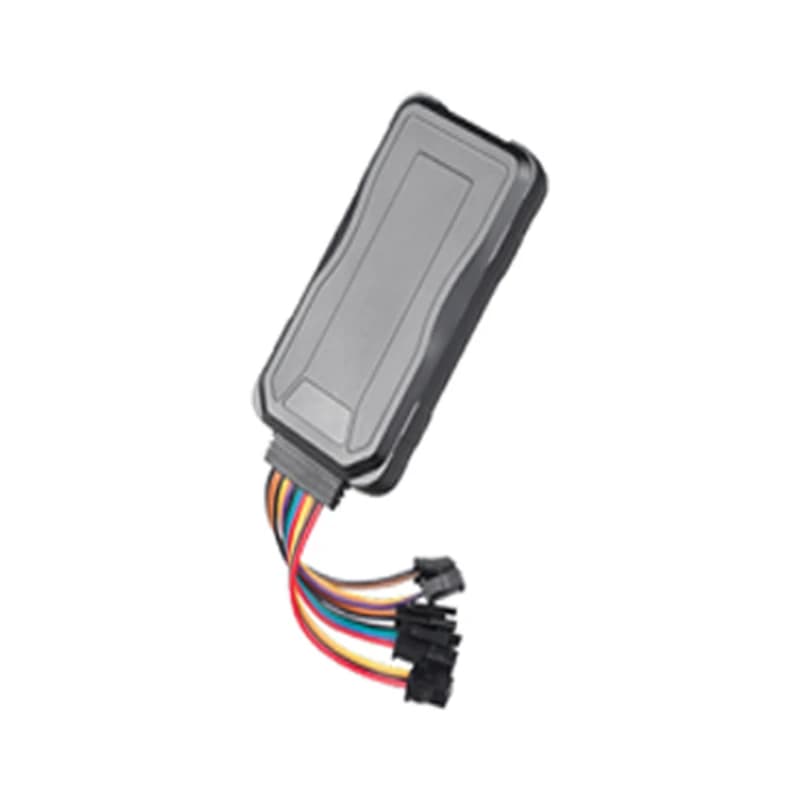
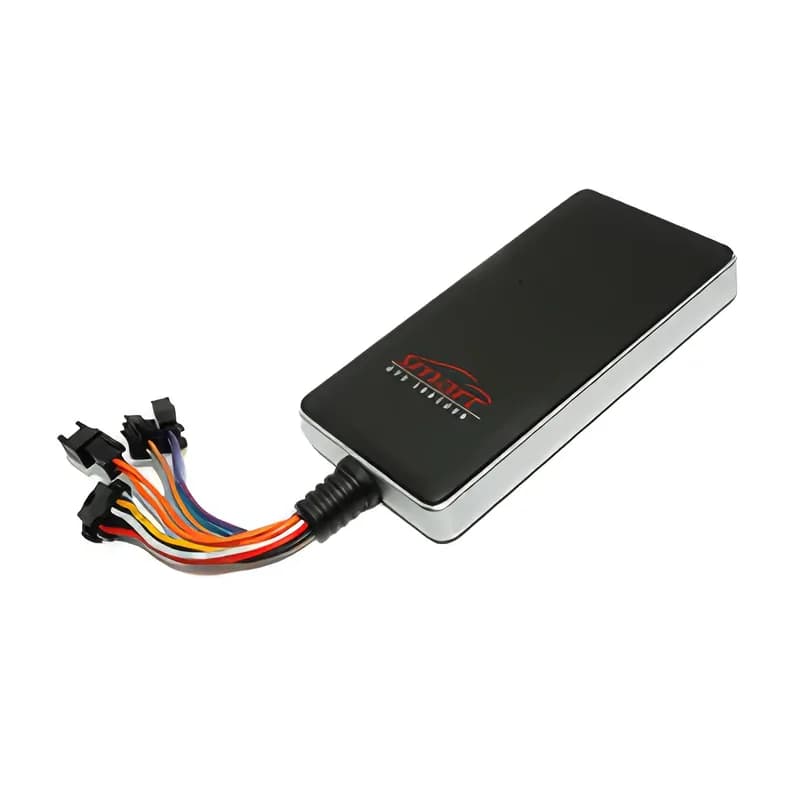
Concox GT06N vehicle GPS tracker with wiring harness
6protocol alarm types
6GT06 packet types
450 mAhbackup battery
3–5 hreporting on battery
20 km/hmax speed for remote cut-off
location · 0x12
Speed 46 km/hGPS FIXED
01 · Live tracking · GPS + LBS packet

Live position, speed and direction on one map

Each location packet has the date and time and the number of satellites in use. It also has the latitude, longitude, speed and direction (heading), plus the cell tower it is using. Fleet Scanner shows every GT06N vehicle live. It keeps the full route so you can play it back.

0x12 Location packet Satellites Speed Course GPS fix flag
Live vehicle tracking →
lbs · cell towers
LBS approx.Towers 3
02 · Cell-tower location · LBS

A rough location even without satellites

The GT06N reports the codes of the mobile tower it is using. These are the country code, network code, area code and cell ID. Sometimes GPS is blocked, for example in a basement. Fleet Scanner can still place the vehicle in the right area. It does this until the tracker sees satellites again.

MCC MNC LAC Cell ID
alarm · 0x16SOS
SOSPosition attached
03 · Alarms · Alarm packet

SOS, power cut and vibration alarms

Some events send an alarm packet with the position attached. These are an SOS button press, the main power being cut and shaking (vibration) while parked. Fleet Scanner sends them to you as instant alerts. So you notice a tampered or stolen vehicle in seconds.

0x16 Alarm packet SOS Power cut Vibration Low battery
Fleet alerts management software →
geofence · fence in / out
Zone Yard 2Fence out
04 · Geofences · Alarm packet

Fence in and fence out alerts

A geofence is a zone you draw on the map. The GT06 protocol has its own fence-in and fence-out alarms. Fleet Scanner also lets you add as many zones as you need on its side. Put them around depots, customer sites and no-go areas. Each zone can have its own alert rules.

Fence in Fence out
Fleet geofencing software →
command · 0x80
Cut-off ARMEDSpeed 0 km/h
05 · Remote cut-off · Relay output

Remote fuel or power cut-off, with a safety check

First, the relay must be installed. A relay is a switch the tracker can turn on and off. Then an approved user can cut the fuel pump or ignition from Fleet Scanner. They can turn it back on later. The tracker only does the cut-off when it has a GPS fix and the vehicle is below 20 km/h. This stops the engine from being cut at speed.

0x80 Server command Oil & electricity disconnected0x15 Command reply
Vehicle and equipment protection →
status · 0x13DIN1 Ignition ONAIN1 12.4 VDOUT1 Relay OFF
ACC ONGSM 4/5
06 · Ignition and status · Status packet

Ignition (ACC), charging and relay state

Status and heartbeat packets are regular check-in messages. They report whether the ignition (ACC) is on or off and whether the backup battery is charging. They also report the cut-off state, the battery voltage level and the GSM signal strength. Fleet Scanner uses ignition for trips and engine hours. It shows the rest as device health.

0x13 Status / heartbeat ACC Charging Voltage level GSM signal
Trip planning and trip records →

GT06N specifications

Network2G GSM quad-band 850/900/1800/1900 MHz, GPRS
PositioningGPS plus cell-tower (LBS) location
Power supplyAbout 9 to 36 V DC (check your unit; resellers list wider ranges)
Backup battery450 mAh Li-Polymer, about 3 to 5 hours of reporting
Inputs / outputsIgnition (ACC) and SOS inputs, optional door input; one relay output
SensorsBuilt-in motion sensor for the vibration alarm
ProtocolConcox GT06 (binary, TCP)
Fleet Scanner port10202 (TCP)

Specifications can differ between hardware revisions. Check the manufacturer’s datasheet for your exact unit.

How to connect the GT06N to Fleet Scanner

  1. Hide the GT06N in the vehicle. Connect power, ground and ACC (ignition). If you need remote cut-off, wire the relay on the fuel pump or ignition line.
  2. Put in a 2G data SIM. Send the SMS commands to set the APN (your SIM’s internet settings). Also set your Fleet Scanner server’s domain or IP with port 10202.
  3. In Fleet Scanner, add the tracker by its IMEI number and assign it to a vehicle.
  4. Take a short drive. Check that the position and ignition show on the live map. Then test the SOS button.

Concox GT06N FAQ

Does Fleet Scanner support the Concox GT06N?

Yes. Fleet Scanner reads the GT06 protocol that the GT06N uses. That covers location, cell tower data, status, heartbeat and alarm packets, plus the cut-off command. It reports on port 10202.

Can I cut the engine of a vehicle with the GT06N?

Yes, when a relay is installed. The tracker only does the cut-off when it has a GPS fix and the vehicle is below 20 km/h. Fleet Scanner only lets approved users send the command.

Is the GT06N 4G?

No, the GT06N is a 2G tracker. Some places are switching 2G off. There, choose a 4G Concox or Jimi IoT model. Fleet Scanner supports many of them.

Why does the GT06N sometimes show an approximate location?

Sometimes the GT06N cannot see GPS satellites. Then it reports the cell tower it is using, which is less exact. The position becomes exact again as soon as the tracker sees the sky.

GT06N plugged in. Fleet running on one platform.

From a single tracker to a mixed fleet across 1,000+ device models: live tracking, alerts, fuel, drivers, maintenance and reports in one self-hosted platform. See it with your own hardware.

Get a free demo

More supported GPS trackers

Packet types and alarms follow the Concox GT06 communication protocol. Hardware details vary between GT06N batches and sellers. Concox and GT06N are trademarks of Jimi IoT (Shenzhen Concox Information Technology).

Take Control with
Fleet Tracking

Track vehicles in real time, optimize routes, and take full control of your fleet operations.

Free Demo