Skip to content
Fleet Scanner
Hardware integration · Concox HVT001

Concox HVT001 car charger GPS tracker, working inside Fleet Scanner

The Concox HVT001 car charger GPS tracker looks like a normal USB charger for a car. It is made by Jimi IoT (Concox). You push it into the cigarette lighter socket, and it charges phones from its two USB ports. Inside is a 2G GPS tracker with an SOS button. There is nothing to wire, so you can move it from car to car. Fleet Scanner shows where it is, warns you when someone pulls it out, and keeps every trip.

2G GSM networkLighter socket no wiring2 USB phone chargingPort 10224
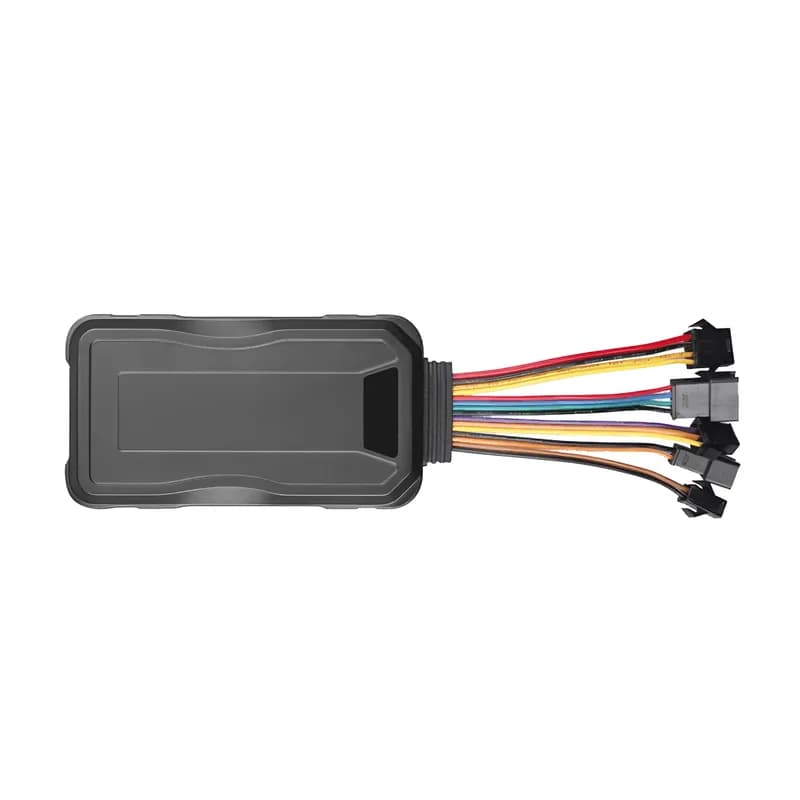
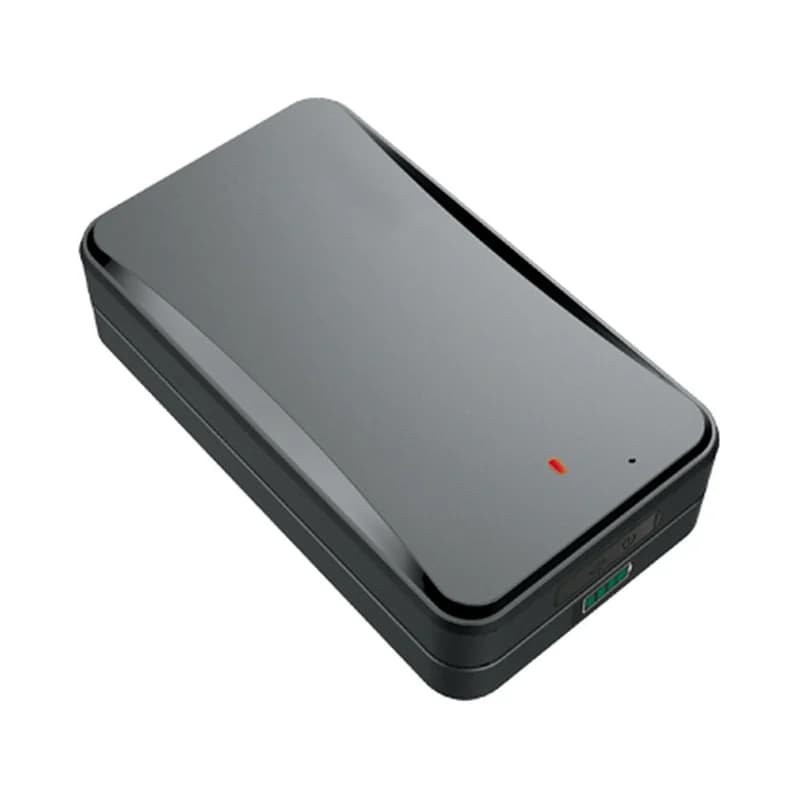
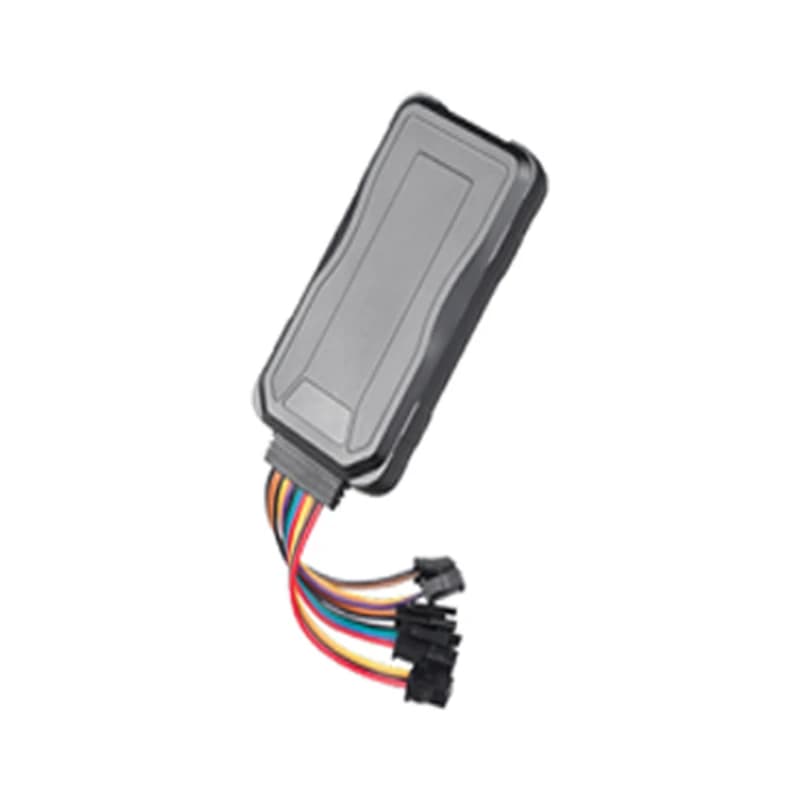
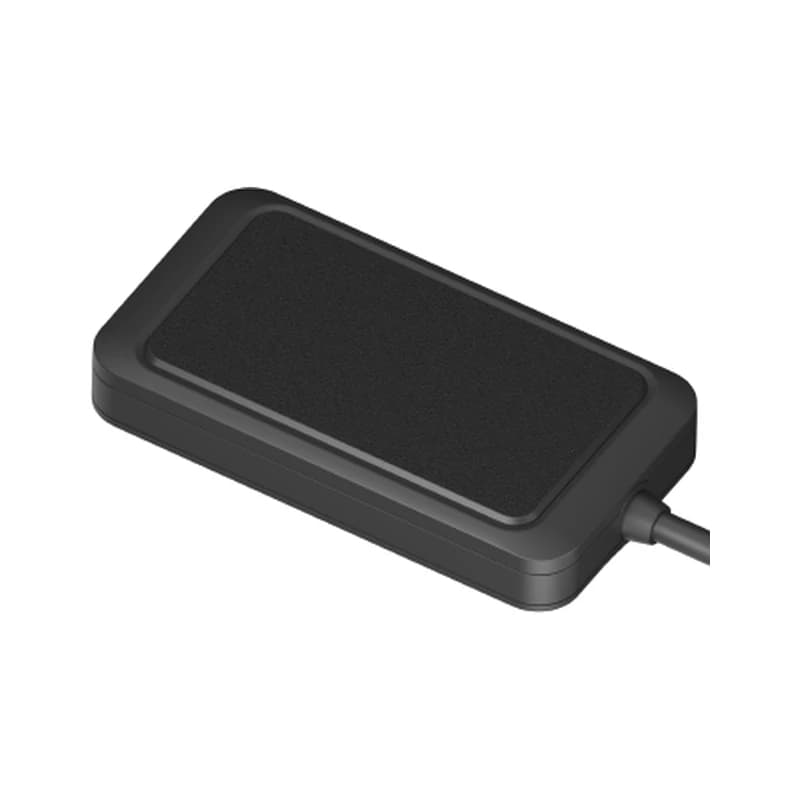
Illustration of the Concox HVT001 GPS tracker
2USB charging ports
5geo-fence areas on the tracker
3SOS phone numbers
130 mAhbackup battery
102.8 gweight
location · 0x22
Speed 38 km/hGPS FIXED
01 · Live tracking · Location packet

See the car on the map from the moment it is plugged in

The HVT001 takes its power from the car’s cigarette lighter socket. Once the SIM is in and the switch is on, it sends its position over 2G. Fleet Scanner places the car on the live map with its speed and direction. It saves each trip so you can play the route back later. You can also text WHERE# to the tracker to get its latitude and longitude, or URL# to get a Google Maps link.

0x22 GPS location0x01 Login WHERE# URL# Speed
GPS fleet tracking software →
alarm · plug out12.6V
UnpluggedPosition attached
02 · Unplug alarm · Alarm packet

An alarm when someone pulls it out of the socket

A tracker that sits in a lighter socket is easy to remove. So the HVT001 raises an alarm when it is unplugged without warning, and sends a message. Fleet Scanner turns the alarm into an instant alert, so you know the car has gone dark on purpose and not just parked.

0x16 Alarm packet Plug-out alarm Backup battery
Real-time fleet alerts →
alarm · SOSSOS
SOSHold 3 s
03 · SOS button · SOS key

A hidden SOS button between the USB ports

The SOS button sits on the face of the charger, between the two USB ports. The driver holds it for more than 3 seconds to raise an SOS alarm. The tracker then texts its address to the SOS numbers. You can save up to 3 of them. Fleet Scanner shows the alarm on the map at once, so a dispatcher can call the driver back.

0x16 Alarm packet SOS alarm SOS,A,No.1,No.2,No.3# SOS,D,number#
Driver management software →
sms · Monitor#X -612Y 180Z 990
Call connected
04 · Listen-in · Built-in microphone

Listen to what is happening in the car

Text Monitor# to the tracker. It replies OK and calls the first SOS number. When you answer, you hear the sound around the device. This works over a normal phone call, outside Fleet Scanner. Only use it where the law allows, and tell your drivers.

Monitor# SOS number call
geofence · enter / leave
Zone DepotLeft
05 · Geofences · Tracker + server

Up to 5 zones on the tracker, and as many as you like in Fleet Scanner

A geofence is a zone you draw on a map. The HVT001 can hold up to 5 of them. When the car goes in or out, it texts the SOS numbers. Fleet Scanner adds its own zones on top, with no limit. Draw them around your depot, a customer site or a driver’s home, and choose who gets each alert.

Enter zone Leave zone 5 zones max
Fleet geofencing software →
status · 0x1368%
Last seen 20 s ago
06 · Device health · Heartbeat packet

A working phone charger with a status light

The HVT001 still does its day job. Its two USB ports charge phones and tablets at 5 V. A light shows the tracker’s state. It stays on after you put in the SIM and switch it on. It blinks 4 times when the SIM is read, and goes off after 3 minutes if the SIM fails. Fleet Scanner uses the regular check-in (heartbeat) messages to show when each tracker was last heard from.

0x13 Heartbeat LED ON/OFF switch 5 V USB out
Fleet reports and dashboards →

HVT001 specifications

Network2G GSM 850/900/1800/1900 MHz
PowerFrom the car’s cigarette lighter socket
Backup battery3.7 V 130 mAh lithium-polymer
ChargingTwo 5 V USB ports
ControlsSOS button, ON/OFF switch, one LED
SIMNano-SIM with SMS and GPRS data
Geo-fencesUp to 5 on the tracker
Humidity5% to 95%, non-condensing
Size and weight84 x 44 x 38 mm, 102.8 g
Fleet Scanner port10224 (TCP)

Specifications can differ between hardware revisions. Check the manufacturer’s datasheet for your exact unit.

How to connect the HVT001 to Fleet Scanner

  1. Pull the cover off the back of the HVT001. Put in a Nano-SIM that has SMS and GPRS data. Put the cover back on the way the guide shows, then slide the switch to ON. The light should blink 4 times when the SIM is read.
  2. Text the APN (your SIM’s internet settings) to the tracker’s SIM number: APN,your APN#. If your network needs a user name and password, send APN,your APN,user name,password#. It replies OK.
  3. Point it at your Fleet Scanner server. Send SERVER,1,your domain,10224,0# for a domain, or SERVER,0,your IP,10224,0# for an IP address. Wait for the OK reply. Then add the tracker in Fleet Scanner by its IMEI number and pick the car.
  4. Push the HVT001 into the cigarette lighter socket and start the car. Check that it shows on the live map. Then text WHERE# to it and compare the answer.

Concox HVT001 FAQ

Does Fleet Scanner support the Concox HVT001?

Yes. Fleet Scanner reads the HVT001’s location, heartbeat and alarm messages, including SOS and unplug alarms. Set the tracker to send to your Fleet Scanner server on port 10224.

Is the HVT001 an OBD tracker?

No. It goes into the cigarette lighter socket, not the OBD port. So it cannot read engine data like fuel level or fault codes. It is easy to fit in any car that has a lighter socket.

What are the main HVT001 SMS commands?

APN,name# sets the internet settings. SERVER,1,domain,port,0# or SERVER,0,IP,port,0# sets the server. WHERE# and URL# send back the location. SOS,A,No.1,No.2,No.3# saves SOS numbers and SOS,D,number# deletes one. Monitor# starts listen-in.

How long does the HVT001 battery last?

Jimi IoT does not give a battery time in the quick start guide. The tracker runs from the car socket, and its own battery is small at 130 mAh. So plan to keep it plugged in.

Is the HVT001 4G?

No. It is a GSM tracker, which means 2G only. Check that 2G still works in your country before you buy. If it does not, choose a 4G Jimi IoT model such as the JM-VL01.

HVT001 in the lighter socket. Every car on one map.

From a single tracker to a mixed fleet across 1,000+ device models: live tracking, alerts, fuel, drivers, maintenance and reports in one self-hosted platform. See it with your own hardware.

Get a free demo

More supported GPS trackers

Commands and specifications from the Jimi IoT (Concox) HVT001 car charger GPS tracker quick start guide v1.2. Packet codes follow the GT06-family protocol used by Jimi IoT trackers. Concox, Jimi IoT and HVT001 are trademarks of Jimi IoT.

Take Control with
Fleet Tracking

Track vehicles in real time, optimize routes, and take full control of your fleet operations.

Free Demo