Skip to content
Fleet Scanner
Hardware integration · SEEWORLD S06U

SEEWORLD S06U GPS tracker for work vehicles, on Fleet Scanner

The SEEWORLD S06U is a small 2G GPS tracker that you wire into a work vehicle. SEEWORLD makes it for jobs like taxi fleets, car rental, delivery and keeping private cars safe from theft. Its GPS and GSM antennas are built in, which keeps the install down to a few wires. It finds itself with four satellite systems and with nearby phone towers. It can also cut the oil supply when you tell it to. Fleet Scanner, hosted on a server you own, places every S06U on its map and adds alerts and trip reports.

2G GSM quad bandGPS + BeiDou Galileo, GLONASSRelay oil and power cutPort 11817
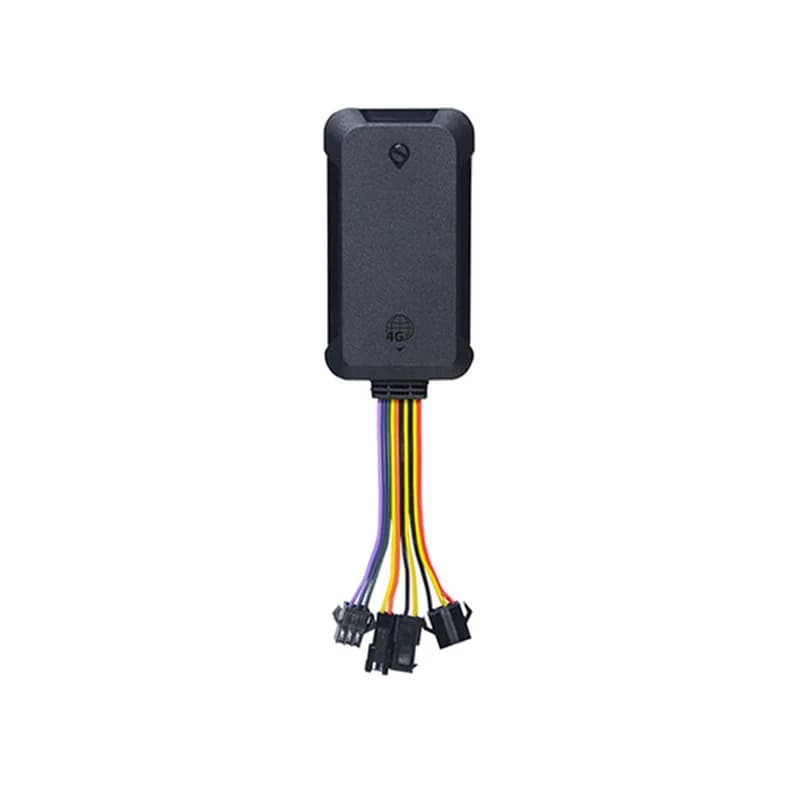
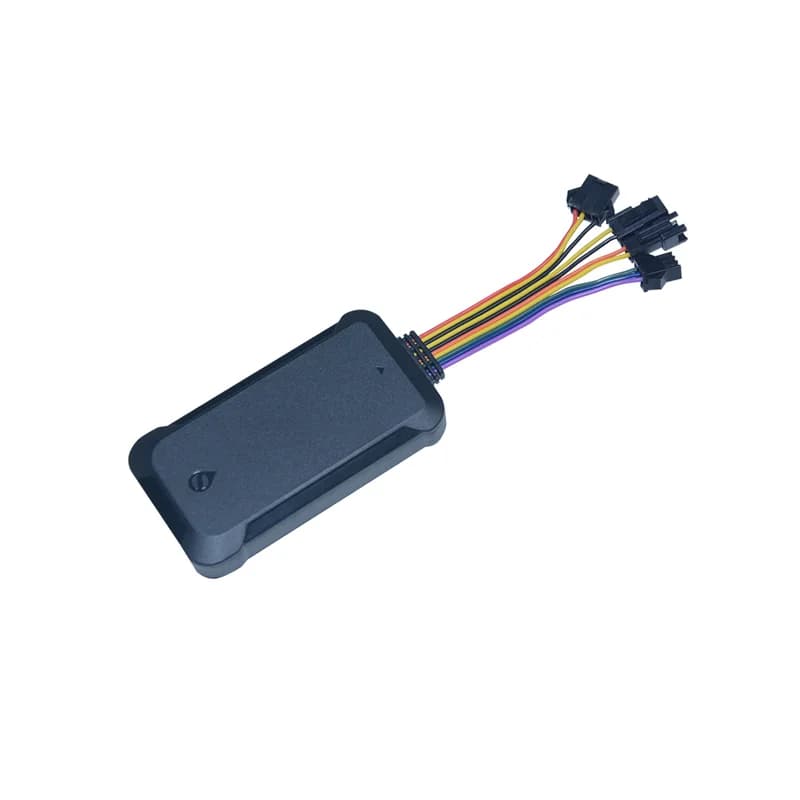
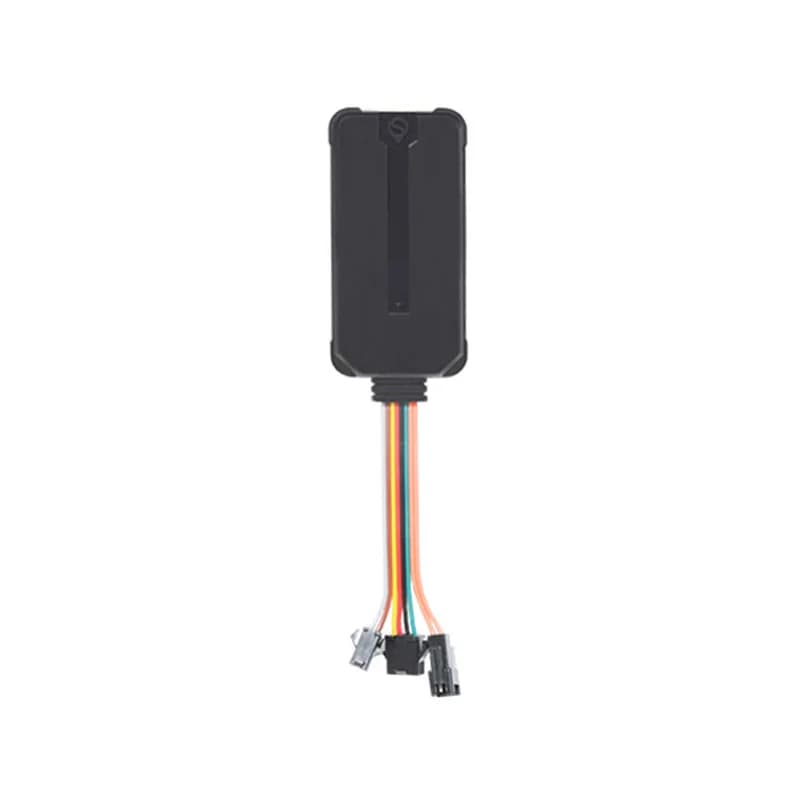
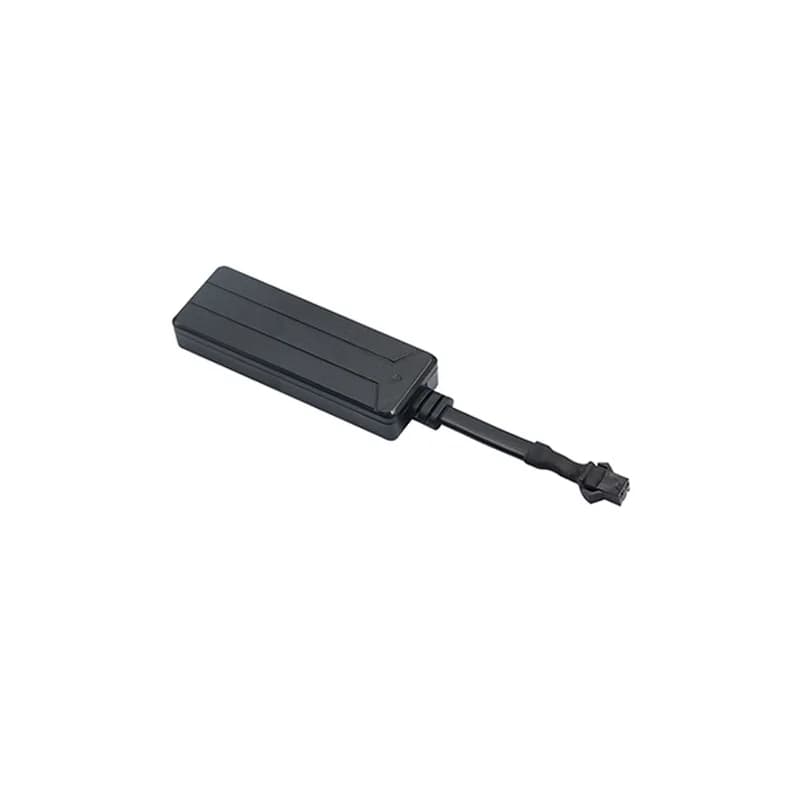
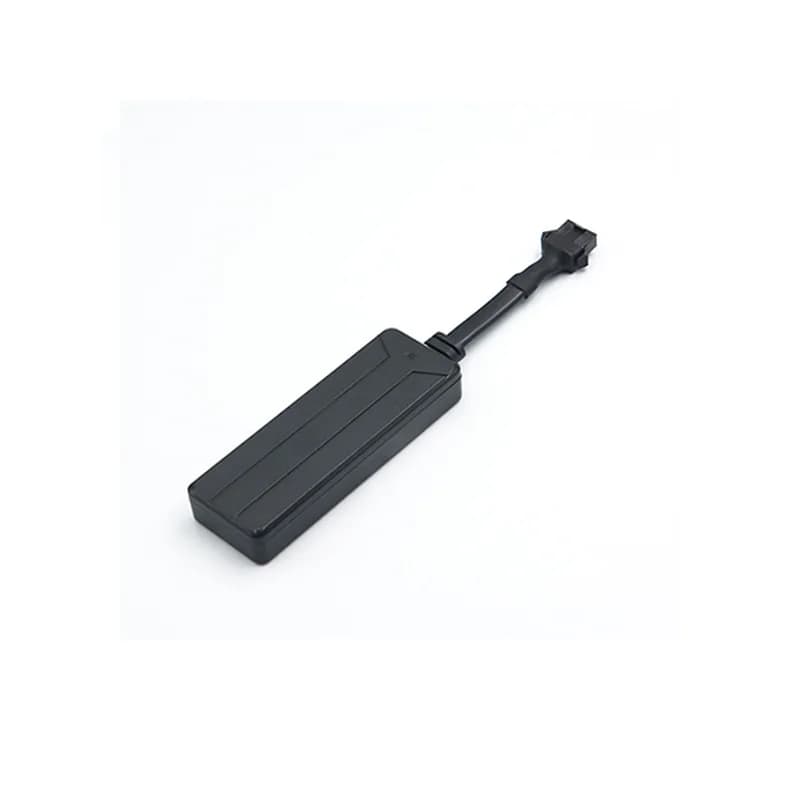
SEEWORLD S06U GPS tracker, a slim black box with a short bundle of coloured wires and plugs
10 sreport time out of the box
6 to 30 Vwide power input
4satellite systems
3SOS phone numbers
80 gweight of the tracker
report · TIMER
Report every 10 sGPRS NORMAL
01 · Live tracking · Upload interval

A fresh position every 10 seconds

From the factory, the S06U sends where it is every 10 seconds. You can make that gap longer with one SMS, from 10 seconds up to 65,535 seconds. When the van drives through a place with no phone signal, the tracker keeps the points it could not send and sends them later. SEEWORLD calls this blind zone re-recording. Fleet Scanner puts every point on the live map, so you can play back the whole route and see the distance driven.

TIMER,[N]# Blind zone re-recording History playback Mileage
Live vehicle tracking →
gnss · towers
GPS FixedSignal H
02 · Positioning · Satellites and cell towers

Four satellite systems, plus phone towers as a backup

The S06U listens to GPS, BeiDou, Galileo and GLONASS. Under open sky, SEEWORLD gives the position as good to about 5 metres. Inside a garage or under a roof, satellites can be hard to see. Then it can use one phone tower, or several, to give a rougher place..

GPS BeiDou Galileo GLONASS Single and multi tower
alarm · sos / listenSOS
SOSCalling number 1
03 · SOS and listen-in · SOS line and microphone

An SOS button for the driver, and a way to listen in

An SOS wire and a microphone come in the box. When the driver keeps a finger on the SOS button for 3 seconds, the S06U sends an SOS alarm with its position, and then rings the saved SOS numbers, which can be one, two or three phones. If one of those numbers rings the tracker, you hear sound from inside the cab. At the same moment, the SOS pops up as an urgent alert in Fleet Scanner.

SOS,A,[Num1],[Num2],[Num3]# SOS,D,[A],[B],[C]# Hold 3 s Listen-in
Fleet alerts management software →
alarm · fence / speed
Site left zoneSpeed 96 km/h
04 · Zones and speeding · Platform rules

Get told when a work vehicle exits its area or speeds

SEEWORLD lists a geofence alarm and a speeding alarm for the S06U. Picture a geofence as a line you trace on the map around a yard or a job site. When the vehicle crosses its edge, you get told. Fleet Scanner has no limit on how many zones you draw. Each zone and each speed limit can send its own alert to the right person.

Geofence Over speed Local fence (LCWL)
Fleet geofencing software →
command · RELAY
Fuel supply OFFSpeed 12 km/h
05 · Oil cut-off · Relay

Cut the oil pump, but only when it is safe

The S06U ships with a 12 V relay. You wire it into the plus wire of the fuel pump. RELAY,1# cuts the oil and power, and RELAY,0# turns them back on. Only the center number can send these by SMS, and you set it with CENTER,A,[number]#. For safety, the S06U will cut only with a valid GPS fix while slower than 20 km/h. In Fleet Scanner, you choose which users may press the cut-off button.

RELAY,1# RELAY,0# CENTER,A,[NUM]# CENTER,D#
Vehicle and equipment protection →
status · power / ACC12.6V
ACC ONEXT-POWER 12.65 V
06 · Power and ignition · Power line

A warning when someone cuts the power wire

The green wire goes to the ignition switch, so the S06U knows when the engine starts and stops. The tracker has a small battery inside. If the vehicle power is cut, it uses that battery to send a power off alarm. A brand new unit may be too flat for this, so SEEWORLD says to keep it on power for over 10 minutes first. Fleet Scanner reads those ignition changes to mark where each trip starts and ends.

ACC on / off Power off alarm EXT-POWER voltage STATUS#
Trip planning and trip records →
sensor · vibrationsleepmoving
VibrationParked yes
07 · Vibration · Built-in vibration sensor

A shake alarm you switch on yourself

A vibration sensor is built in. It stays quiet until you send BF# to the tracker. After that, the S06U can send a vibration alarm if someone knocks or rocks the vehicle while it stands. Each of those reaches you through Fleet Scanner with a map pin of the spot.

BF# Vibration alarm
Real-time fleet alerts →

S06U specifications

NetworkGSM quad band (850, 900, 1800 and 1900 MHz), GPRS class 12
PositioningGPS, BeiDou, Galileo and GLONASS, plus single and multi tower (LBS) location
Accuracy and first fixAbout 5 m in open sky; average first fix within 1 s (hot) and within 30 s (cold)
AntennasBuilt-in GPS and GSM antennas (GPS antenna 25 x 25 x 4 mm)
Power supply6 to 30 V DC, 1500 W surge protection
Current drawUnder 30 mA on average at 12 V; under 2 mA on standby with power saving on
WiringPort 1 microphone; port 2 red power, black ground, green ignition (ACC), yellow relay; port 3 SOS button
Relay12 V relay in the box, for cars with a 12 V battery
In the boxTracker, power line, relay, microphone, SOS line, user manual
Data storage1,000 (as listed by SEEWORLD), with blind zone re-recording
Size / weight84 x 42 x 13.6 mm, 80 g
Operating conditionsWorks from -20 to +70 °C in 20 % to 80 % humidity; store at -40 to +85 °C
SIM cardStandard size SIM
ProtocolTCP or UDP
Fleet Scanner port11817 (TCP)

Specifications can differ between hardware revisions. Check the manufacturer’s datasheet for your exact unit.

How to connect the S06U to Fleet Scanner

  1. Get a standard size SIM that works on 2G and has mobile data on. Open the front shell of the S06U and slide the SIM in.
  2. Wire port 2. Red goes to plus, black goes to its own ground point or to bare metal, and green goes to the ignition (ACC). For the oil cut-off, join the relay’s thin white wire (85) to 12 V and its thin yellow wire (86) to the tracker’s yellow wire. Then cut the fuel pump’s plus wire and join it to relay pins 87a and 30. Plug the SOS line into port 3 and the microphone into port 1.
  3. Power it on. The blue light flashes slowly while it looks for the phone network and stays on once it reaches the server. The red light stays on once it has a GPS fix. Send APN,yourAPN# if your SIM needs its internet settings set by hand, GMT,E,8,0# to set the time zone (that example is 8 hours east), and TIMER,10# for the report time.
  4. SEEWORLD’s S06U manual does not print a server command, so ask SEEWORLD for the command that sets the server address. Use your Fleet Scanner address and 11817 as the port. Send PARAM# and check the IP line in the reply.
  5. Copy the IMEI from that same PARAM# reply and enter it in Fleet Scanner. Then drive around the block, and check STATUS# shows GPRS: NORMAL and the right ACC state.

SEEWORLD S06U FAQ

Can I use the SEEWORLD S06U with Fleet Scanner?

Yes. Once the S06U reports to port 11817 on your Fleet Scanner server, you see its live position, ignition, alarms and oil cut-off in one place. Fleet Scanner is self-hosted on your own server and comes with white label, web and phone apps.

What SMS commands does the S06U use?

Each one ends with #. APN,name# sets the internet settings and TIMER,N# sets the report time in seconds. SOS,A,number# saves an SOS number and CENTER,A,number# saves the number allowed to cut the oil. PARAM# shows the settings, STATUS# shows power, signal and ACC, WHERE# sends the position and URL# sends a map link. RESET# restarts it and FACTORY# goes back to factory settings.

How do I connect the S06U to my own tracking server?

First set the APN so the SIM can get online. The S06U manual does not list a server command, so ask SEEWORLD for it, and use your Fleet Scanner address with port 11817. Then send PARAM# to see the server and port it is using.

Can the S06U cut off the engine?

Yes, through the 12 V relay in the box. Set a center number first, because the tracker ignores RELAY,1# (cut) and RELAY,0# (restore) from any other phone. It will not cut while moving at 20 km/h or more, or without a GPS fix.

How long does the S06U battery last?

The S06U manual and product page list no battery capacity and no backup hours. The small inside battery is there so it can send a power off alarm when the main power is cut. On vehicle power it draws under 30 mA at 12 V.

Is the SEEWORLD S06U 2G or 4G?

It is 2G only, on GSM 850, 900, 1800 and 1900 MHz. A country with no 2G network left gives it nothing to log on to. There, choose a 4G model instead. Fleet Scanner reads 1,000+ GPS device models, and an S06U can share a fleet with newer units.

S06U wired in. Every work vehicle on one map.

From a single tracker to a mixed fleet across 1,000+ device models: live tracking, alerts, fuel, drivers, maintenance and reports in one self-hosted platform. See it with your own hardware.

Get a free demo

More supported GPS trackers

Commands, wiring and specs come from SEEWORLD’s S06U product page and S06U user manual. SEEWORLD and S06U are trademarks of SEEWORLD.

Take Control with
Fleet Tracking

Track vehicles in real time, optimize routes, and take full control of your fleet operations.

Free Demo