Skip to content
Fleet Scanner
Hardware integration · SEEWORLD S709

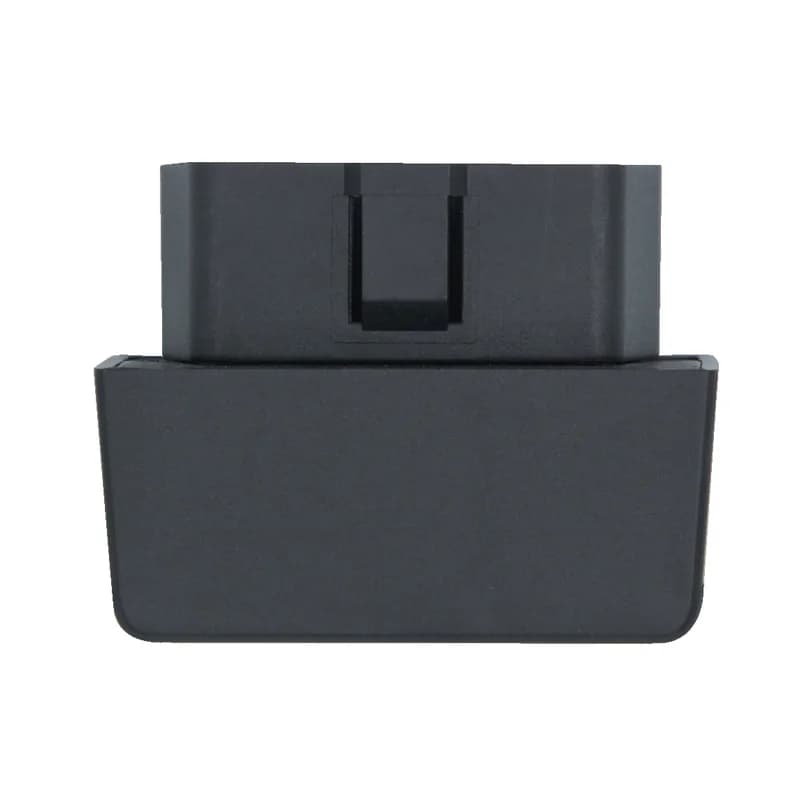
SEEWORLD S709 GPS tracker, plugged into Fleet Scanner

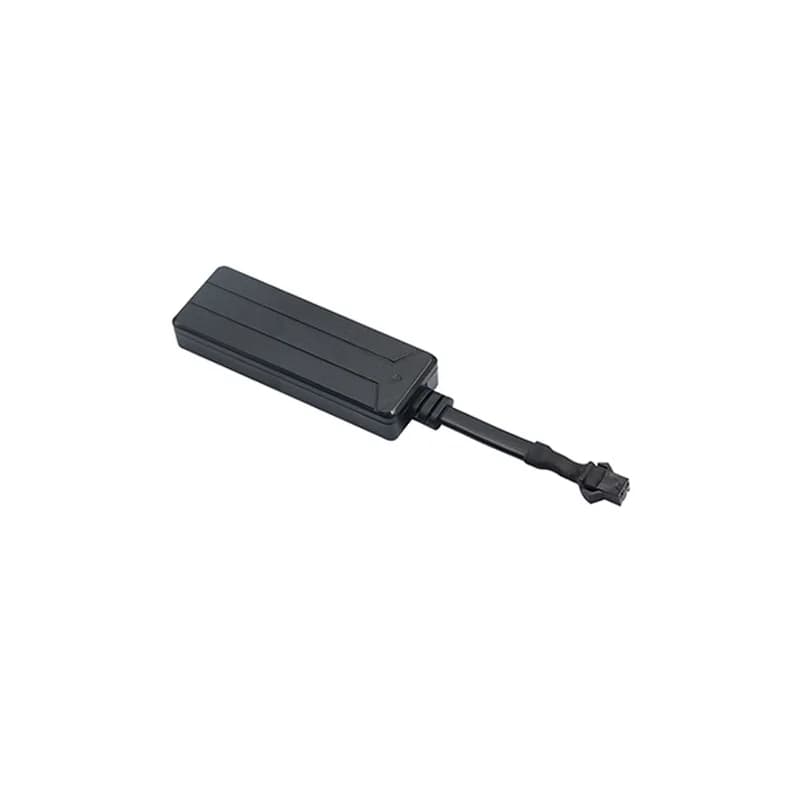
The SEEWORLD S709 GPS tracker is a small black 2G tracker with an OBD plug on one end. The OBD port is the socket under the dashboard that garages use for their tools. You push the S709 in and it starts on its own, taking 9 to 36 V from the car. Its manual is printed under SEEWORLD’s WhatsGPS name. It sends its position over GPRS and can warn you about shaking and a pulled plug. Fleet Scanner runs on your own server and puts each S709 on a live map, with alerts and trip history.

OBD plug push in and go2G GSM quad bandListen-in built-in micPort 11817
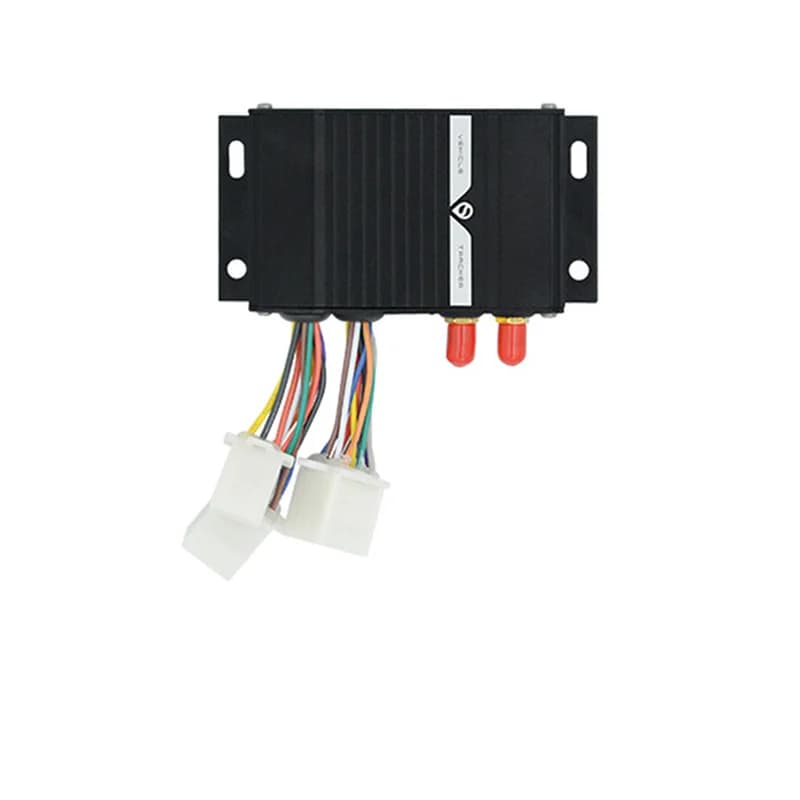
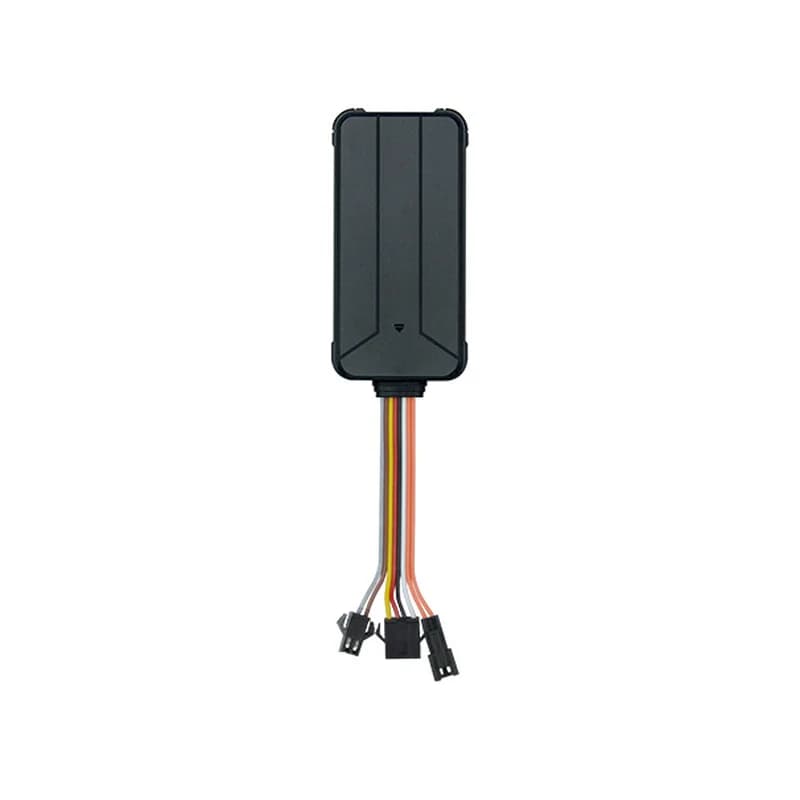
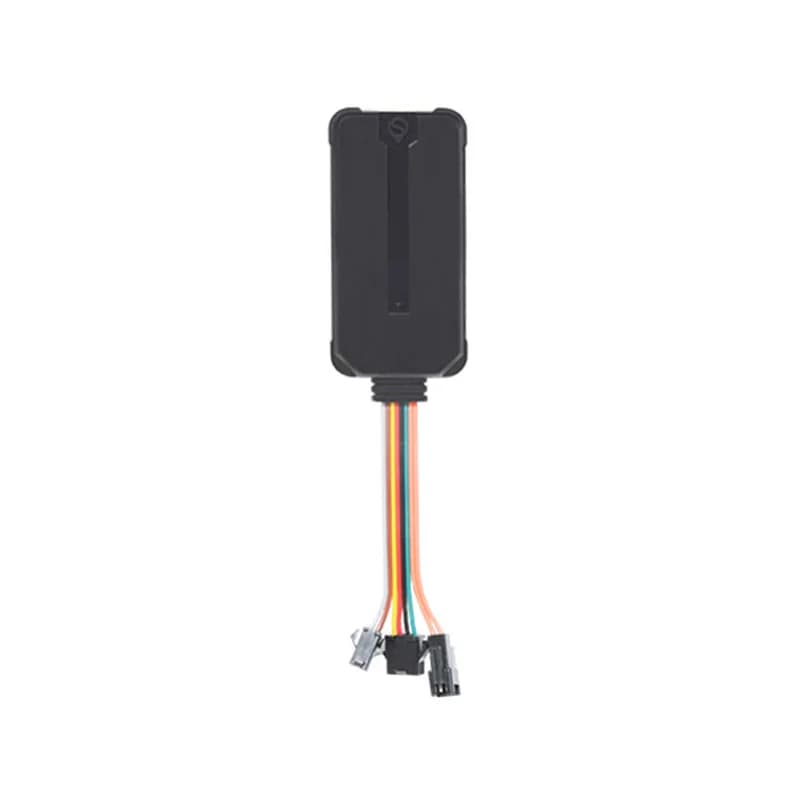
SEEWORLD S709 GPS tracker, a small black box with an OBD plug sticking out of the top
9 to 36 Vpower the car gives it
10 to 60 supload gap you can set
5shake alarm sensitivity levels
22 mAcurrent draw at 12 V
50 x 29 x 39 mmsize
upload · TIMER
Upload every 10 sGPS FIXED
01 · Live tracking · GPRS upload

A new point on the map as often as every 10 seconds

Out of the box the S709 uploads its position every 10 seconds. With TIMER you can pick any gap from 10 to 60 seconds, in steps of 10. SEEWORLD suggests 30 seconds for cars that drive most of the day, because it uses less mobile data. Need the spot right now on your phone? Text POSITION# and the reply holds a map link. Fleet Scanner draws every upload on the live map and saves the route for later.

TIMER,30# POSITION# Map link Route history
GPS fleet tracking software →
power · OBD plug
Power 12 VLight steady
02 · OBD plug-in · External power

Push it into the OBD port and it turns itself on

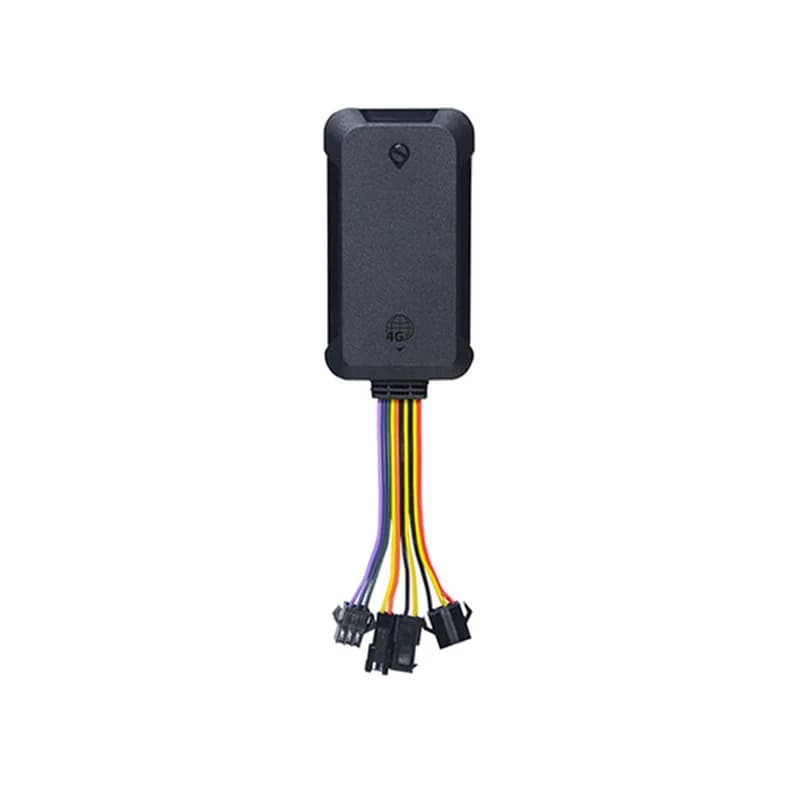
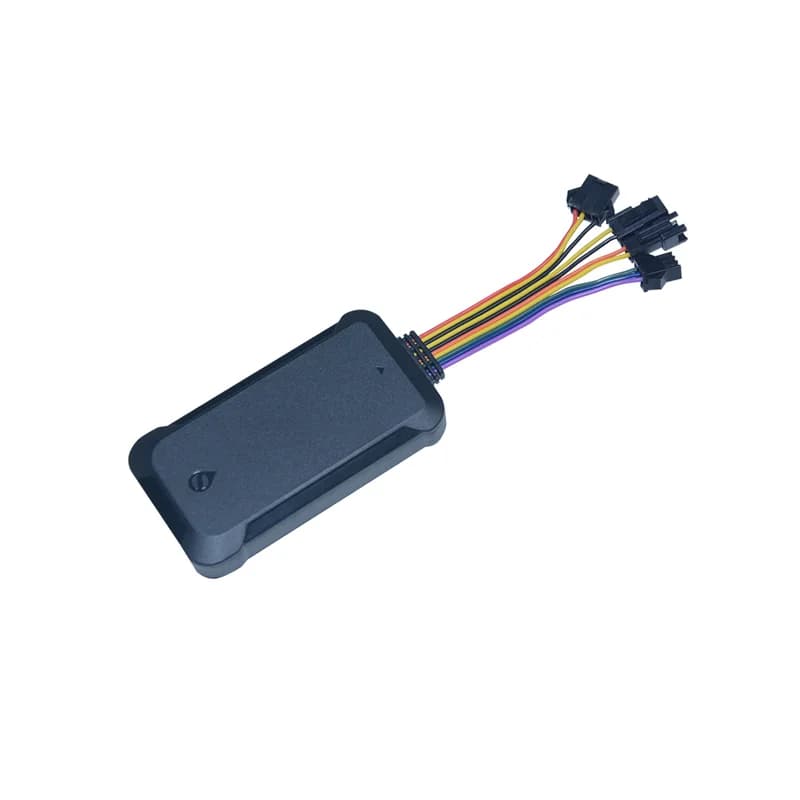
The S709 has no on or off switch. It powers up by itself the moment it gets power from the OBD plug, and its light comes on. SEEWORLD gives a working range of 9 to 36 V. The manual only uses the port for power. It does not list engine data such as fuel level or fault codes, so Fleet Scanner shows you position and alarms from this model.

9 to 36 V DC Auto power on OBD plug
Fleet reports and dashboards →
alarm · VIBRATIONsleepmoving
ShakeLevel 2
03 · Shake alarm · Vibration alarm

Know when a parked car is being shaken

Set the vibration alarm with VIBRATION, a level and a mode, for example VIBRATION,2,3#. Level 0 turns it off. Levels 1 to 5 turn it on, and a lower number means it reacts to a smaller shake. Mode 1 makes a phone call, mode 2 sends a text and mode 3 does both. A call is the default. The alarm only goes to the center number, so set that first. In Fleet Scanner you can add your own alert rules for every car on top.

VIBRATION,level,mode# Level 0 to 5 Call / SMS Center number
Real-time fleet alerts →
alarm · power off12.6V
UnpluggedBattery backup
04 · Unplug alarm · Backup battery

A power off alarm when the plug comes out

A plug-in tracker is easy to pull out, so the S709 carries a small backup battery for a power off alarm. There is no switch for this battery. It usually arrives almost empty, so leave the tracker plugged in for a short while before you count on the alarm. Once the battery runs out after unplugging, the tracker shuts down. Fleet Scanner shows the last time each tracker checked in, so one that goes quiet is easy to spot.

Power off alarm Backup battery Last seen
Fleet alerts management software →
sms · LISTENX -612Y 180Z 990
Listen-in ON
05 · Listen-in · Built-in microphone

Hear the inside of the car from the center number

There is a small mic hole on the side of the S709. Listen-in is off from the factory. Text LISTEN,1# to turn it on and LISTEN,0# to turn it off. Only the center number can listen, and the SIM in the tracker must show caller ID. Your dealer can also add a voice clip feature that records about 10 seconds and uploads it. Use listen-in only where the law allows it, and let your drivers know.

LISTEN,1# LISTEN,0# Caller ID MIC port
sms · STATUS68%
GSM HIGHGPS FIXED
06 · Device health · Status reply

One light and two texts tell you how it is doing

A steady light means power, GPS and the phone network are all fine. A fast flash means it is running without outside power. A 1.5 second off, 0.5 second on blink means it has not found GPS yet. A slow 3 second blink means the phone network has a problem. Text STATUS# to get battery, GSM signal, GPS fix, GPS signal and charging state. PAR,A,M# sends back the IMEI, APN, server, center number, language and time zone.

STATUS# PAR,A,M# RESET# LED
Fleet reports and dashboards →

S709 specifications

Network2G GSM 850/900/1800/1900 MHz
DataGPRS Class 12, TCP/IP
PowerFrom the OBD plug, 9 to 36 V DC
Current draw22 mA at 12 V DC
GPS first fixCold start 38 s, warm start 32 s, in open sky
Accuracy10 m
Upload interval10 to 60 s, in steps of 10 (10 s by default)
ExtrasMicrophone for listen-in, one status light, backup battery for the power off alarm
Working conditions-20 °C to +70 °C, 20% to 80% humidity
Size50 x 29 x 39 mm
Fleet Scanner port11817 (TCP)

Specifications can differ between hardware revisions. Check the manufacturer’s datasheet for your exact unit.

How to connect the S709 to Fleet Scanner

  1. Open the back cover of the S709 and put in a GSM SIM that has GPRS data and credit. Close the cover again. If the SIM asks for a PIN, turn the PIN off in a phone first.
  2. Plug the S709 into the car’s OBD port. It starts by itself and the light comes on. Then save your phone as the center number: CENTER,A,your number#. Only one number can be the center number.
  3. Set the SIM’s internet settings with APN,your APN#, or APN,your APN,user name,password# if your network needs them. Many APNs are already built in, so you may not need this step.
  4. Point it at your Fleet Scanner server with the SERVER command. It needs a fixed password from your dealer, then your domain or IP and port 11817, following the manual’s example: SERVER,password,your domain,11817,0#. Text PAR,A,M# to read back the IMEI and check the settings.
  5. Add the tracker in Fleet Scanner by its IMEI and pick the car. For a good GPS fix, the S709 should face up with no metal or heat-blocking windshield film above it.

SEEWORLD S709 FAQ

Can I use the SEEWORLD S709 with Fleet Scanner?

Yes. Set the S709’s server to your own Fleet Scanner server on port 11817. You then see it on the live map, with its route history and alerts, in the web app and the phone apps.

Is the S709 a car charger tracker or an OBD tracker?

It is sometimes listed as a car charger tracker, but SEEWORLD’s user manual shows an OBD plug on the device. So it goes into the OBD port under the dashboard, not the cigarette lighter socket.

Which SMS commands does the S709 understand?

CENTER,A,number# sets the center number and CENTER,D# removes it. APN,your APN# sets the SIM’s internet details. SERVER sets the server, TIMER,N# the upload gap, and POSITION# sends a map link. VIBRATION, LISTEN, STATUS#, PAR,A,M# and RESET# cover alarms, listen-in, status, settings and restarts. Use English commas only.

How long will the S709 run without the car?

Not long. SEEWORLD does not give a battery size or run time. The backup battery is there so the power off alarm can go out after the plug is pulled, and then the tracker shuts down.

Why does my S709 show offline?

Call the tracker’s SIM number from your phone. If it does not connect, the car may be out of GSM cover, for example in a basement, or the SIM may have no credit. If it rings, ask your network to turn on GPRS data, then check the IMEI and upload time.

Does SEEWORLD still sell the S709?

It seems not. The S709 is not listed on seeworld.com, and its old product page on seeworldgps.com is gone. SEEWORLD does not name a model to replace it. It is also 2G only, so check that 2G still works where you drive.

S709 under the dashboard. Each car live on your server.

From a single tracker to a mixed fleet across 1,000+ device models: live tracking, alerts, fuel, drivers, maintenance and reports in one self-hosted platform. See it with your own hardware.

Get a free demo

More supported GPS trackers

Commands and specifications from the SEEWORLD S709 2G vehicle GPS tracker user manual (WhatsGPS edition) on seeworldgps.com. SEEWORLD, WhatsGPS and S709 are trademarks of SEEWORLD Technology.

Take Control with
Fleet Tracking

Track vehicles in real time, optimize routes, and take full control of your fleet operations.

Free Demo