Skip to content
Fleet Scanner
Hardware integration · SEEWORLD S102

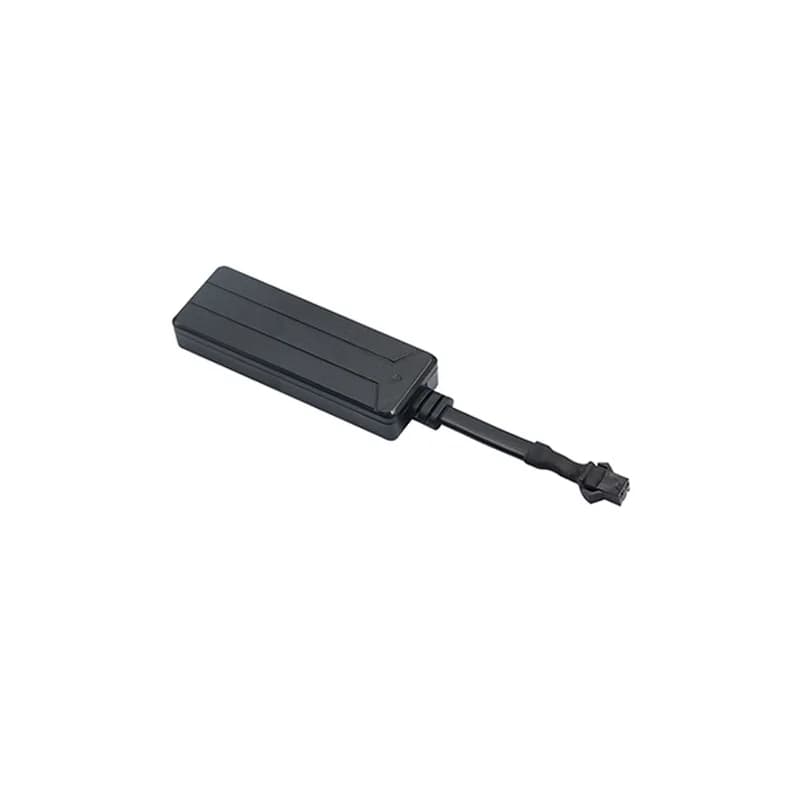
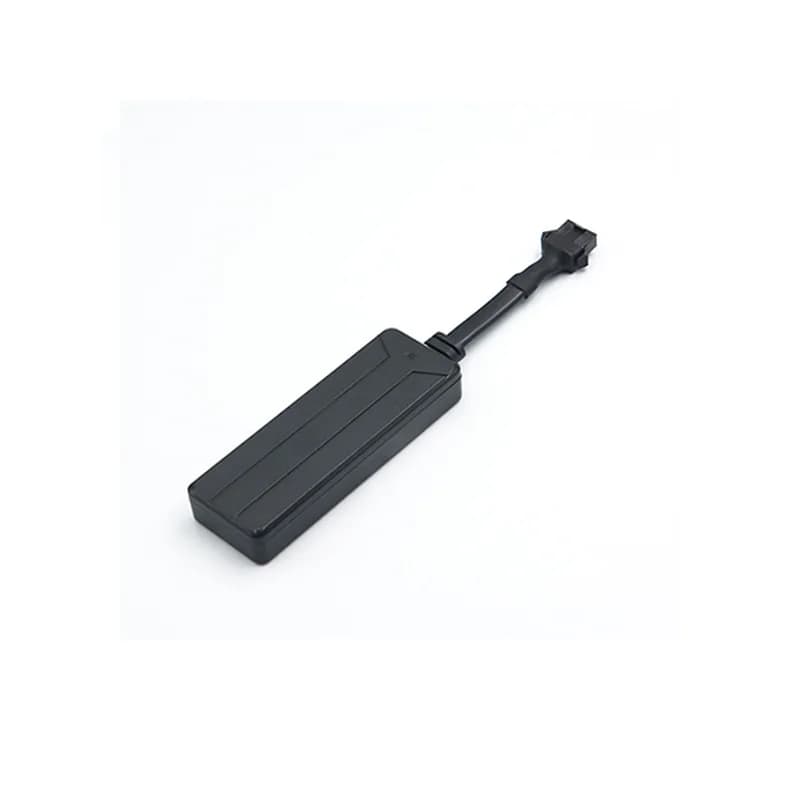
SEEWORLD S102 GPS tracker, set up and tracked in Fleet Scanner

The SEEWORLD S102 GPS tracker is a slim 2G box that SEEWORLD makes for car rental companies, loan cars and small fleets. It has a light sensor that spots when someone opens it, and a tiny battery for when the main power is cut. It can also stop the fuel supply from far away. Fleet Scanner takes its reports on your own server and turns them into a live map, trips and alerts.

2G GSM / GPRS, 4 bandsLight sensor tamper alarmFuel cut by server or SMSPort 11820
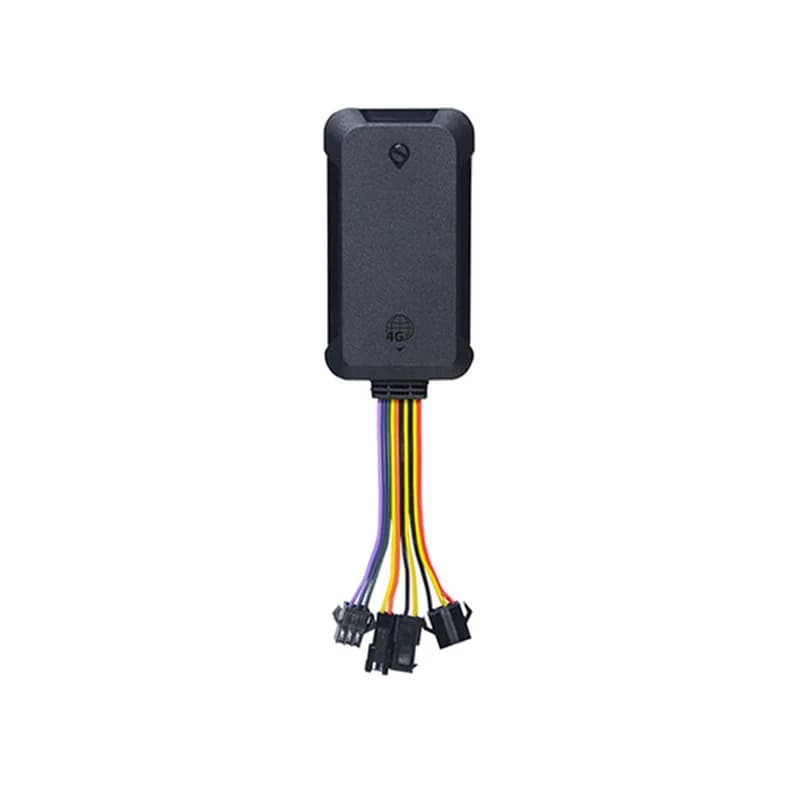
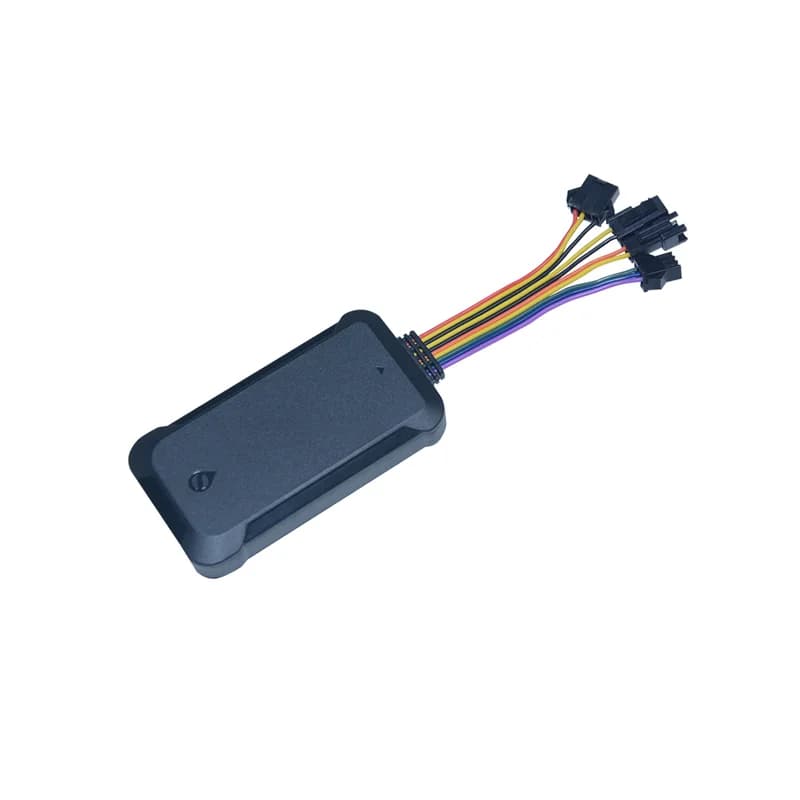
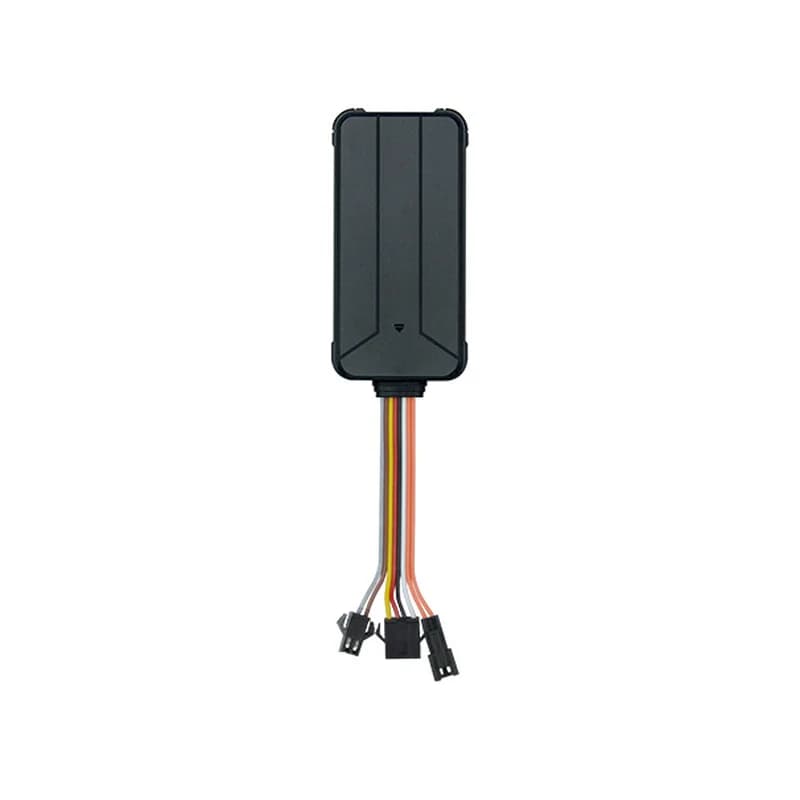
SEEWORLD S102 GPS tracker, a slim black plastic box with a short cable and a plug at the end
9 to 36 Vsupply range
300stored points for dead zones
55 mAhbuilt-in backup battery
2 minwindow for the dismantle alarm
< 10 mlocation accuracy
sms · C interval
ACC ONEvery 30 s
01 · Live tracking · GPRS location reports

Position, speed and key state on every report

The S102 sends its latitude and longitude at the interval you choose in seconds. Each report also says if the key (ACC) is on or off. When the car turns more than a set angle, it sends an extra point right away, so the route on the map follows the real road. Fleet Scanner shows each S102 car live and keeps every trip for playback.

C Report interval (seconds) Latitude / longitude ACC on / off Turn point upload
Live GPS vehicle tracking →
alarm · light sensorSOS
DismantleLight SEEN
02 · Tamper alarm · Light sensor + power wires

Know when someone pulls the tracker out

Inside the case there is a light sensor. It should stay in the dark. If the S102 sees light and also loses main power within 2 minutes, it sends an illegal dismantling alarm to the server. That is what usually happens when a renter finds the box and rips it out. Fleet Scanner pushes this alarm to your phone with the last known place.

Light sensor alarm Power down alarm Illegal dismantling alarm
Real-time fleet alerts →
alarm · voltage12.6V
Main power LOSTBackup ON
03 · Power alarms · Vehicle voltage check

Alarms for a cut wire and a weak car battery

The S102 watches the car’s voltage all the time. Below 5 V it treats the power as cut, sends a power down alarm and runs on its own battery. Between 5 V and 10 V it sends a low power alarm, so you can check the car battery before it goes flat. The small built-in battery keeps reports going for about half an hour.

Power down (below 5 V) Low power (5 to 10 V) Backup battery
Fleet alerts management software →
wire · oil -
Fuel CUTCar parked
04 · Fuel cut-off · Yellow wire + relay

Stop the fuel from the server or by text

The yellow wire is the fuel control line. With a relay fitted on it, the tracker can cut the fuel and bring it back when told to. SEEWORLD says you can send this from the server or by text message. It helps when a rental car is not returned. In Fleet Scanner only the users you pick can press the cut-off button.

Yellow wire (Oil -) Cut off fuel Supply fuel
Vehicle theft protection →
alarm · zone / speed
Zone City limitSpeed 128 km/h
05 · Zones and speed · Server-side limits

Warn when a rental car leaves the area or drives too fast

SEEWORLD lists a geo-fence alarm that tells you when the car leaves a boundary. You set the top speed on the platform, and the S102 raises an over speed alarm when its GPS speed goes past it. In Fleet Scanner you can draw a zone around a city, a branch or a whole country and give each one its own alert rules.

Geo-fence out Over speed alarm Speed limit (set on server)
Geofence alerts for vehicles →
sensor · 3-axissleepmoving
Mode STATICTow
06 · Sleep and tow alarm · 3-axis accelerometer

Sleeps when parked, wakes when the car moves

A 3-axis motion sensor tells the S102 if the car is moving. After 5 minutes with no shaking, it goes into static mode and turns GPS off to save power. As soon as it feels movement it wakes up again. SEEWORLD also lists a displacement alarm, sent when the car is towed away. Fleet Scanner shows that alarm on the map.

Motion mode Static mode (after 5 min) Displacement alarm
Fleet asset management software →
memory · 300 points
Saved 214 ptsGSM back
07 · Weak signal · Blind area upload

No gaps in the route after a tunnel

In a car park or tunnel the S102 may have GPS but no mobile signal. It keeps up to 300 location points in memory and sends them once the signal is good. Cell tower location (LBS) gives a rough place when GPS is blocked. EPO data helps it find satellites faster. Fleet Scanner adds the saved points to the trip, so the line has no hole.

Blind area upload (300 points) GPS + LBS EPO assisted fix
Trip records →

S102 specifications

Network2G GSM 850/900/1800/1900 MHz, GPRS class 12
PositioningGPS plus cell tower (LBS), EPO assisted, under 10 m accuracy
Time to first fixHot start 5 s or less, warm 30 s or less, cold 40 s or less (open sky, average)
Power supply9 V to 36 V DC, 12 V or 24 V advised
Current drawAbout 25 mA on 12 V; 10 mA when parked (static)
Backup battery55 mAh, about 0.5 hours of standby
WiresRed power +, black ground, orange ACC, yellow fuel control (Oil -)
SensorsLight sensor for tamper, 3-axis motion sensor
LightsRed GSM light, yellow GPS light
Size78.5 x 23 x 12 mm
TemperatureWorks from -25 °C to 75 °C, storage -40 °C to 85 °C
Data linkGPRS, TCP/IP
Warranty1 year
Fleet Scanner port11820

Specifications can differ between hardware revisions. Check the manufacturer’s datasheet for your exact unit.

How to connect the S102 to Fleet Scanner

  1. Open the bottom cover and put in a 2G SIM that has internet. Do this with the power off, and do not force the card holder.
  2. Hide the S102 in a dry, dark spot, away from the air outlet and the car radio. The light sensor must not see light, or it will raise false alarms. Connect red to power, black to ground, orange to ACC, and the yellow wire to a relay on the fuel line if you want cut-off.
  3. Send one SMS to the tracker’s number: <SPBSJ*P:BSJGPS*T:your server IP,11820*A:your APN*N:the IMEI*C:0030>. P is the password (BSJGPS is the default), T is your Fleet Scanner server and port, A is the APN, N is the device number and C is the report time in seconds. To use a domain name instead of an IP, put Q:yourdomain:11820 in place of the T part.
  4. In Fleet Scanner, add the S102 by its IMEI and link it to a car. Watch the red light go solid (GPRS online) and the yellow light go solid (GPS fixed), then drive around the block and check the route and key state.

SEEWORLD S102 FAQ

Does Fleet Scanner work with the SEEWORLD S102?

Yes. Point the S102 at your own Fleet Scanner server on port 11820 with the SPBSJ setup text. Fleet Scanner then shows its position, ignition state and alarms, and allowed users can send the fuel cut-off.

How do I set the APN, server and interval on the S102?

All three go in one text message. Start with <SPBSJ*P:BSJGPS, add *T: with the server IP and port, *A: with the APN, *N: with the IMEI and *C: with the seconds between reports, then close with >. The manual shows each part this way.

What does the light sensor on the S102 do?

It helps catch someone taking the tracker out. When the sensor sees light and the main power drops within 2 minutes, the S102 sends an illegal dismantling alarm. Fit it where no light gets in, or you will get false light alarms.

How long does the S102 battery last after the power is cut?

SEEWORLD lists a 55 mAh built-in battery and about half an hour of standby. That is enough to send the power down alarm and a few more points, not to track for days.

Can the S102 stop a car?

It can cut the fuel supply through its yellow wire and a relay, and turn it back on later. SEEWORLD says this works from the server or by text. Fleet Scanner keeps the button for users you trust.

Is the S102 a 4G tracker, and is it still sold?

No, it is 2G only (GSM and GPRS), so it will not connect where 2G has been switched off. SEEWORLD still lists the S102 on its website with its user manual.

S102 hidden in the car. Every rental on your own server.

From a single tracker to a mixed fleet across 1,000+ device models: live tracking, alerts, fuel, drivers, maintenance and reports in one self-hosted platform. See it with your own hardware.

Get a free demo

More supported GPS trackers

Specs, wiring, alarms and the setup SMS come from SEEWORLD’s S102 product page and S102 user manual on seeworld.com. The backup battery size and time to first fix come from the product page. SEEWORLD and S102 are trademarks of Shenzhen SEEWORLD Technology.

Take Control with
Fleet Tracking

Track vehicles in real time, optimize routes, and take full control of your fleet operations.

Free Demo