Skip to content
Fleet Scanner
Hardware integration · SEEWORLD S5L

SEEWORLD S5L 4G GPS tracker, working inside Fleet Scanner

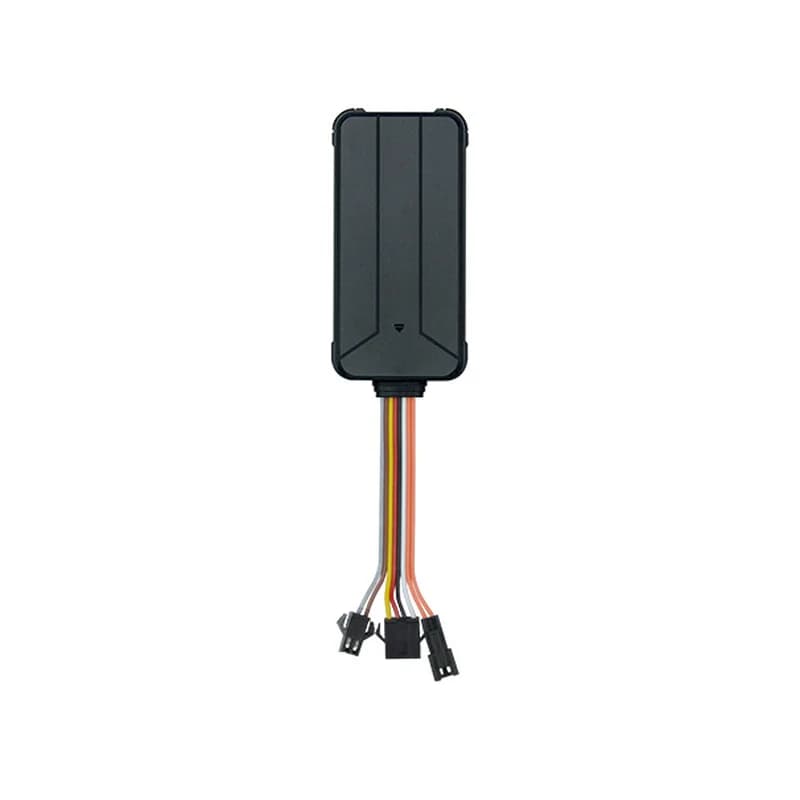
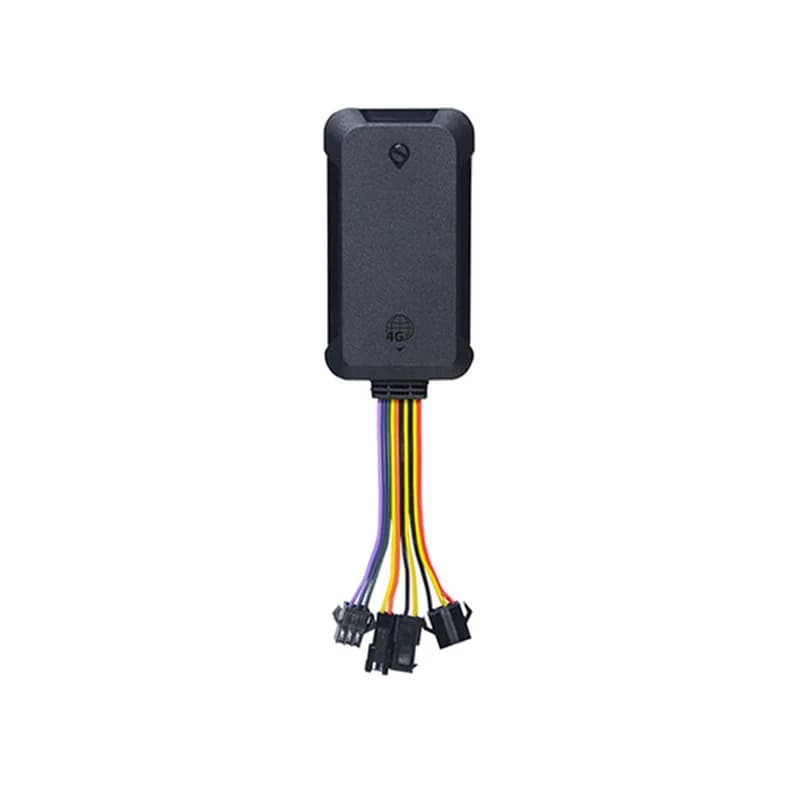
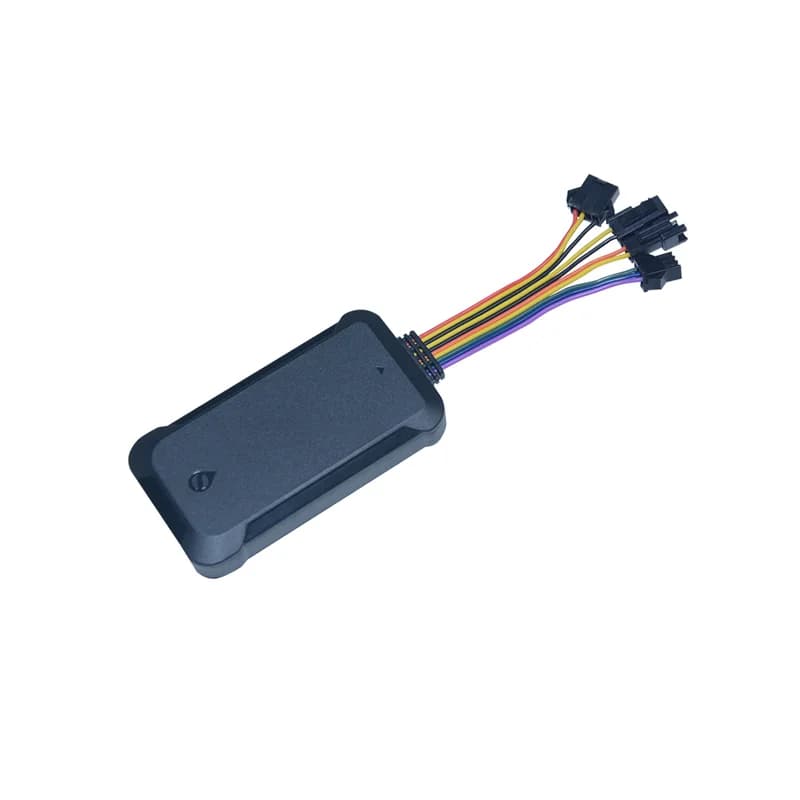
The SEEWORLD S5L is a small wired 4G GPS tracker that SEEWORLD makes for trucks and delivery fleets. Besides the position, it has wires for a fuel sensor and a temperature sensor, so you can spot a drop in the tank or a load that gets warm. It finds its place with GPS, BeiDou and GLONASS. A relay lets it stop the fuel pump or the power from afar. Fleet Scanner takes its reports and turns them into a live map, fuel and temperature alerts and a safe engine stop.

4G LTE Cat 4, with 3G and 2GGPS + BDS plus GLONASSFuel + temp sensor wiresPort 11817
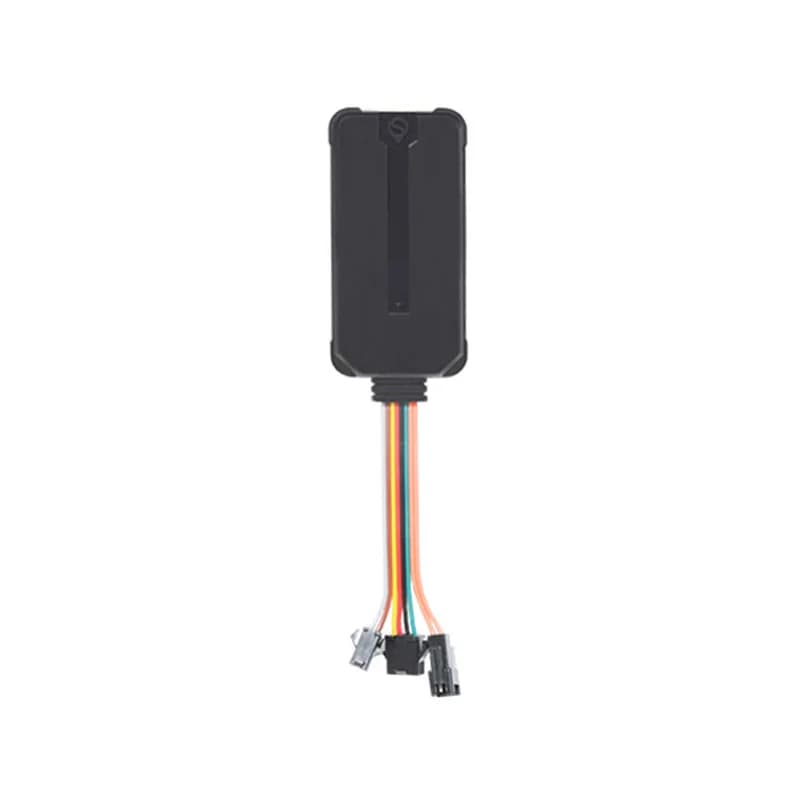
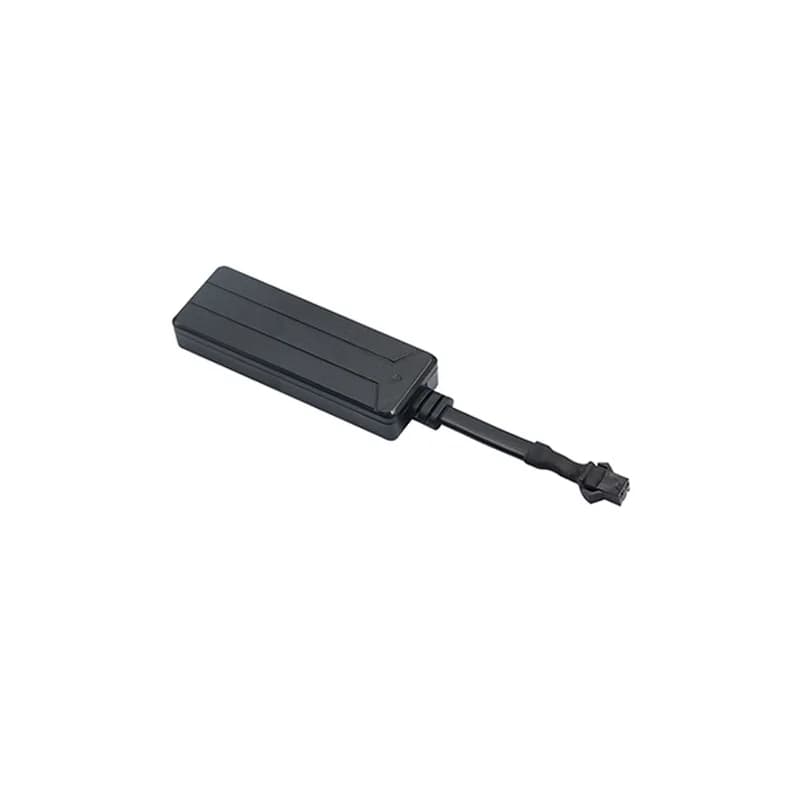
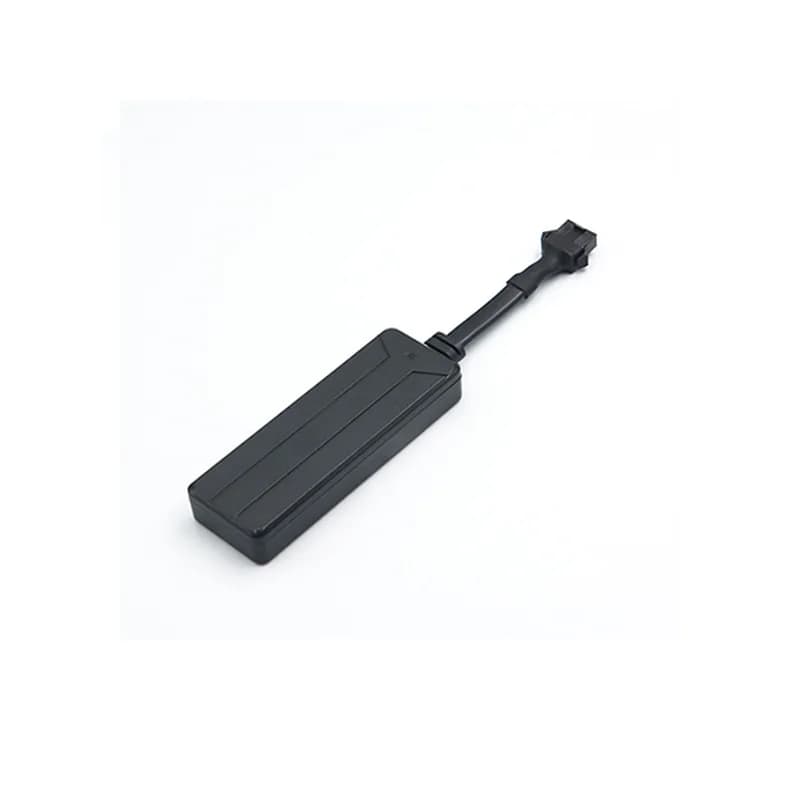
SEEWORLD S5L black 4G GPS tracker with a bundle of coloured wires and plugs at the bottom
3satellite systems
Under 10 mposition accuracy
150 mAhbackup battery
20 km/hcut-off waits below
6colour-coded wires
report · position
Truck 68 km/h4G
01 · Live tracking on 4G · Position reports

Reports by time, by distance or on a turn

The S5L can send its position on a timer, after a set distance or when the vehicle changes direction. It uses GPS with AGPS help, plus BeiDou and GLONASS. SEEWORLD puts its accuracy at under 10 metres. In Fleet Scanner, each truck moves live on the map and every route is kept so you can replay it later.

Timed report Distance report Turn report TIMER command
GPS fleet tracking software →
sensor · fuel wire
Fuel 48 %Sudden drop
02 · Fuel monitoring · Fuel sensor input

Fuel level and a warning when fuel goes missing

The S5L has a purple wire for a fuel level sensor, which SEEWORLD offers as an add-on. With the sensor fitted, the tracker keeps an eye on the tank all the time. If fuel use looks wrong, such as a leak, it sends an alarm at once. Fleet Scanner draws the fuel level on a chart next to the route, so you can see where the drop happened.

Purple wire: fuel sensor Blue wire: sensor earth Fuel alarm
Fuel monitoring software →
sensor · temperature wire
Load 3.8 °CLimit 8 °C
03 · Temperature · Temperature sensor input

A temperature sensor for loads that must stay cold

A green wire takes an optional temperature sensor. SEEWORLD says a loss of temperature is reported right away. Every reading is stored in Fleet Scanner next to the trip it belongs to. You get a warning when a load gets too warm, and it keeps a history you can show your customer.

Green wire: temperature sensor Temperature alarm
Cold chain tracking →
alarm · securitySOS
SOSSMS sent 3 numbers
04 · Security alarms · Alarm messages

SOS button, cut power, tampering and low battery

When the driver presses SOS for 3 seconds, the S5L texts up to three SOS numbers and then calls each one. It tries the list 3 times or until a call is answered. The same alarm goes to the server too. Other alarms cover a cut power supply, a low backup battery and someone taking the tracker apart. In Fleet Scanner, every alarm pops up straight away, pinned to the spot on the map.

SOS button Power cut-off Low battery Disassembly
Real-time fleet alerts →
alarm · driving + parkingX -612Y 180Z 990
Rapid brakingParked moved
05 · Driving and parking · Alarm messages

Hard speed changes, crashes, speeding and a parked-truck guard

SEEWORLD lists alarms for rapid speed-ups, rapid braking, collisions and speeding, plus a geo-fence alarm for zones on the map. Two more protect a parked truck. The vibration alarm starts switched off. Once on, it warns you when the truck is shaken and the ignition stays off for 3 minutes. The movement alarm tells you when the vehicle is moved. Fleet Scanner adds the driving alarms to each driver’s score.

Rapid acceleration Rapid deceleration Collision Speeding Geo-fence Vibration / movement
Driver scorecards →
command · relay
Cut-off WAITINGSpeed 26 km/h
06 · Remote cut-off · Relay output

Fuel or power cut-off that waits for a slow speed

The S5L comes with a 4-pin relay (an electric switch the tracker controls) for the fuel pump line. A cut-off can be sent from the platform, the app or by SMS. With the ignition off, it acts at once. With the ignition on, it waits for a GPS fix and then for the speed to fall below 20 km/h. A restore command turns the fuel or power back on, and Fleet Scanner lets only approved users send either one.

RELAY command ACC off: at once ACC on: below 20 km/h Restore
Vehicle and equipment protection →
status · ACCDIN1 Ignition ONAIN1 12.4 VDOUT1 Relay OFF
ACC ONStop 18 min
07 · Ignition, listen-in and updates · Ignition wire

Ignition status, a hidden microphone and updates over the air

The yellow wire goes to the ignition (ACC), so the S5L always knows when the key is on. Fleet Scanner uses that for trips, stops and engine hours. The tracker also hides a small microphone. SEEWORLD says it lets you listen to the sound around the device from far away. New firmware can arrive over the air (OTA), so an update does not need a visit to the truck.

Yellow wire: ACC ACC alarm Voice listening OTA
Trip planning and trip records →

S5L specifications

Network4G LTE Cat 4; the user manual lists FDD B1/B2/B3/B4/B5/B7/B8/B28 and TDD B40, WCDMA 850/900/1900/2100 MHz and GSM 850/900/1800/1900 MHz
GNSSGPS, BeiDou (BDS) and GLONASS, with AGPS
AccuracyUnder 10 m
Time to first fixCold start 35 s, hot start 2 s
Current drawUnder 300 mA
Backup battery150 mAh rechargeable, with a battery on/off switch
WiresPurple fuel sensor, blue sensor earth, green temperature sensor, yellow ignition (ACC), red power, black ground; separate SOS and relay leads
In the boxTracker, power cord, relay line with 4-pin relay, SOS cable, fuel cable, user manual
ExtrasBuilt-in microphone for listen-in, OTA firmware updates; fuel and temperature sensors are optional
Length x width83 x 46 mm
Operating temperature-20 to 70 °C
Fleet Scanner port11817

Specifications can differ between hardware revisions. Check the manufacturer’s datasheet for your exact unit.

How to connect the S5L to Fleet Scanner

  1. Put in a SIM with mobile data and turn the battery switch on, so the backup battery charges. If the switch stays off, the battery never charges and the tracker goes dark when vehicle power is lost.
  2. Wire it in: red to the battery positive, black to ground and yellow to the ignition (ACC). Fit the 4-pin relay into the fuel pump circuit, then plug the SOS button into its own lead. Connect any fuel or temperature sensor to the purple, blue and green wires.
  3. Text these commands from SEEWORLD’s manual to the tracker’s SIM: APN,yourAPN# for the internet settings (many SIMs set this on their own), SERVER,1,your-domain,11817,0# for your Fleet Scanner server, or SERVER,0,your-IP,11817,0# if you use an IP address. TIMER,10# sets the upload interval, and SOS,A,number1,number2,number3# saves the SOS numbers.
  4. Create the device in Fleet Scanner using the tracker’s IMEI number. A red light blinking once per second shows the server link is up. Then drive around the block and watch the dot, the key status and the sensor values update. If it stays offline, send RESET# and it restarts after 20 seconds.

SEEWORLD S5L FAQ

Does Fleet Scanner support the SEEWORLD S5L?

Yes. Fleet Scanner takes the S5L’s position reports and alarms, such as SOS, power cut, low battery, vibration, movement and fuel alarms, and shows them on the live map. Point the tracker at port 11817 on your own Fleet Scanner server.

How do I set the S5L APN and server by SMS?

Send APN,yourAPN# to the tracker’s SIM number. If your APN needs a user name and password, add them to the same command. Then send SERVER,1,domain,11817,0# with your server’s domain name, or SERVER,0,IP,11817,0# with its IP address. In this command, 1 stands for a domain and 0 for an IP.

Can the S5L check fuel and temperature?

Yes, with add-on sensors. The fuel and temperature sensors are optional parts that connect to the S5L’s own wires. Once they are fitted, the tracker reports odd fuel use and a loss of temperature straight away, and Fleet Scanner turns both into alerts.

How do I cut the fuel or power with the S5L?

For SMS, first set a center number with CENTER,A,phone number#. Only an SOS number can set or delete it, and you can have just one. After that, the center number, the app or the platform can send the cut-off. It acts at once with the ignition off. With the ignition on, it waits for GPS and a speed under 20 km/h.

How long does the S5L run on its own battery?

SEEWORLD does not give a run time. The 150 mAh battery is there so the S5L keeps sending positions for a while after vehicle power is cut, and it raises a power cut alarm. Keep the battery switch on, or the battery will not charge.

What does the red light on the S5L mean?

Off means no power or a device fault. One flash a second means it is connected to the server. One flash every 2 seconds means it is still joining the network. Very fast flashing, every 200 ms, means it is sending data.

S5L on 4G. Fuel, temperature and route on one map.

From a single tracker to a mixed fleet across 1,000+ device models: live tracking, alerts, fuel, drivers, maintenance and reports in one self-hosted platform. See it with your own hardware.

Get a free demo

More supported GPS trackers

Features and SMS commands follow the SEEWORLD S5L product page and S5L user manual. Fuel and temperature monitoring need the optional sensors. SEEWORLD and S5L are trademarks of SEEWORLD.

Take Control with
Fleet Tracking

Track vehicles in real time, optimize routes, and take full control of your fleet operations.

Free Demo