Skip to content
Fleet Scanner
Hardware integration · Teltonika FM3001

Teltonika FM3001 3G OBD tracker, working inside Fleet Scanner

The Teltonika FM3001 is a 3G GPS tracker that plugs into the OBD port of a car or van. It takes its power from that socket and reads data from the car’s computer, so there is nothing to wire. Teltonika stopped making it, yet plenty are still plugged in. Fleet Scanner on your own server shows each one on a live map and sends alerts and reports.

3G with 2G fallbackOBD-II plug in, no wiresBluetooth 4.0 built in50 geofence zones
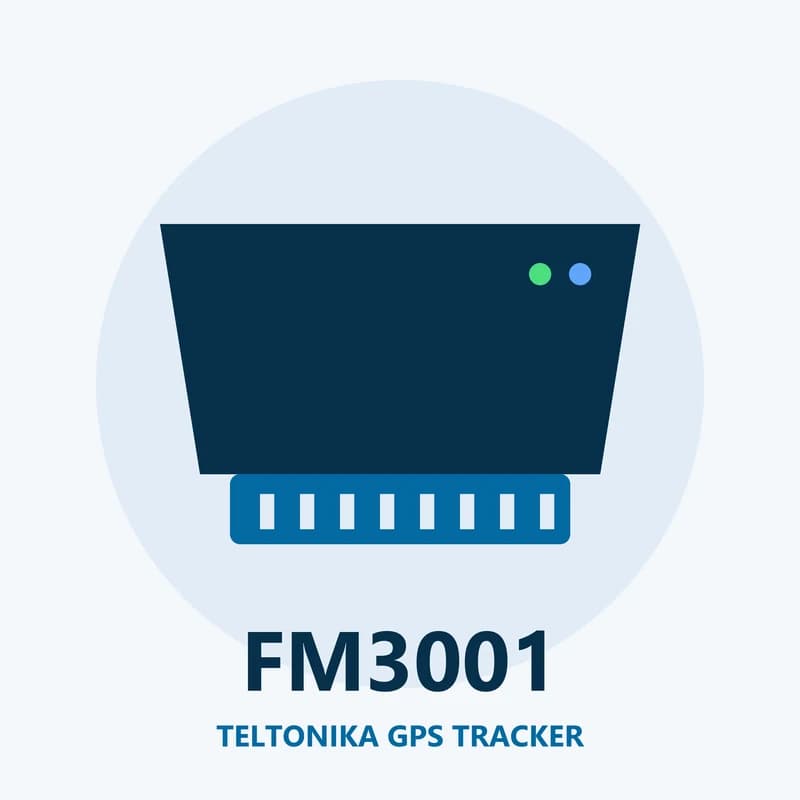
Illustration of the Teltonika FM3001 GPS tracker
0wires to run
-165 dBmGNSS sensitivity
170 mAhbackup battery
50geofence zones on the tracker
63 gweight
live_position · 3G
3GSpeed 52 km/h
01 · Live tracking · GNSS + 3G

Plug it into the OBD port and the car shows up on the map

Both antennas sit inside the FM3001. It finds its place with satellites and sends it over 3G, or over 2G where 3G is missing. You choose when it saves a point: after a set time, a set distance, a turn, or when the ignition or an input changes. Fleet Scanner draws each trip and keeps it for playback.

Time based records Distance based records Angle based records Ignition events Virtual odometer
GPS fleet tracking software →
vehicle_data · OBD-II
RPM 2,100Fuel 61 %
02 · Car data · OBD-II socket

Engine speed, road speed and fuel level from the car itself

Through the OBD socket the FM3001 asks the car’s computer for values such as engine RPM, vehicle speed and fuel level. When RPM is above zero, the tracker knows the engine is running. It can also take its speed from the OBD data first and use the satellites only as a backup. What you get depends on the car.

Engine RPM Vehicle speed Fuel level GNSS fuel counter
Fuel monitoring system →
driving_events · motion sensorX -612Y 180Z 990
Sharp turnCrash
03 · Driver behaviour · Built-in motion sensor

Harsh driving, speeding and crash records

A motion sensor inside the FM3001 picks up hard braking, fast starts and sharp turns. It also flags speeding and long idling. When it senses a crash, it can save a short trace of the forces with readings every 40 ms. Fleet Scanner turns these events into a score for each driver.

Green Driving Over Speeding Excessive Idling Crash detection Crash trace
Driver scorecards →
security · events
UnpluggedBattery ON
04 · Theft warnings · Events

A warning when it is pulled out or the car is towed

A plug-in tracker is easy to remove, so the FM3001 reports when it loses power from the socket. Its small battery keeps it alive long enough to send that news. It also spots towing and attempts to block the mobile signal. Fleet Scanner sends you an alert the moment one of these comes in.

Unplug detection Towing detection Jamming
Real-time fleet alerts →
geozones · on device
Depot LEFT
05 · Geofences · Device setting

Zones stored on the tracker itself

You can set up to 50 geofence zones inside the FM3001. It creates an event each time the car crosses the edge of one. Fleet Scanner also has its own zones on the map, so you can draw a yard, a customer site or a whole city and get told when a vehicle goes in or out.

Geofence zones 1 to 50 Zone enter / exit
Fleet reports and dashboards →
bluetooth · 4.0
Bluetooth PAIRED
06 · Bluetooth · Bluetooth 4.0

Bluetooth that can lead or follow

The FM3001 has Bluetooth 4.0 built in. It can start a link itself, or wait for another device to connect to it. That lets it pair with Bluetooth add-ons near the car. Fleet Scanner keeps whatever data those add-ons pass to the tracker.

Bluetooth master mode Bluetooth slave mode

FM3001 specifications

NetworkQuectel UC20 module. 3G 850/900/1700/1900/2100 MHz, GSM 850/900/1800/1900 MHz, GPRS class 12, SMS
SatellitesBuilt-in GNSS receiver, sensitivity up to -165 dBm
AntennasInternal high-gain GNSS and GSM antennas
Power10 to 30 V DC from the OBD socket (12 V nominal), 3 A internal fuse
Backup battery170 mAh Li-ion, 3.7 V
Car protocolsSAE J1850 PWM and VPW, ISO 9141-2, ISO 14230-4 KWP, ISO 15765-4 CAN (11 or 29 bit ID, 250 or 500 kbaud), SAE J1939 for ELD
ExtrasBluetooth 4.0, motion sensor, Mini USB socket
Weight63 g
Fleet Scanner port11922

Specifications can differ between hardware revisions. Check the manufacturer’s datasheet for your exact unit.

How to connect the FM3001 to Fleet Scanner

  1. Put a SIM card with mobile data into the FM3001. You can set it up with the Teltonika Configurator over its Mini USB socket, or by SMS.
  2. To set it up by SMS, send one text that starts with two spaces: " setparam 2001:your.apn;2004:your.server.com;2005:11922;2006:0". Here 2001 is the APN, 2004 is your Fleet Scanner server, 2005 is the port and 2006:0 means TCP.
  3. Plug the tracker into the car’s OBD port, usually under the dashboard. In Fleet Scanner, add it by its IMEI number and pick the vehicle.
  4. Start the engine and take a short drive. The car should move on the live map, with engine on and speed showing.

Teltonika FM3001 FAQ

Does Fleet Scanner support the Teltonika FM3001?

Yes. Fleet Scanner reads the FM3001’s position, ignition, OBD values, driving events, unplug and towing warnings and geofence events. Send its data to your own Fleet Scanner server on port 11922 over TCP.

Is the Teltonika FM3001 discontinued?

Yes. Teltonika’s end of life list gives 31 December 2020 as the end of production and 31 December 2022 as the end of support. That list does not name a replacement. FM3001 units already in cars still work with Fleet Scanner.

Which cars can the FM3001 read data from?

It speaks the common OBD-II car protocols: SAE J1850, ISO 9141-2, ISO 14230-4 KWP and ISO 15765-4 CAN. It also supports SAE J1939 for reading ELD data. How many values you see depends on what each car shares.

Why does my FM3001 not answer an SMS?

Check two things. If no SMS login and password are set, the text must still start with two spaces. And the tracker ignores texts while it is in Deep Sleep mode, so the text only gets through once it is awake or in a lighter sleep mode.

FM3001 still plugged in. Every car on one map.

From a single tracker to a mixed fleet across 1,000+ device models: live tracking, alerts, fuel, drivers, maintenance and reports in one self-hosted platform. See it with your own hardware.

Get a free demo

More supported GPS trackers

Parameter names follow Teltonika’s FM3001 wiki and user manual; no AVL IDs are shown because we could not confirm them for this model. OBD data depends on each car. Teltonika lists the FM3001 as end of life. Teltonika and FM3001 are trademarks of Teltonika Telematics.

Take Control with
Fleet Tracking

Track vehicles in real time, optimize routes, and take full control of your fleet operations.

Free Demo